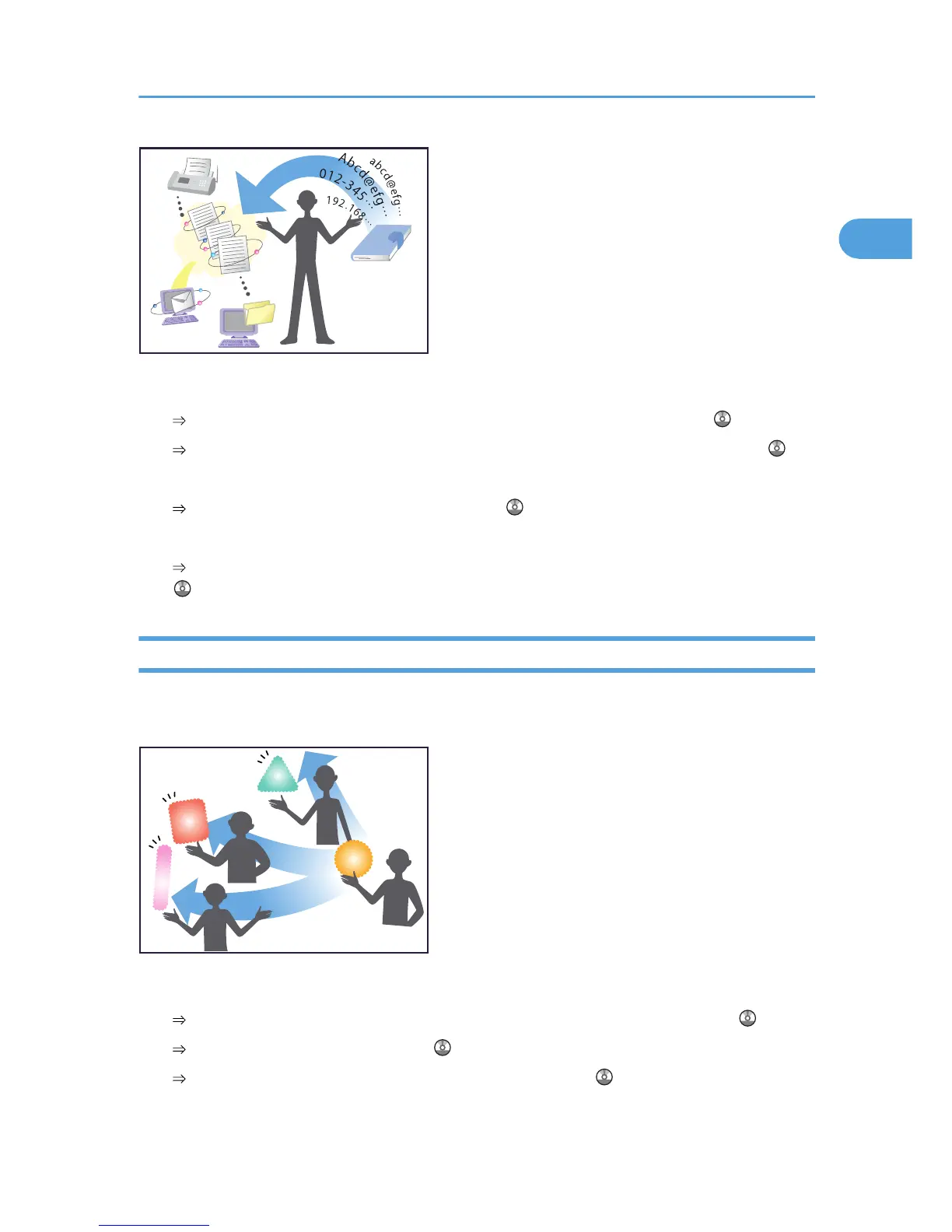
Using the control panel to register destinations in the address book
See “Registering Entered Destinations to the Address Book”, Facsimile Reference .
See “Registering a Directly-Entered Destination in the Address Book”, Scanner Reference .
Using Web Image Monitor to registering destinations from a computer
See “To add new receiver”, Facsimile Reference .
Downloading destinations registered in the machine to the LAN-Fax driver destination list
See “Using the Machine's Address Book as the LAN-Fax Destination List”, Facsimile Reference
.
I want to operate the machine more effectively!
You can find explanations of the functions and procedures that you can use to operate the machine more
effectively.
Registering and using frequently-used settings (Program)
See “Registering Frequently Used Functions”, Copy and Document Server Reference .
See “Programs”, Facsimile Reference .
See “Registering Frequently Used Setting”, Scanner Reference .
Searching by what you want to do
45



 To Next Page