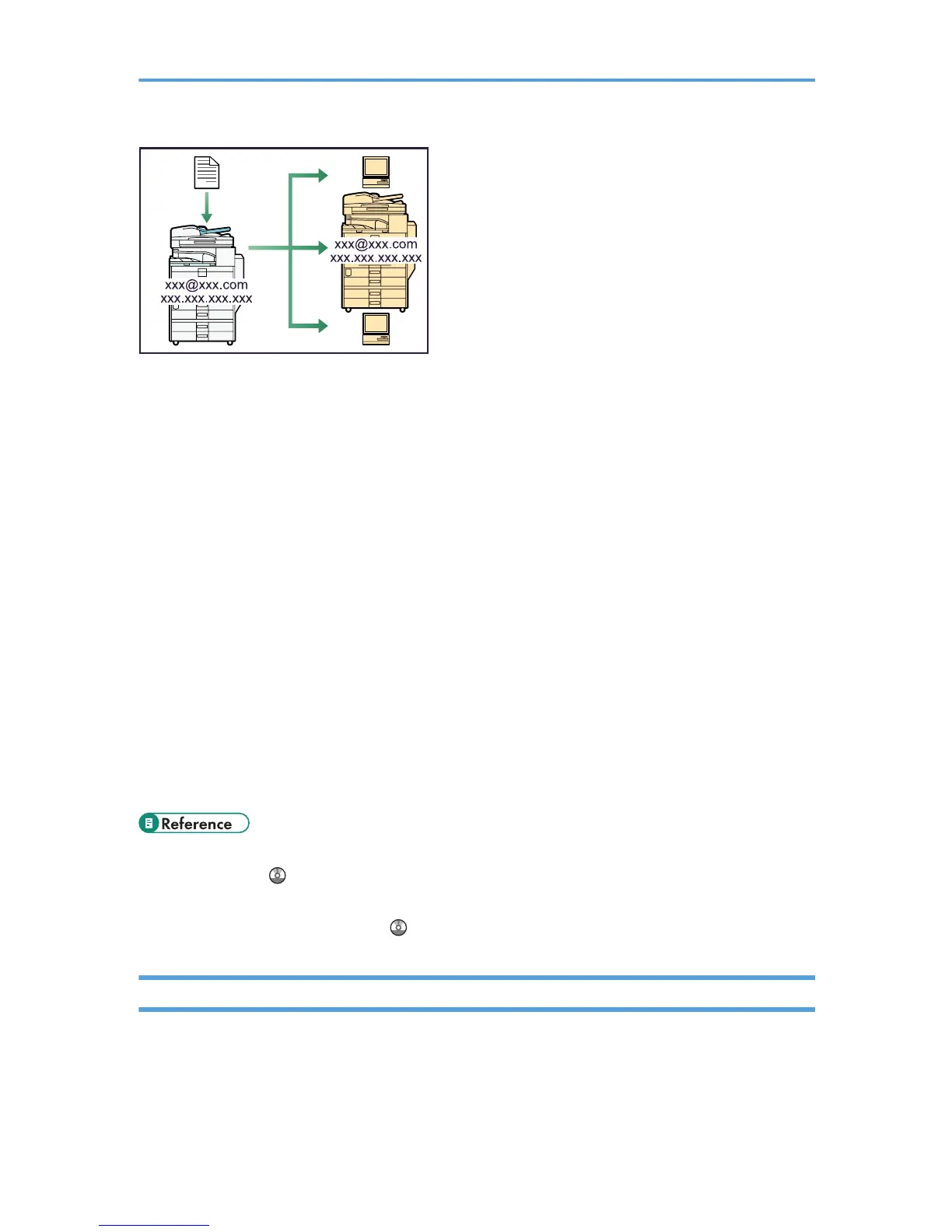
E-mail Transmission
This machine converts scanned document images to e-mail format, and transmits and receives this
data over the Internet.
• To send a document, specify an e-mail address instead of dialing the destination telephone
number (Internet Fax and E-Mail Transmission).
• This machine can receive e-mail messages via Internet Fax or from computers (Internet Fax
Reception and Mail to Print).
• Internet Fax compatible machines and computers that have e-mail addresses can receive e-mail
messages via Internet Fax.
IP-Fax
The IP-Fax function sends or receives documents between two facsimiles directly via a TCP/IP network.
• To send a document, specify an IP address or host name instead of a fax number (IP-Fax
Transmission).
• This machine can receive documents sent via Internet Fax (IP-Fax Reception).
• Using a VoIP gateway, this machine can send to G3 facsimiles connected to the public switched
telephone network (PSTN).
• For details about settings, see “Network Settings Required to Use Internet Fax”, Network and System
Settings Guide .
• For details about how to transmit and receive documents over the Internet, see “Transmission” and
“Reception”, Facsimile Reference .
Using the Facsimile and the Scanner in a Network Environment
You can use a facsimile and a scanner over the network.
15



 To Next Page