• After you switch the main power on, a screen may appear to indicate that the machine is initializing.
Do not switch the power off during this process. Initialization takes about three minutes.
Turning On the Power
This section explains how to turn on the power.
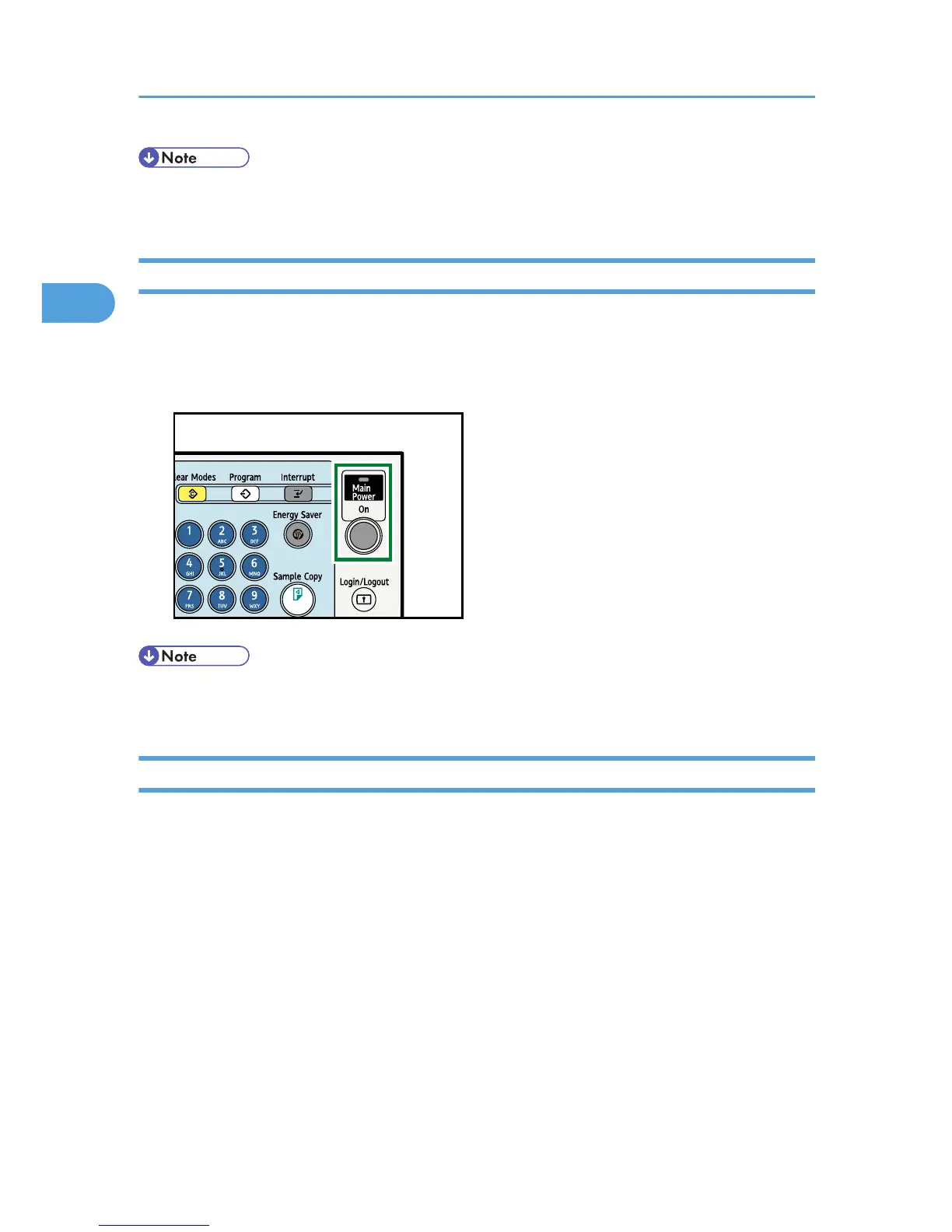
1. Press the operation switch.
The operation switch indicator goes on.
• If the power does not come on when the operation switch is pressed, check the main power switch is
on. If it is off, turn it on.
Turning Off the Power
This section explains how to turn off the power.
1. Make sure the ADF is in the right position.
2. Press the operation switch.
The operation switch indicator goes off.
2. Getting Started
74



 To Next Page