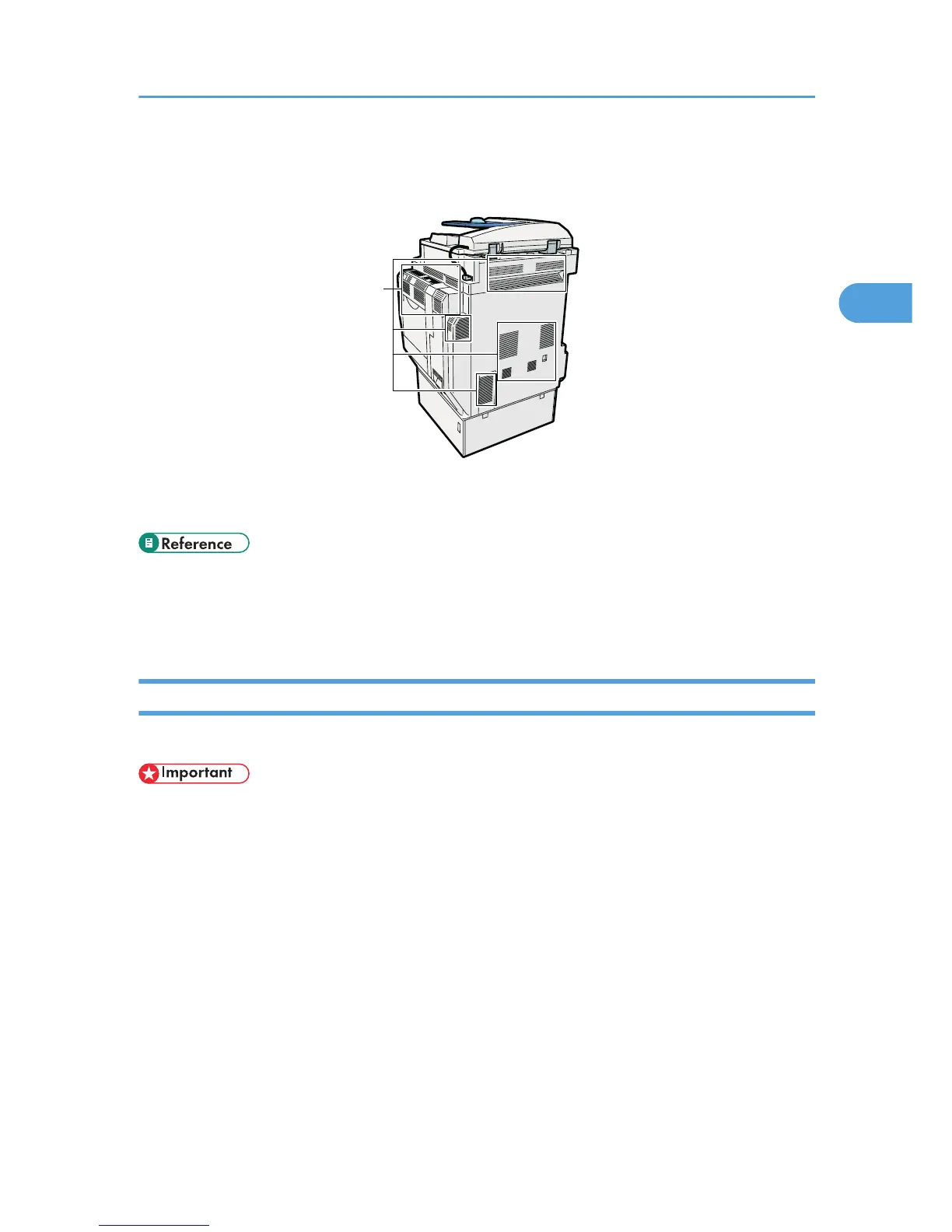
1. Ventilation holes
Prevent overheating.
• p.57 "Options"
• p.62 "Control Panel"
• p.73 "Turning On/Off the Power"
Guide to components of type 3 and 4
This section introduces the names and functions of the components of type 3 and 4.
• Do not obstruct the ventilation holes by placing objects near them or leaning things against them. If
the machine overheats, a fault might occur.
Guide to Components
53



 To Next Page