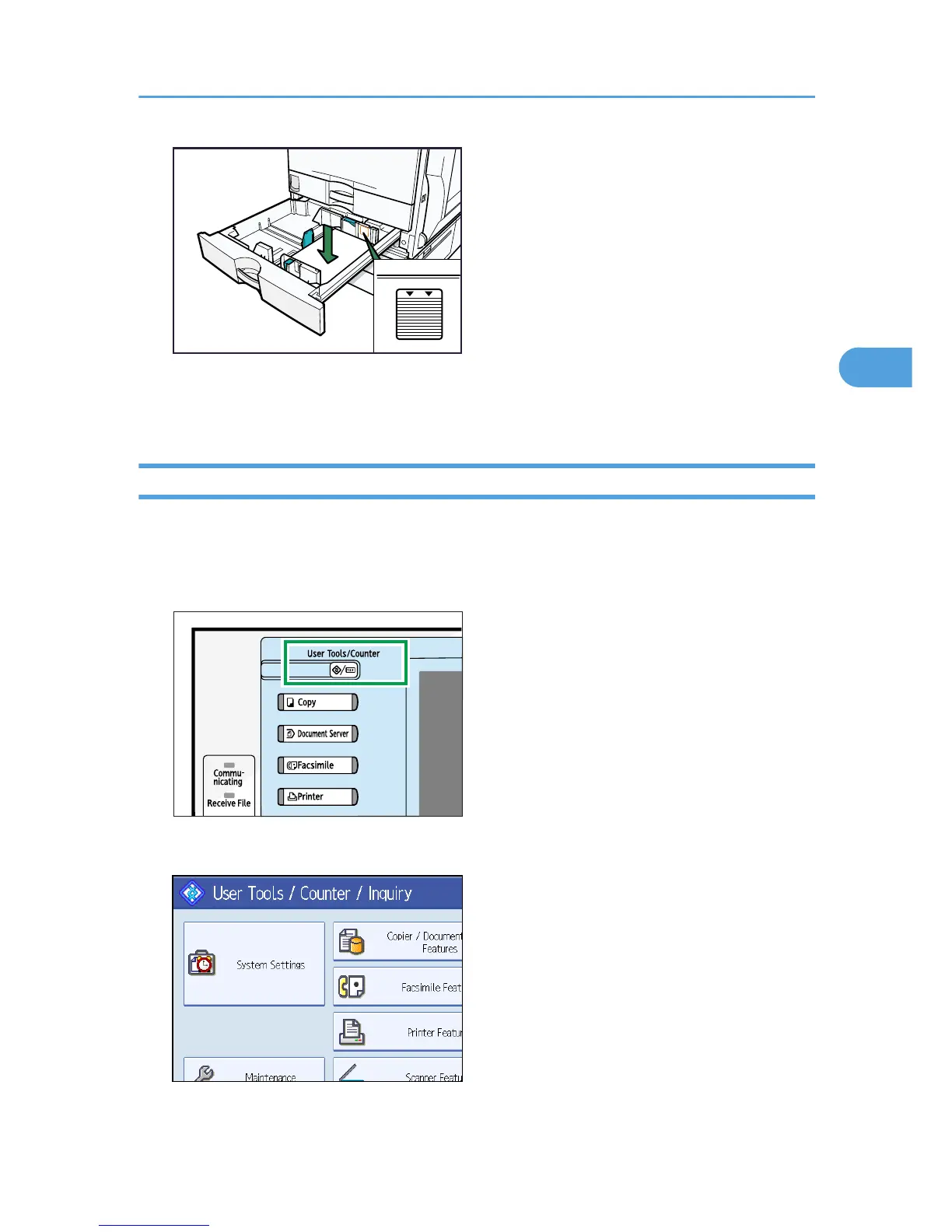
7. Carefully slide the paper tray fully in.
8. Check the size on the display.
Changing to a Size That Is Not Automatically Detected
If you load a paper size that is not selected automatically, you need to specify the paper size with the
control panel. This section describes how to load such paper.
1. Press the [User Tools / Counter] key.



 To Next Page