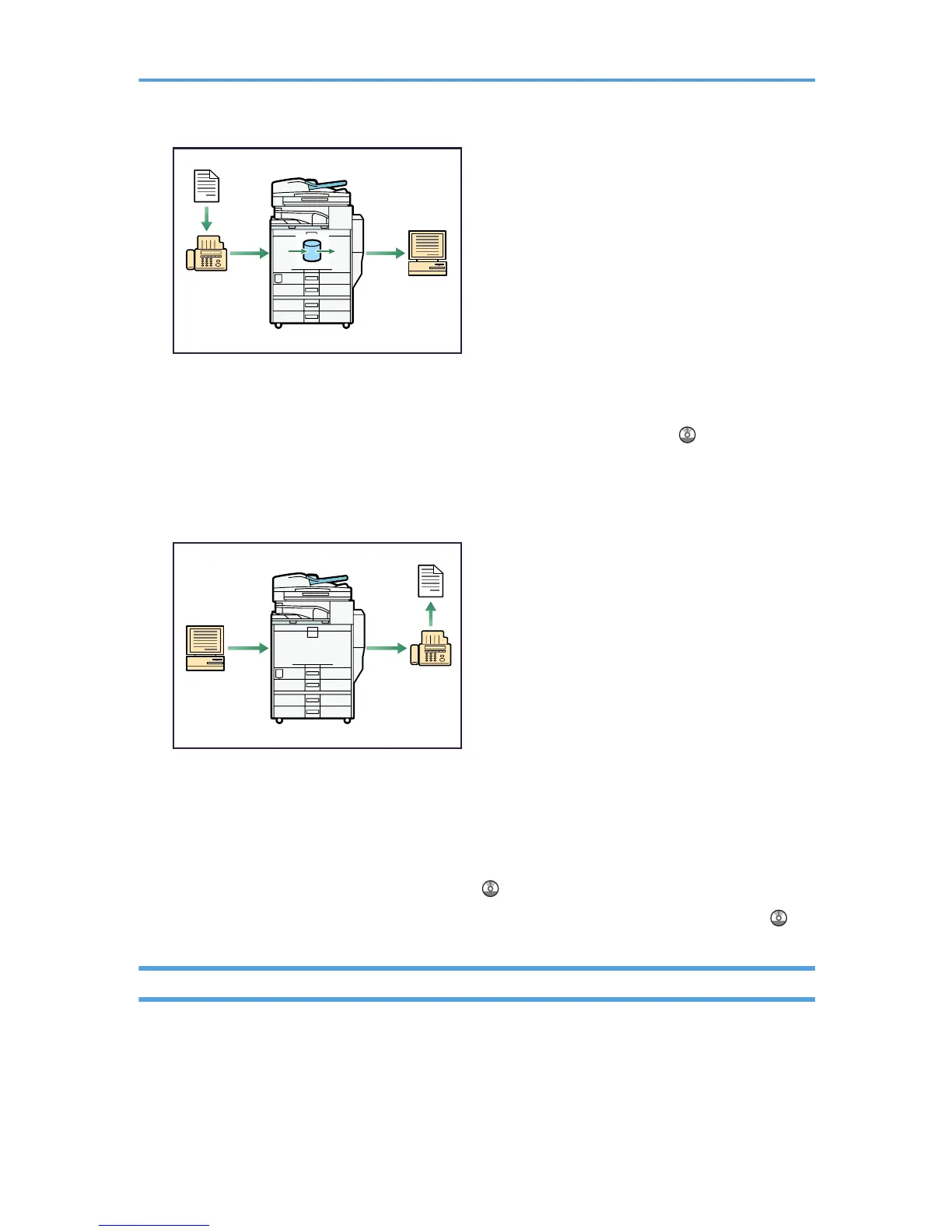
• You can use DeskTopBinder or a Web Image Monitor to check, print, delete, retrieve, or
download documents using your computer (Storing received documents). See “Confirming/
Printing/Deleting Received and Stored Documents”, Facsimile Reference .
Transmission
You can send a fax from your computer over the network (Ethernet or wireless LAN) to this machine,
which then forwards the fax via its telephone connection (LAN-Fax).
• To send a fax, print from the Windows application you are working with, select LAN-Fax as the
printer, and then specify the destination.
• You can also check the sent image data.
• For details about the machine's settings, see “Network Settings Required to Use the Printer/LAN-
Fax”, Network and System Settings Guide .
• For details about how to use the function, see “Fax via Computer”, Facsimile Reference .
Fax Transmission and Reception Over the Internet
You can send and receive faxes over your LAN and the Internet.
14



 To Next Page