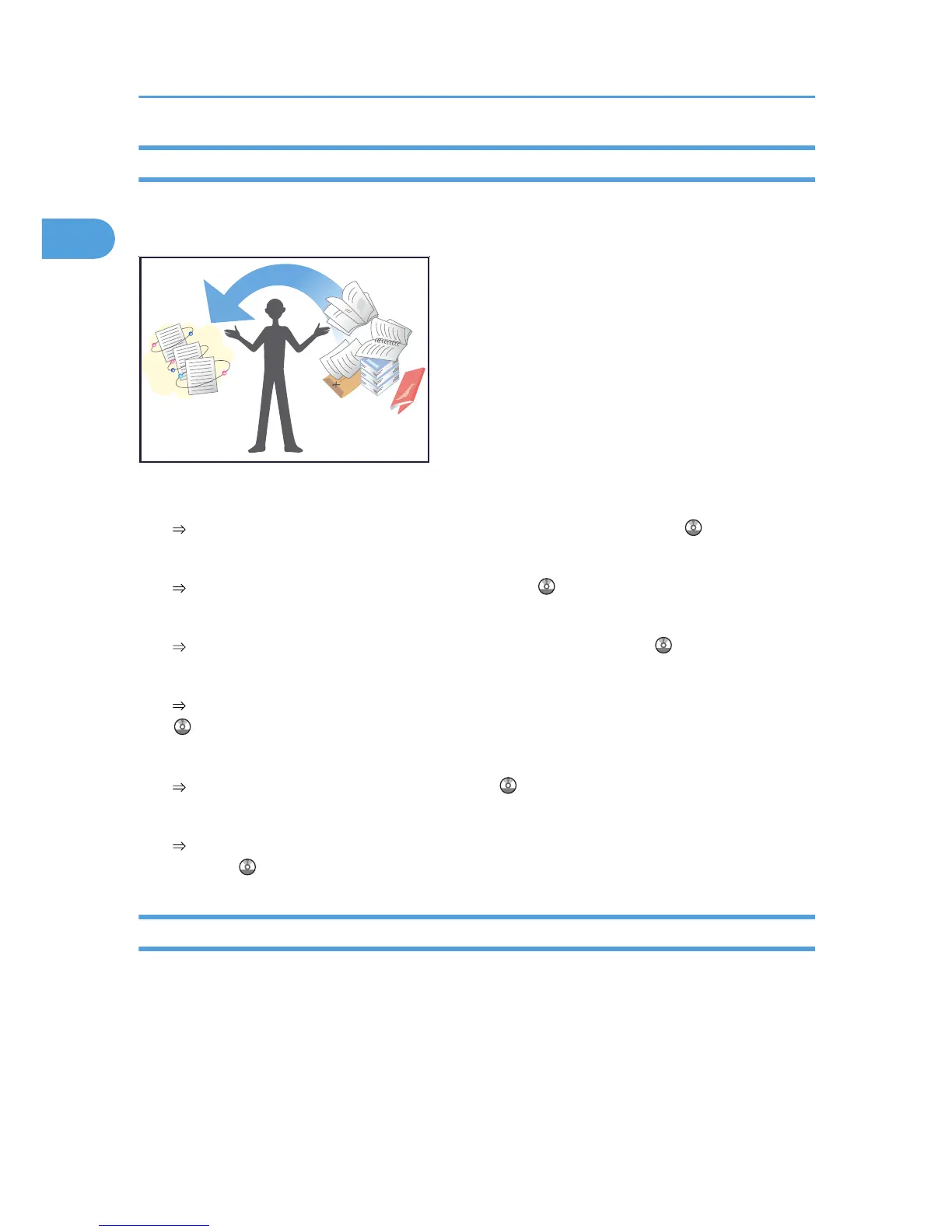
I want to convert documents to electronic formats easily!
You can find explanations of the functions and procedures that you can use convert documents to electronic
formats easily.
Sending scan files
See “Basic Procedure for Sending Scan Files by E-mail”, Scanner Reference .
Sending the URL of the folder in which scan files are stored
See “Sending the URL by E-mail”, Scanner Reference .
Storing scan files in a shared folder
See “Basic Procedure When Using Scan to Folder”, Scanner Reference .
Storing scan files on media
See “Basic Procedure for Saving Scan Files on a Removable Memory Device”, Scanner Reference
.
Converting transmitted faxes to electronic formats and sending them to a computer
See “Folder Transmission”, Facsimile Reference .
Managing and using documents converted to electronic formats (Document Server)
See “Relationships between Document Server and Other Functions”, Copy and Document Server
Reference .
I want to register destinations!
You can find explanations of the functions and procedures that you can use to register destinations easily.
1. Simple Search
44



 To Next Page