EasyManua.ls Logo

Ricoh CP6123L+ - User Manual

Ricoh CP6123L+
88 pages
Print Icon
To Next Page IconTo Next Page
Loading...
Paper type: OK Prince Eco G100(55kg), Paper Thickness=80 µm // Pages in book=84 // Print scale=81%
Gap (when printed at 81% scale) = Pages in book × Paper thickness / 2 = 3.360000 mm
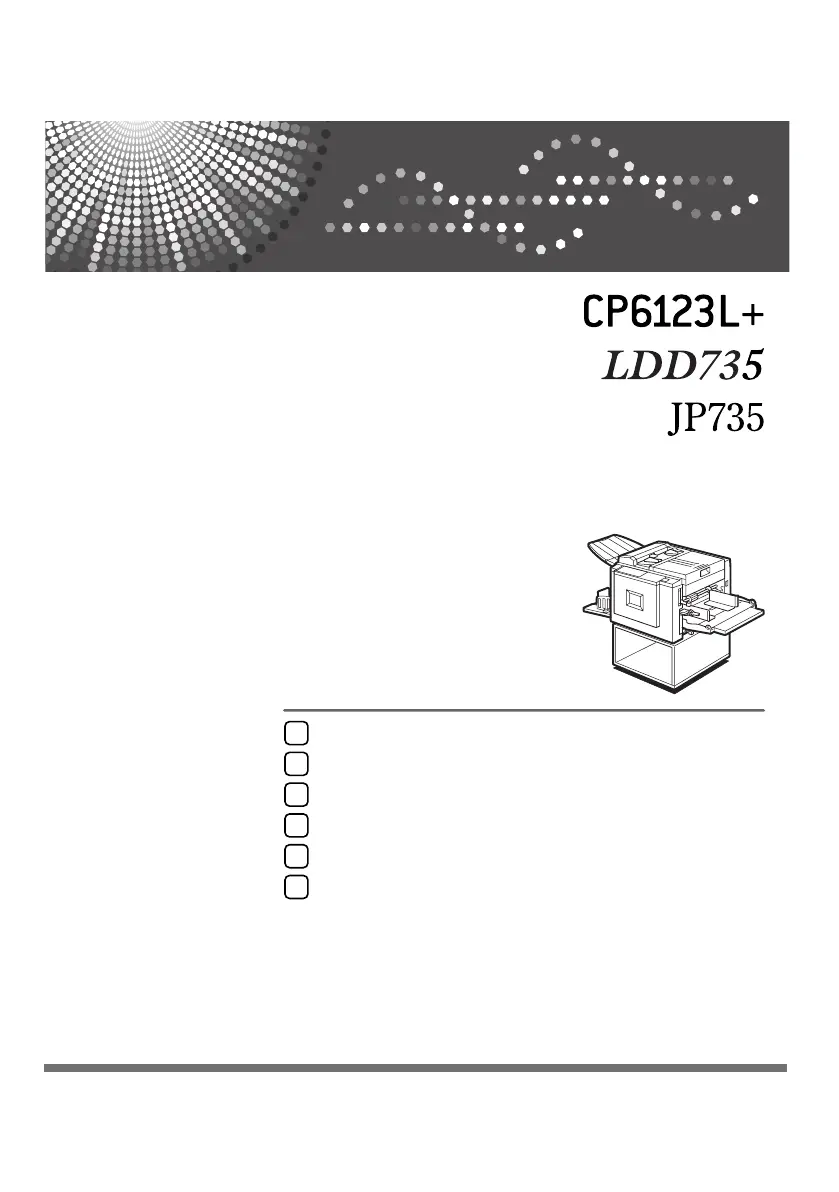
Operating Instructions
Read this manual carefully before you use this machine and keep it handy for future reference. For safe and correct use, be sure to read the
Safety Information before using the machine.
Operation
Optional Functions
Replenishing Supplies
Troubleshooting
Remarks
Specifications
1
2
3
4
5
6
Type for CP6123L+/LDD735/JP735
Printed in China
EN USA C261-8608

Table of Contents

Questions and Answers

  • M
    Mrs. Felicia JonesAug 16, 2025
    What to do if Ricoh All in One Printer shows service code (E-XX)?
    • A
      Angela PearsonAug 16, 2025
      If your Ricoh All in One Printer displays a service code (E-XX), try turning the main switch off and then on again. If the service code reappears after restarting, contact your service representative for further assistance.
  • G
    Gregory CamposAug 19, 2025
    What to do if Ricoh All in One Printer shows 'x' and 'C' light up?
    • D
      Dawn CharlesAug 19, 2025
      If the “x” and “C” lights are illuminated on your Ricoh All in One Printer, your first step should be to remove the misfed paper. If the paper is completely wrapped around the drum, pull out the drum unit and then remove the misfed paper from the drum.
  • J
    Justin WhiteAug 22, 2025
    What to do if Ricoh All in One Printer shows 'x' and 'D' light up?
    • J
      Jeffery DuranAug 22, 2025
      If the “x” and “D” lights are illuminated on your Ricoh All in One Printer, follow these steps: 1. Open the right side cover. 2. Open the plotter cover and remove the misfed master. 3. If you still cannot remove the misfed master, take out the drum and remove the misfed master from the inside. 4. Close the right side cover.
  • B
    becky22Aug 26, 2025
    How to resolve white or incomplete prints on Ricoh All in One Printer?
    • M
      Martha CoxAug 26, 2025
      To resolve white or incomplete prints on your Ricoh All in One Printer, take these steps: 1. Make sure that the paper feed side plates touch the paper lightly and put back the lock levers. 2. Pull out the drum unit. 3. Remove the master from the drum. 4. Remove any paper that is stuck to the drum. 5. Insert the drum unit until it locks in position, then lower the drum unit lock lever. 6. Close the front door.
  • P
    paige53Aug 28, 2025
    What to do if Ricoh All in One Printer shows 'x' and 'B' light up?
    • M
      Matthew KellyAug 28, 2025
      If the “x” and “B” lights are illuminated on your Ricoh All in One Printer, pull out the drum unit and remove the misfed paper.
  • J
    Justin GreeneAug 31, 2025
    What to do if Ricoh All in One Printer shows 'x' and 'E' light up?
    • C
      craigadamsAug 31, 2025
      If the “x” and “E” lights are illuminated on your Ricoh All in One Printer, follow these steps: 1. Pull out the master eject box. 2. Remove the misfed master. 3. Return the master eject box to its original position.
  • K
    Keith FarrellSep 3, 2025
    What to do if Ricoh All in One Printer shows 'x' and 'P' light up?
    • D
      Dr. Tony CarrollSep 3, 2025
      If the “x” and “P” lights are illuminated on your Ricoh All in One Printer, follow these steps: 1. Open the cover of the document feeder. 2. Gently pull out the original. 3. Close the cover of the document feeder.
  • D
    Daniel Moss Jr.Sep 6, 2025
    What to do if master eject indicator (k) lights up on Ricoh All in One Printer?
    • T
      tfletcherSep 6, 2025
      If the Master Eject Indicator (k) lights up on your Ricoh All in One Printer, take out the master eject box and remove the used masters. Then, push the master eject box back in until it clicks into position.
  • N
    nichole09Sep 9, 2025
    Why is the open cover/unit indicator (M) lighting up on my Ricoh All in One Printer?
    • S
      Shannon HarrisSep 9, 2025
      If the open cover/unit indicator (M) lights up on your Ricoh All in One Printer, make sure that you close the front door or the right side cover, set the drum, close the plotter cover, and close the master eject box.
  • C
    Charles TerrySep 12, 2025
    What to do if supply/exchange indicators light up on Ricoh All in One Printer?
    • J
      Joshua RamirezSep 12, 2025
      If the supply/exchange indicators light up on your Ricoh All in One Printer, you may need to load more paper, load a new ink cartridge, load a new master roll, or empty the master eject box.

Ricoh CP6123L+ Specifications

General IconGeneral
BrandRicoh
ModelCP6123L+
CategoryAll in One Printer
LanguageEnglish

Related product manuals