x Clearing Misfeeds
47
4
x Clearing Misfeeds
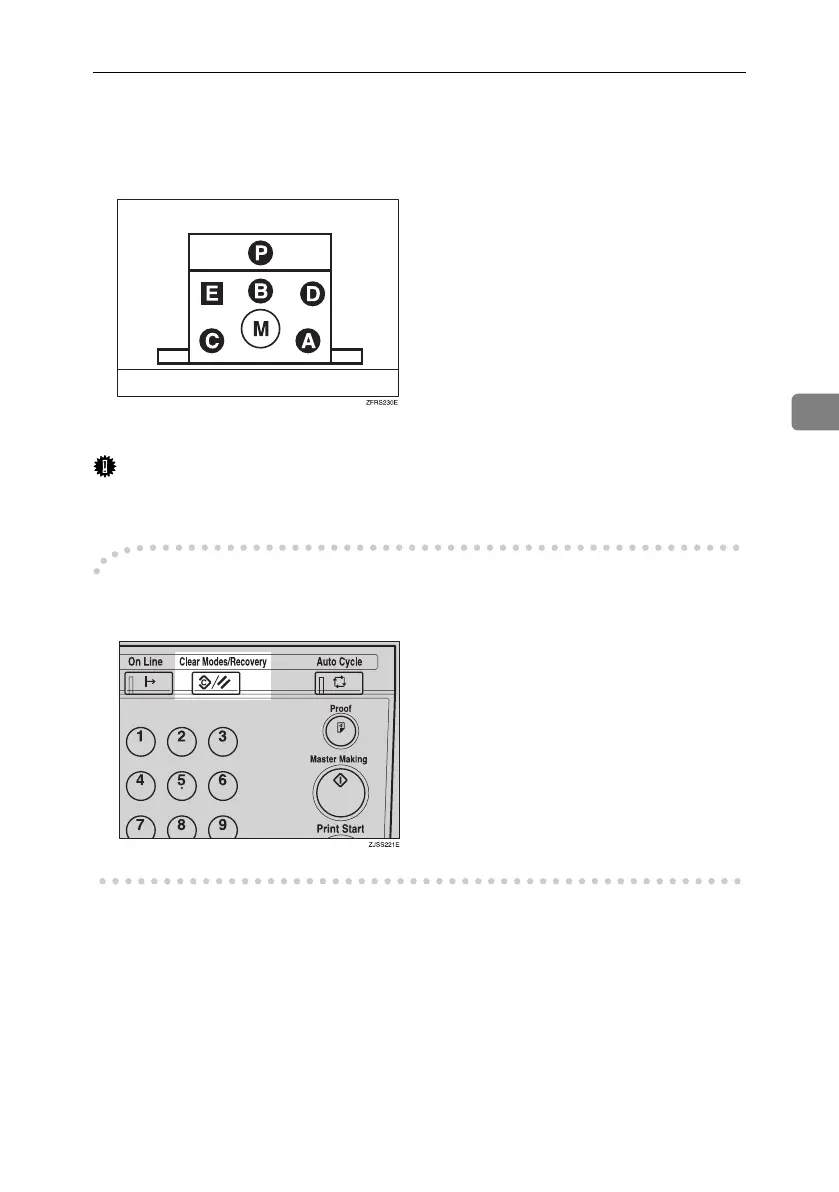
The machine indicator shows the area where jams occur.
Important
❒ When clearing misfeeds, do not turn off the main switch. If you do, your print
settings are cleared.
-After clearing misfeeds
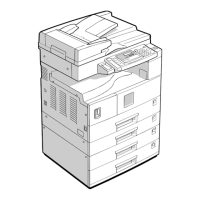
Press the {Clear Modes/Recovery} key to reset the error indicators.
Titanium2_EN-F2_FM_forPaper.book Page 47 Wednesday, January 25, 2006 6:30 PM


 To Next Page