4
What You Can Do with this Machine
Below is a quick summary of this machine's features and where to look in this
manual for more information.
❖ Standard Printing
See p.15 “Standard Printing”.
❖ Adjusting the Print Image Position
See p.18 “Adjusting the Print Image Position”.
❖ Adjusting the Print Image Density
See p.20 “Adjusting the Print Image Density”.
❖ Changing the Print Speed
See p.21 “Changing the Printing Speed”.
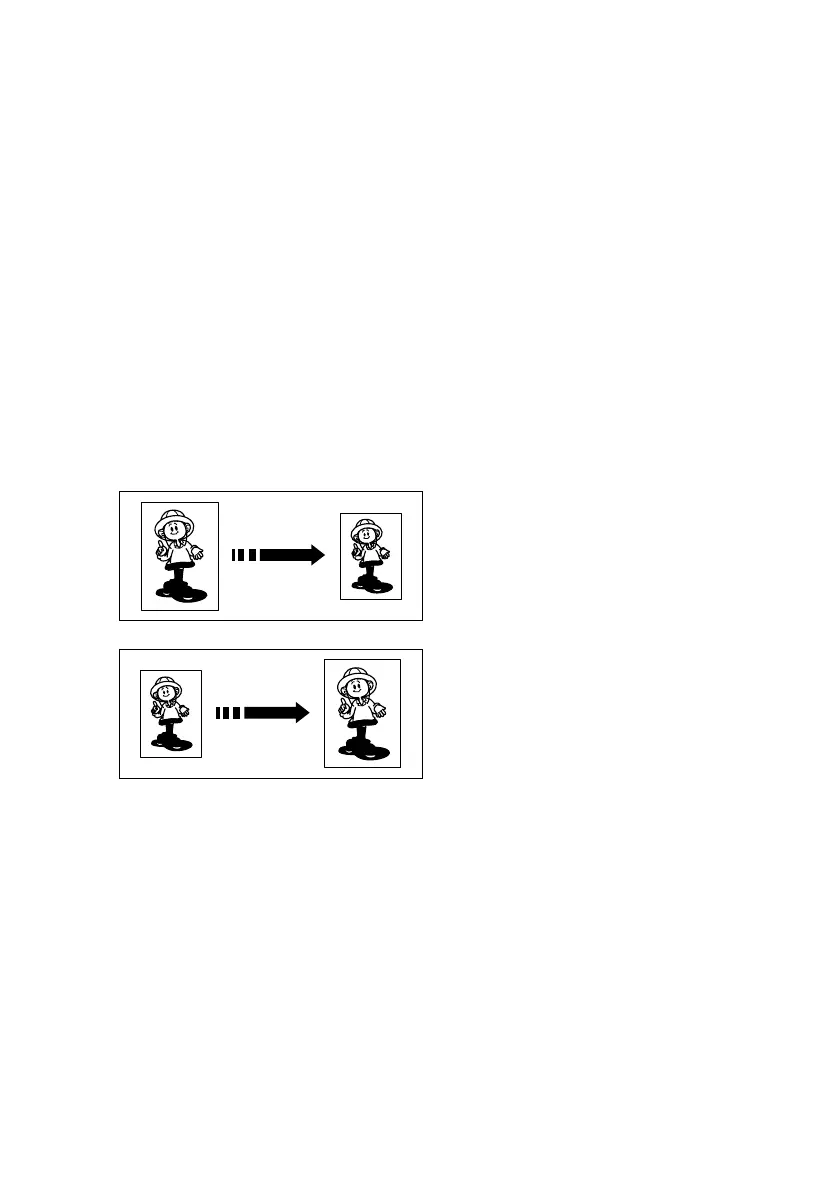
❖ Reducing and Enlarging Using Preset Ratios
See p.23 “Preset Reduce/Enlarge—Reducing and Enlarging Using Preset Ra-
tios”.
❖ Printing on Thick or Thin Paper
See p.25 “Printing on Different Types of Paper Thickness”.
❖ Selecting Original Type
See p.27 “Selecting Original Type”.
❖ Printing from Several Originals at Once
See p.28 “Auto Cycle—Processing a Master and Making Prints in One Step”.
GRREDU0E
GRENLA0E
Titanium2_EN-F2_FM_forPaper.book Page 4 Wednesday, January 25, 2006 6:30 PM


 To Next Page