Poor Printing
63
4
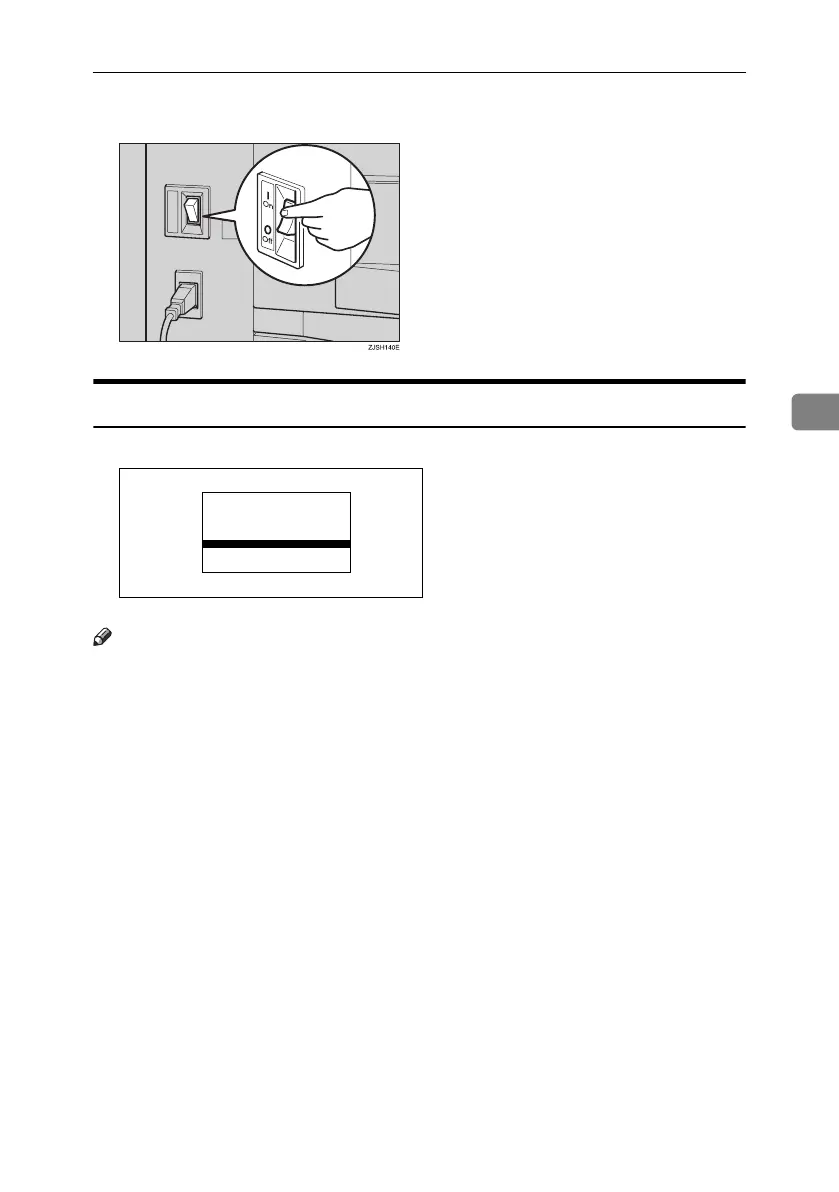
G Turn on the main switch.
Dirt on the Front Side of Paper (Black Line/Stain)
Note
❒ When black lines or stains still appear on prints even if you clean the above,
contact your service representative.
❒ If there is no margin or if there is a solid image area near the leading edge of
the original, make a margin of at least 5 mm, 0.2" at the leading edge. Other-
wise, the paper exit pawl might become dirty and cause black lines on prints.
❒ Check the document feeder and clean it if dirty. (See p.72 “Document Feed-
er”.)
GRBLAC1E
Titanium2_EN-F2_FM_forPaper.book Page 63 Wednesday, January 25, 2006 6:30 PM


 To Next Page