Operation
22
1
Stopping the Machine during the Multi-
print Run
When You Want to Stop the
Machine during the Multi-print
Run and Print the Next
Original
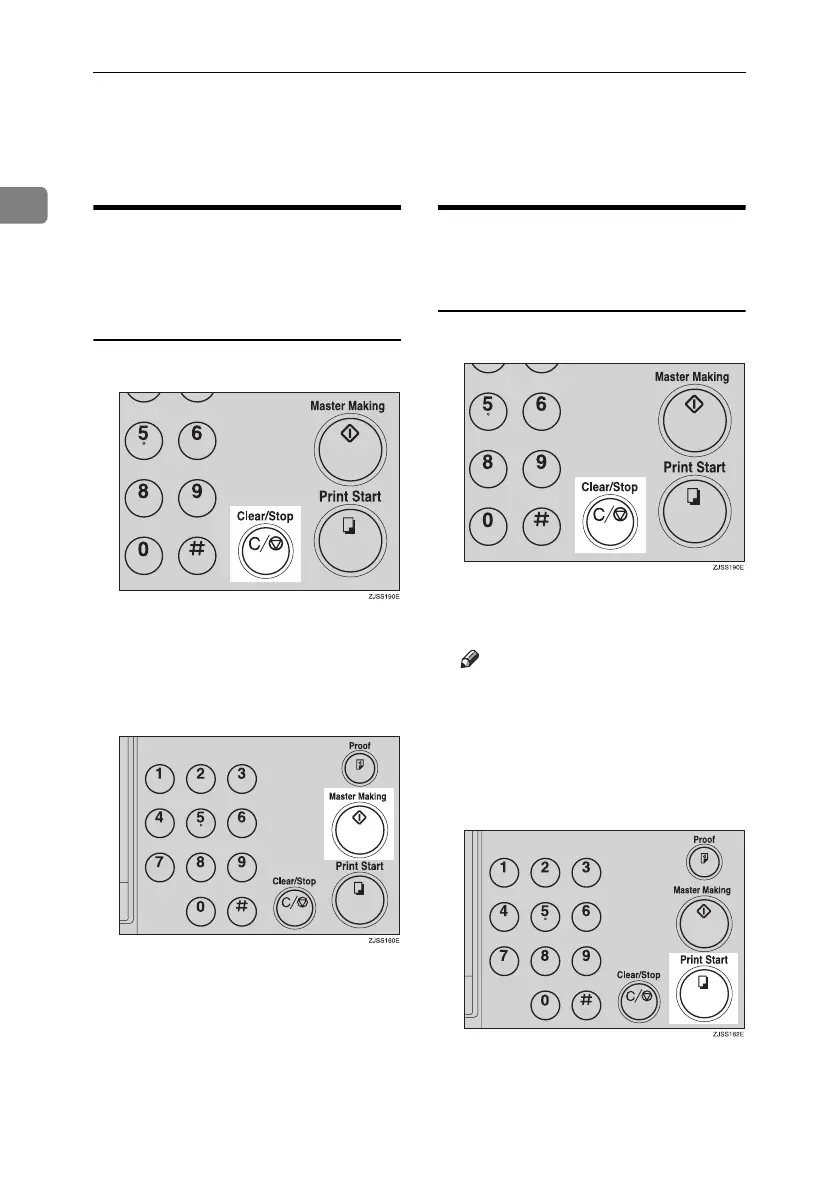
A Press the {Clear/Stop} key.
B Place the new original in the doc-
ument feeder.
C Enter the number of prints and
press the {Master Making} key.
When You Want to Change the
Number of Prints Entered or
Check the Completed Prints
A Press the {Clear/Stop} key.
B Change the number of prints or
check the completed prints.
Note
❒ When you change the number
of prints, you can re-enter the
number with the number keys
after pressing the {Clear/Stop}
key.
C Press the {Print Start} key.
Titanium2_EN-F2_FM_forPaper.book Page 22 Wednesday, January 25, 2006 6:30 PM


 To Next Page