EasyManua.ls Logo

Ricoh C252 - User Manual

Ricoh C252
164 pages
Print Icon
To Next Page IconTo Next Page
Loading...
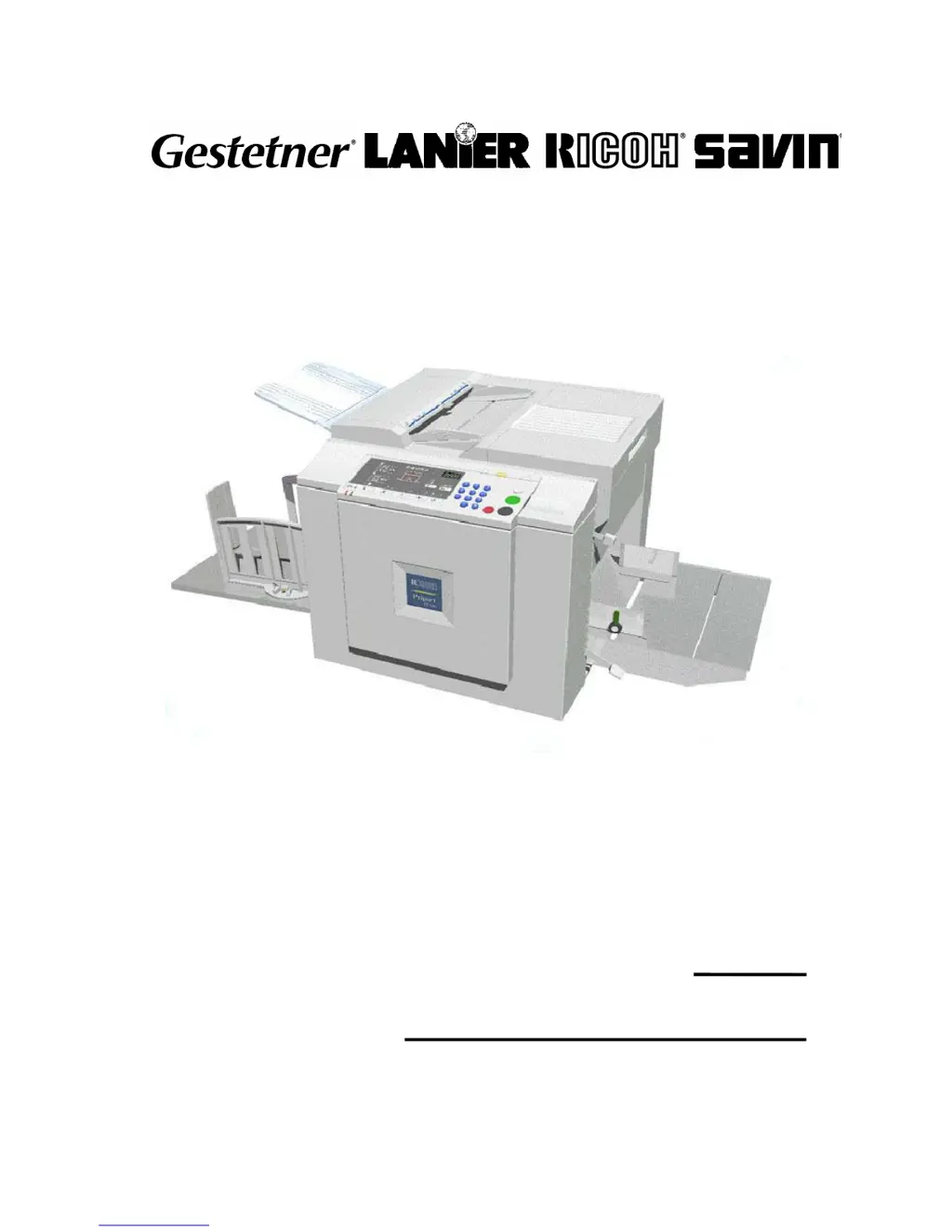
C252
SERVICE MANUAL
001701MIU
RICOH GROUP COMPANIES

Table of Contents

Questions and Answers

  • O
    odunlapAug 14, 2025
    What to do if my Ricoh C252 shows Thermal Head Overheat error?
    • T
      Troy MorrisonAug 15, 2025
      If your Ricoh All in One Printer displays a 'Thermal Head Overheat' error, it means the thermal head's temperature exceeds 54°C when the Start key is pressed. The cause may be overheating. Wait for the thermal head to cool down.
  • R
    Robin JonesAug 17, 2025
    Why is my Ricoh All in One Printer showing Main Motor error?
    • V
      Veronica HernandezAug 17, 2025
      The Ricoh All in One Printer shows a 'Main Motor error' because the CPU cannot detect the master eject position sensor (drum HP) signal within 2.5 seconds after the main motor turns on. This can be caused by issues with the main motor drive, the main motor itself, the motor drive board, or the master eject position sensor.
  • M
    Margaret AllenAug 21, 2025
    What causes Pressure Plate error on Ricoh All in One Printer?
    • T
      Tammy Russo MDAug 21, 2025
      A 'Pressure Plate error' on your Ricoh All in One Printer means the pressure plate home position sensor signal isn't detected within 3.0 seconds after the pressure plate motor turns on. This may be due to problems with the pressure plate drive, the pressure plate motor, or the plate position sensors.
  • M
    Mr. Angel Arroyo Jr.Aug 25, 2025
    Why does my Ricoh C252 All in One Printer show Thermal Head ID Error?
    • S
      Seth DavidsonAug 25, 2025
      The Ricoh All in One Printer displays a 'Thermal Head ID Error' because the CPU detects an abnormal ID signal from the thermal head. The cause may be the thermal head or the MPU.
  • J
    Jeffrey SchultzAug 28, 2025
    What does Thermal Head Thermistor Open error mean on Ricoh All in One Printer?
    • K
      ksmithAug 28, 2025
      A 'Thermal Head Thermistor Open' error on your Ricoh All in One Printer indicates that the thermistor output voltage is over 4.9 volts. This can be caused by the thermal head thermistor or the thermal head connector.
  • B
    Brian PayneAug 31, 2025
    What causes Thermal Heard Drive Failure in Ricoh C252?
    • M
      Michael HinesAug 31, 2025
      A 'Thermal Heard Drive Failure' in your Ricoh All in One Printer means the CPU detects an abnormal condition in the thermal head drive circuit. The cause may be the thermal head, the MPU, or the thermal head connector.
  • N
    ncastilloSep 3, 2025
    Why does my Ricoh All in One Printer show IPU error?
    • N
      Norma MurraySep 3, 2025
      The Ricoh All in One Printer displays an 'IPU error' because a signal transmission error (from the IPU) occurred in the MPU.
  • D
    Dalton GonzalezSep 6, 2025
    What does Master Eject Position Sensor (Drum HP) error mean for Ricoh All in One Printer?
    • E
      Eric TaylorSep 6, 2025
      A 'Master Eject Position Sensor (Drum HP) error' on the Ricoh All in One Printer means that the master eject position sensor does not activate before the feed start timing sensor activates. This can be caused by the master eject position sensor, the feed start timing sensor, or the feeler.
  • R
    rosejonathanSep 10, 2025
    What does Feed Start Timing Sensor error mean on Ricoh All in One Printer?
    • R
      Robert WhitneySep 10, 2025
      A 'Feed Start Timing Sensor error' on the Ricoh All in One Printer means that the feed start timing sensor does not activate before the master eject sensor activates. This can be caused by the master eject position sensor, the feed start timing sensor, or the feeler.

Summary

Machine Installation Guide

Installation Requirements and Environment

Specifies environmental conditions, power, and space for proper machine setup.

Installation Procedure Guide

Step-by-step guide for setting up the main body, optional drums, and interface board.

Preventive Maintenance Procedures

Periodic Maintenance Tasks

Outlines periodic maintenance tasks for components based on time and print count.

Component Replacement and Adjustment

Machine Troubleshooting

Troubleshooting Error Codes

Lists error codes, symptoms, and possible causes for machine malfunctions.

Electrical Component Troubleshooting

Maps component conditions to specific error indicators and symptoms.

Jam Detection and Indicators

Explains jam detection mechanisms and corresponding indicator lights.

Service Program and Settings

Service Program Mode Usage

Details on entering, exiting, and using the Service Program (SP) mode for diagnostics.

DIP Switch Settings and Functions

Overview and purpose of various DIP switch settings for machine configuration.

Detailed Mechanism Descriptions

Ricoh C252 Specifications

General IconGeneral
FunctionsPrint, Copy, Scan, Fax
Print TechnologyLaser
Print Speed (Black)25 ppm
Print Speed (Color)25 ppm
Print ResolutionUp to 1200 x 1200 dpi
Copy Speed (Black and Color)25 cpm
Copy Resolution600 x 600 dpi
Scanner TypeFlatbed, ADF
Duplex PrintingYes
Monthly Duty CycleUp to 50, 000 pages
TypeColor Laser
Paper SizeA4, A5, A6, B5
Paper Capacity350 sheets
ConnectivityUSB, Ethernet

Related product manuals