JAM DETECTION
SM 4-7 C252
Trouble
shooting
Just after turning on the main switch
Check:
If the master eject sensor is on (master detected), the E jam indicator lights.
4.4.2 SCANNER JAM (P JAM LOCATION INDICATOR)
Feeding in the original
Check:
If the document sensor detects an original when the master making key was
pressed, the P jam indicator lights.
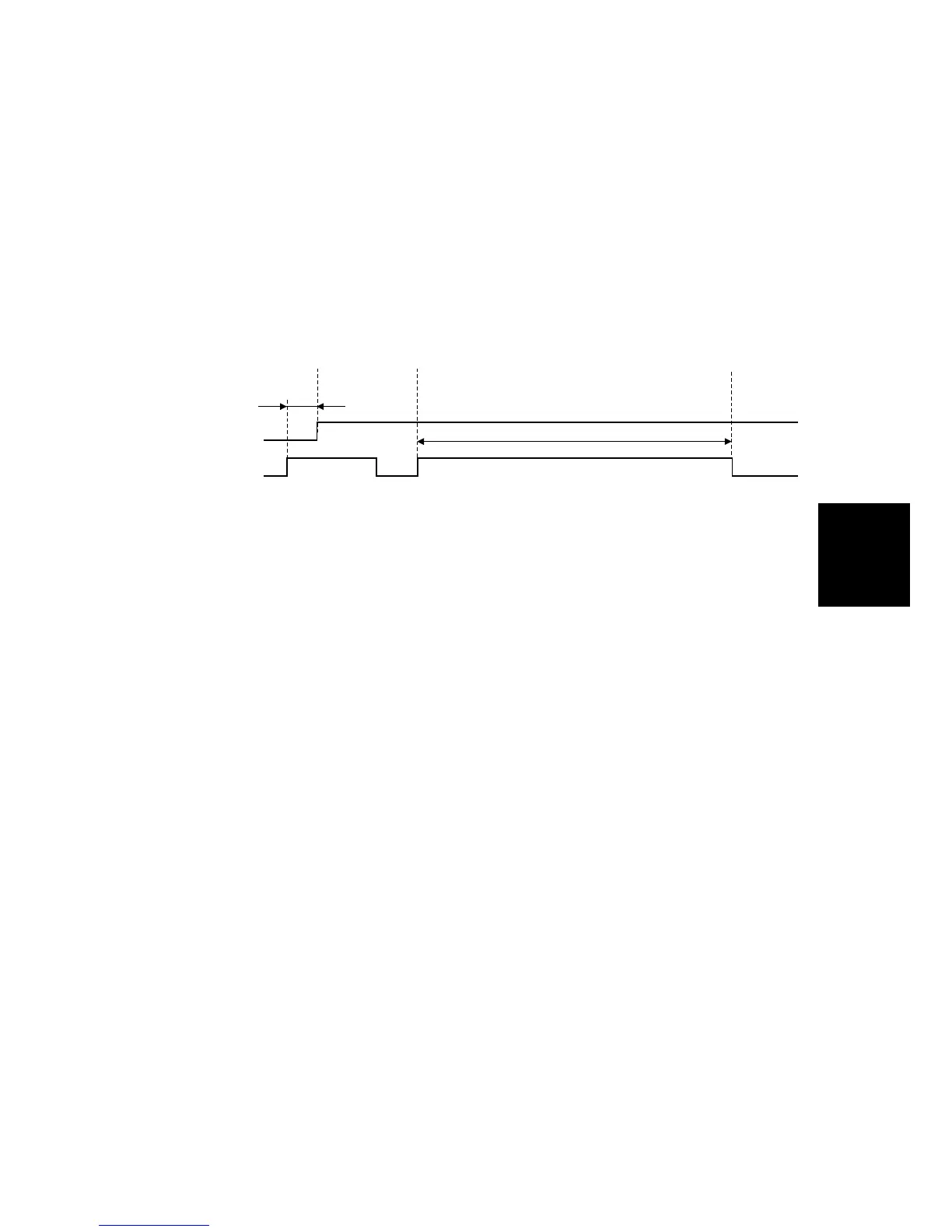
Check 1:
If the scanner has fed the original for 1.5 seconds since the master making key
was pressed, and the document sensor still doesn’t detect the original, the P jam
indicator lights.
Feeding out the original
Check 2:
When the scanner has fed out the correct length, but the document sensor still
detects the original, the P jam indicator lights.
Just after turning on the main switch
Check:
If the document sensor detects an original, the P jam indicator lights.
Check 1
Start to
Scan
less than
1.5 sec.
Check 2
514 mm
Document Sn.
Scanner Motor
C252T903.WMF











 To Next Page