PAPER FEED
C252 3-16 SM
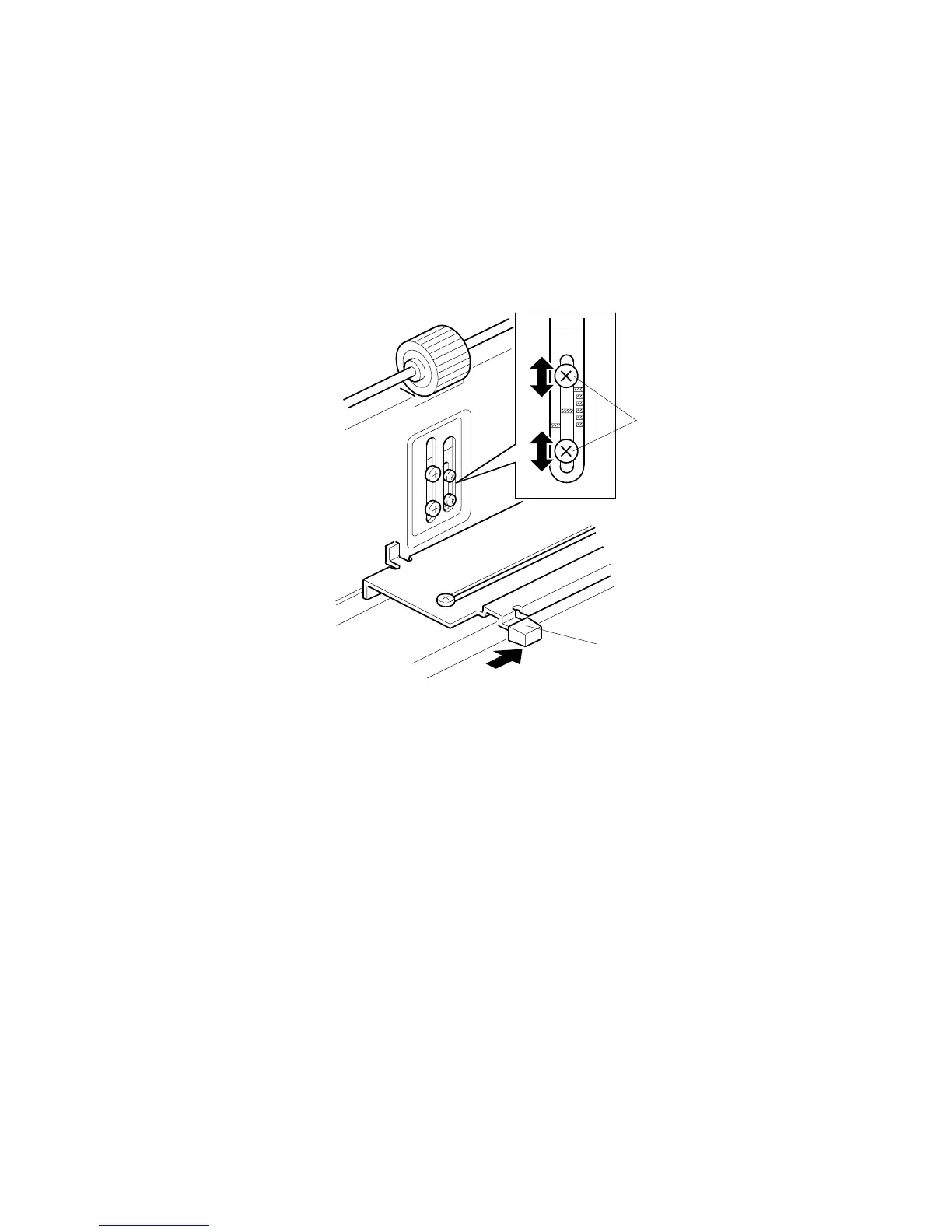
3.7.3 PAPER SEPARATION PRESSURE ADJUSTMENT
The position of the screw can be changed in order to change the amount of
pressure exerted by the friction pad.
This adjustment can be done:
• When feeding special paper, especially thick paper
• When the customer is experiencing feed problems.
• Remove the paper table
• Move the separation pressure slider [A] to position 1 (right end).
Increase the paper separation pressure: Move up the screws [B]
Decrease the paper separation pressure: Move down the screws [B]
Default position: lowest position
For more details: See section 6.7.3
C252R017.WMF
[A]
[B]











 To Next Page