FIRMWARE UPDATE
C252 3-38 SM
3.12 FIRMWARE UPDATE
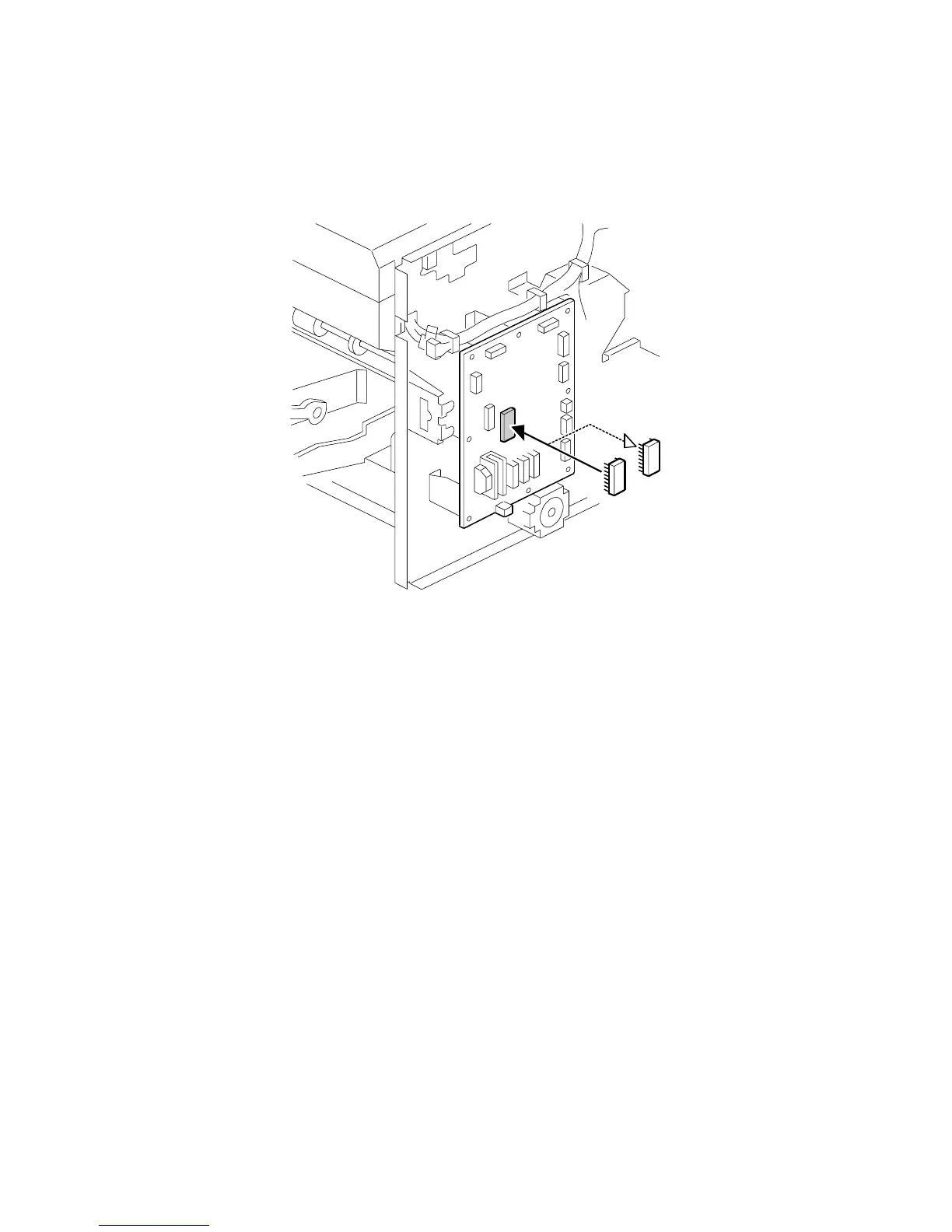
The firmware in the EPROM on the MPU can be upgraded replacing the EPROM.
1. Before upgrading the firmware, check the current suffix version with SP3-1.
2. Turn off the main switch and disconnect the power plug.
3. Remove the rear cover.
4. Replace the EPROM on the MPU.
5. Connect the power plug and turn on the main switch.
6. Access SP3-1 and confirm that the suffix version was changed.
C252R040.WMF











 To Next Page