Troubleshooting
64
4
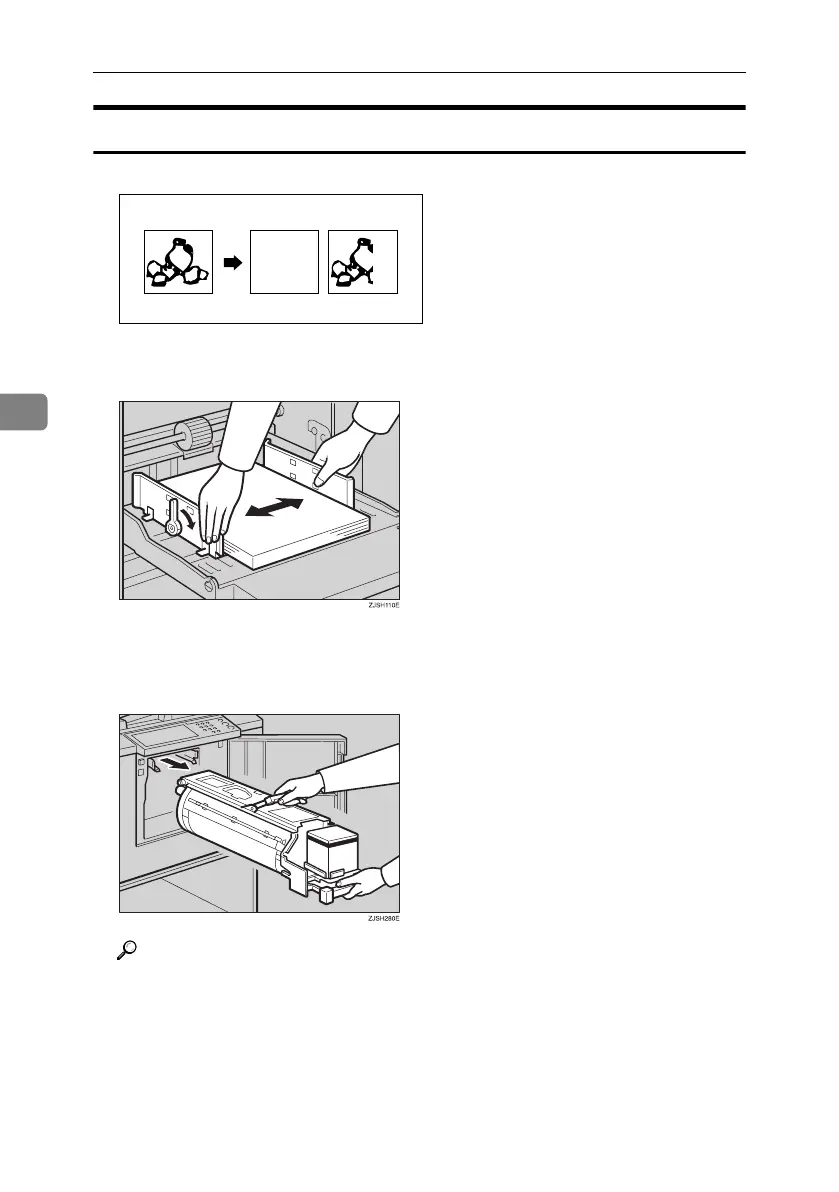
White Prints or Incomplete Prints
• Make sure that the paper feed side plates touch the paper lightly. Put back the
lock levers.
When you get white or incomplete prints even when you have checked the
above, perform the following procedure.
A Pull out the drum unit.
Reference
See p.33 “Changing the Color Drum Unit”for the details.
GRWHIT0E
Titanium2_EN-F2_FM_forPaper.book Page 64 Wednesday, January 25, 2006 6:30 PM


 To Next Page