Operation
16
1
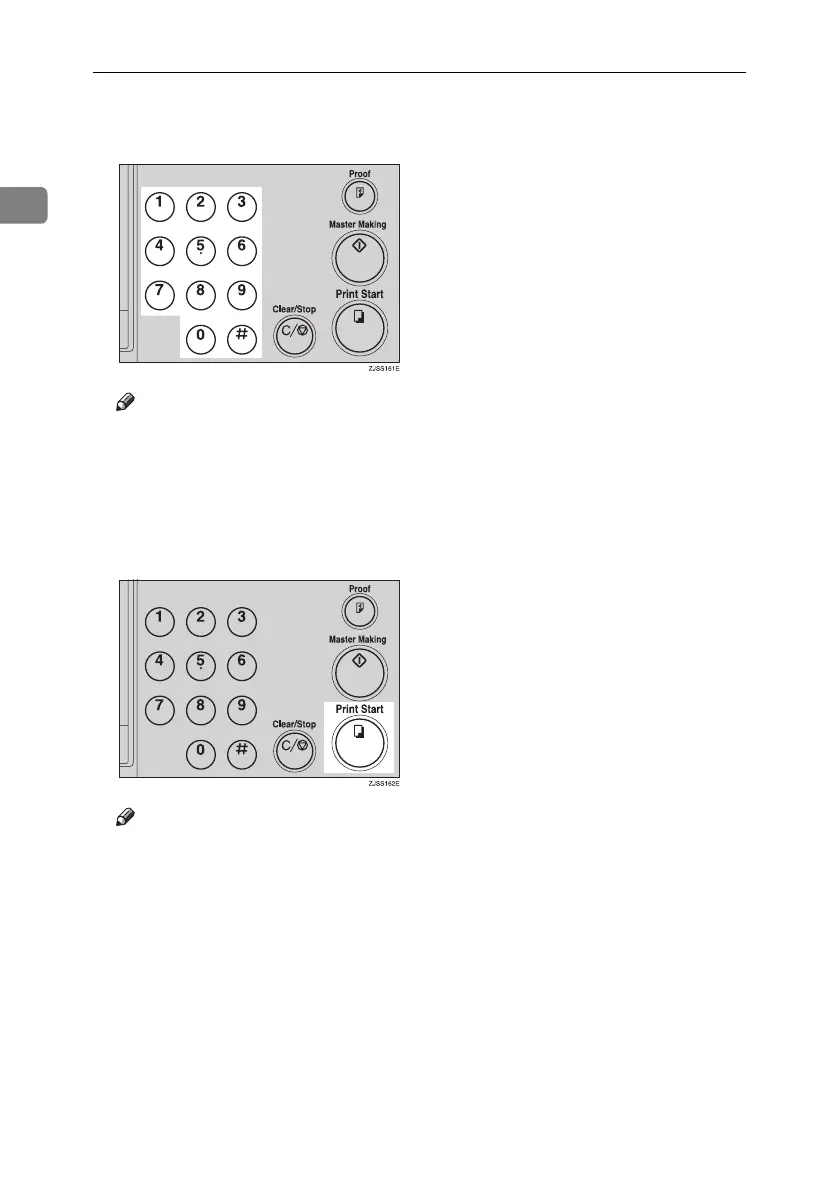
D Enter the number of prints re-
quired with the number keys.
Note
❒ Up to 9999 prints can be entered
at a time.
❒ To change the number entered,
press the {Clear/Stop} key and
enter the new number.
E Press the {Print Start} key.
Note
❒ After printing is completed, the
same number of prints is auto-
matically set for the next job.
❒ To stop the machine during the
multi-print run, press the
{Clear/Stop} key.
❒ To return the machine to the ini-
tial condition after printing,
press the {Clear Modes/Recovery}
key.
Titanium2_EN-F2_FM_forPaper.book Page 16 Wednesday, January 25, 2006 6:30 PM


 To Next Page