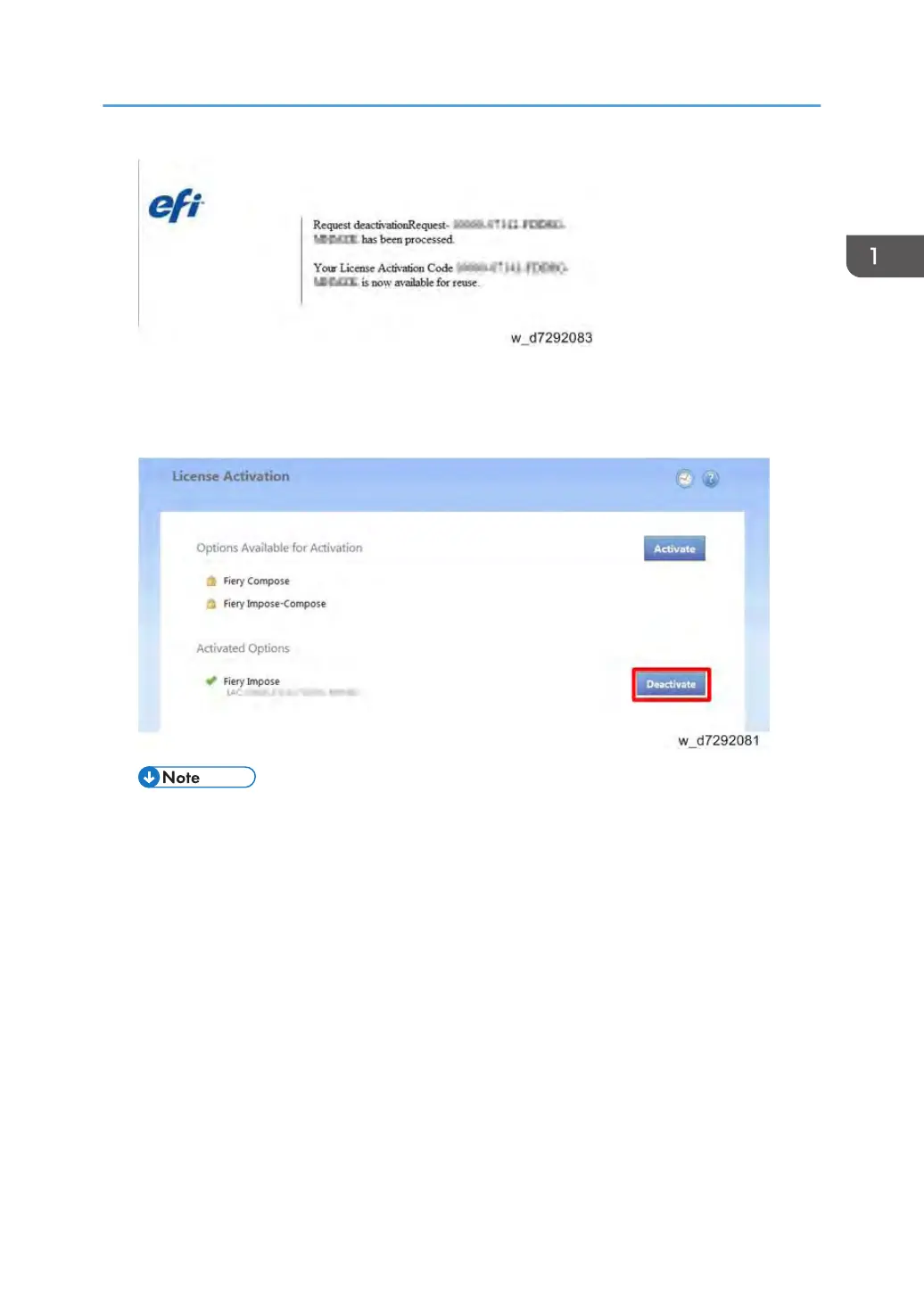
<Manual Deactivation Procedure>
1. In the Manage Client Options window, under Activated Options, click Deactivate next to
the option that you want to deactivate.
• If there is no Deactivate button next to the option, the option is activated by a dongle.
Installing Optional Features
49


 To Next Page