20
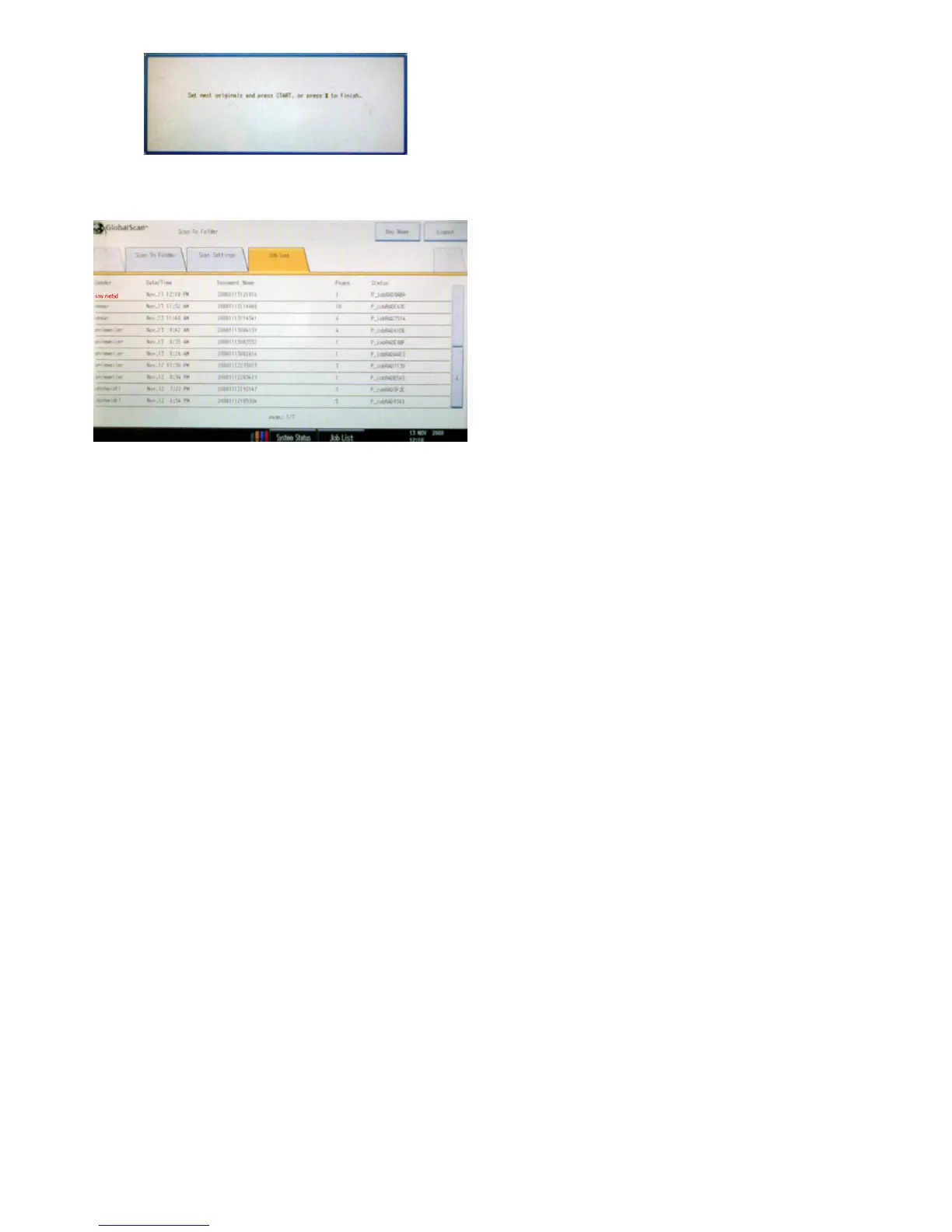
The printer will ask after every ‘part’ to press either the
‘start’ button (the big, round green button) or to press
the ‘#’ button. With ‘#’ you will close the batch scan,
which will be send to you shortly.
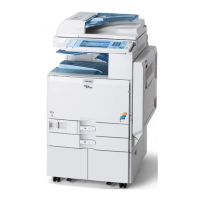
Onthe‘JobLog’tabyoucanseeifyourlehasalready
been sent. You can recognize your job by your NetID,
whichisdisplayedintherstcolumnunder‘Sender’.Your
job has been sent when it appears in the list.
3.4 Inspecting the job log









 To Previous Page