Protection Using Encryption
This machine uses the SSL and SNMPv3 protocols to protect the data that it transmits. These protocols
encrypt the data, preventing it from being intercepted, analyzed, or tampered with.
SSL (Secure Sockets Layer) Encryption
This can be specified by the network administrator.
To protect the communication path and establish encrypted communication, create and install the device
certificate.
There are two ways of installing a device certificate: create and install a self-signed certificate using the
machine, or request a certificate from a certificate authority and install it.
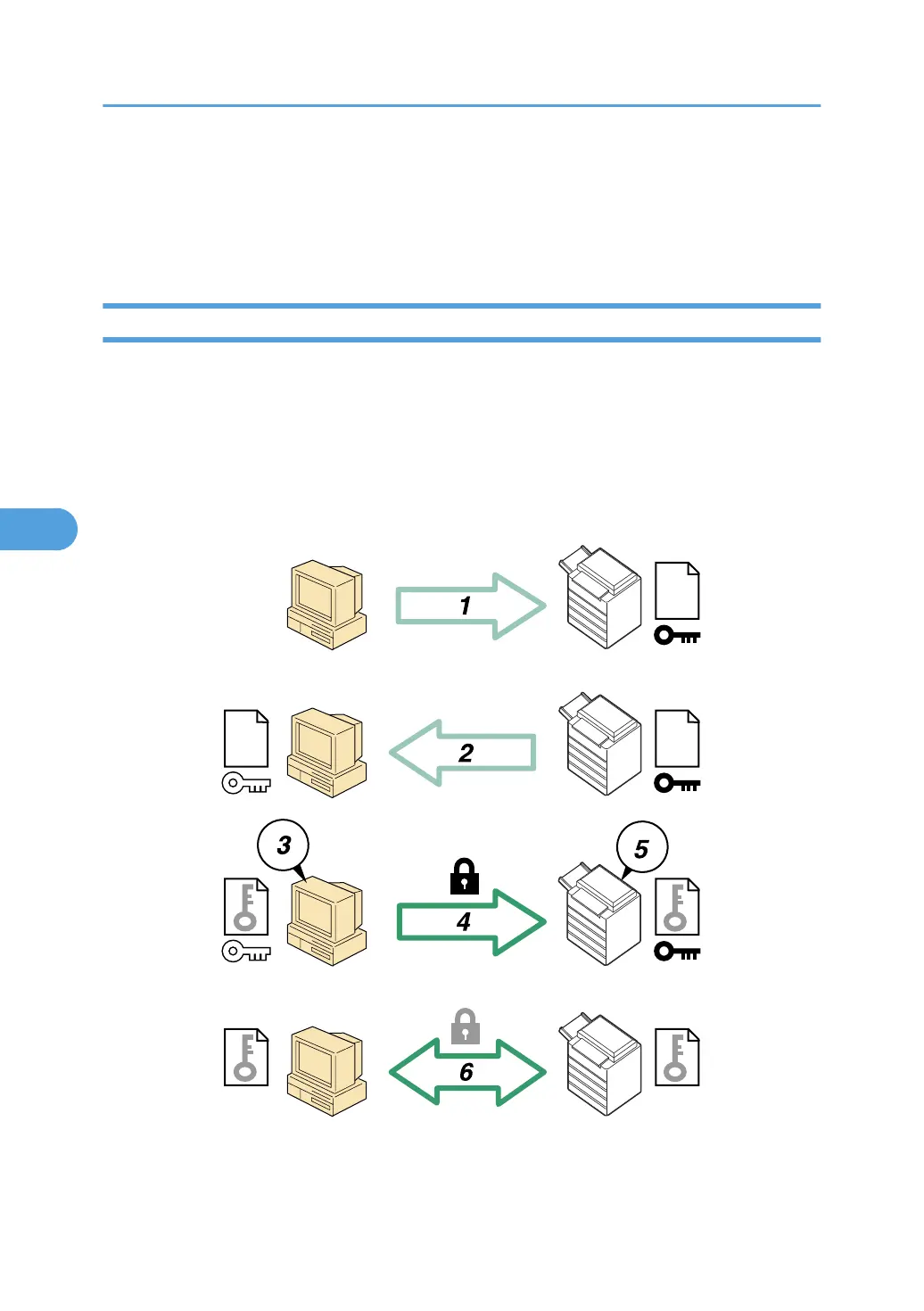
SSL (Secure Sockets Layer)
1. To access the machine from a user's computer, request the SSL device certificate and public key.
5. Enhanced Network Security
108



 To Next Page