• If the “Guest” account on the Windows server is enabled, even users not registered in the domain
controller can be authenticated. When this account is enabled, users are registered in the address
book and can use the functions available under [*Default Group].
Specifying Windows Authentication
This can be specified by the machine administrator.
For details about logging on and logging off with administrator authentication, see “Logging on Using
Administrator Authentication”, “Logging off Using Administrator Authentication”.
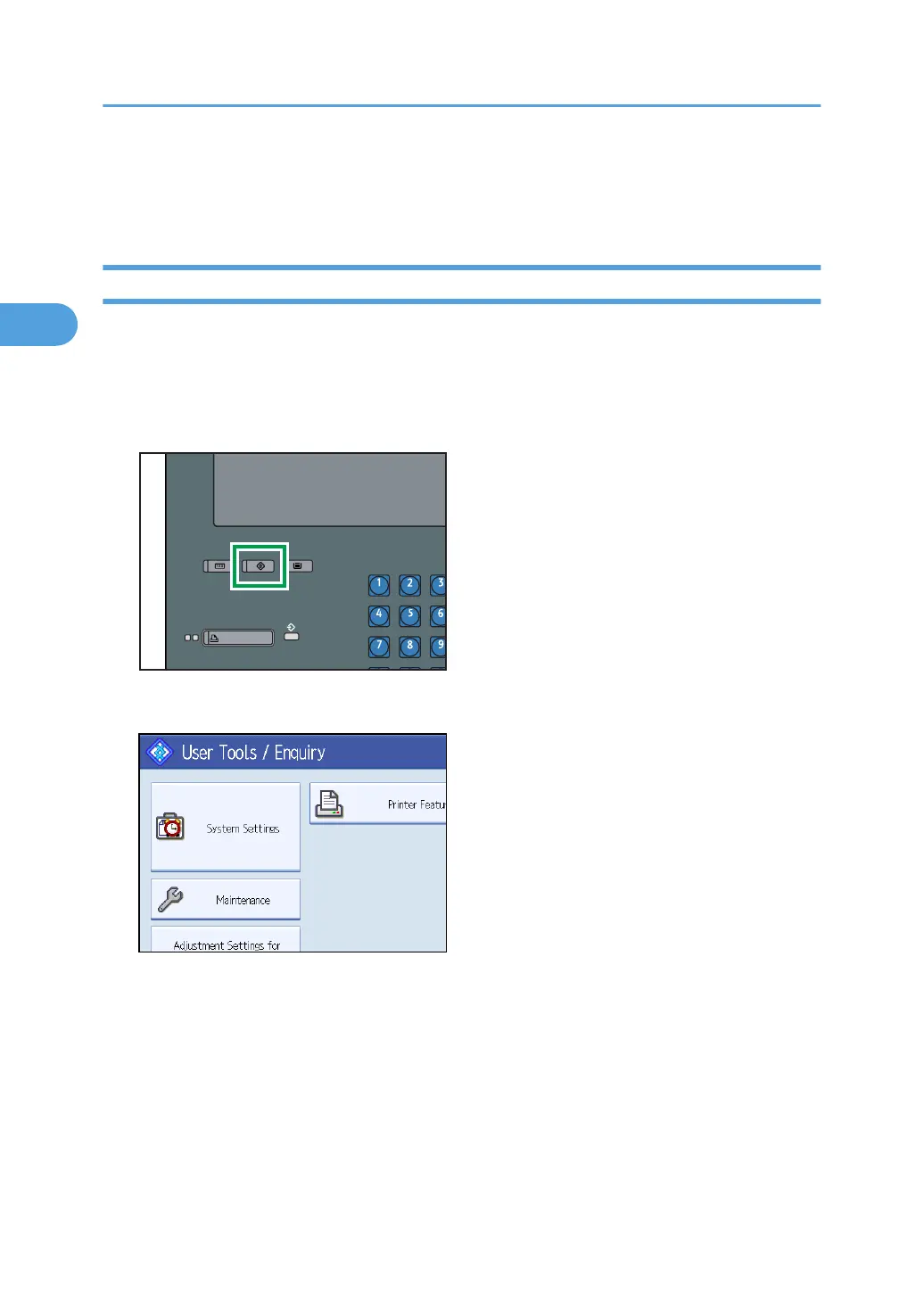
1. Press the [User Tools] key.
2. Press [System Settings].
2. Authentication and its Application
50



 To Next Page