3. Ensuring Information Security
This chapter describes how to protect data that is stored on the machine and transmitted information from
unauthorized viewing and modification.
Protecting the Address Book
If user authentication is specified, the user who has logged on will be designated as the sender to prevent
data from being sent by an unauthorized person masquerading as the user.
To protect the data from unauthorized reading, you can also encrypt the data in the address book.
Address Book Access Permission
This can be specified by the registered user. Access permission can also be specified by a user granted
full control or the user administrator.
You can specify who is allowed to access the data in the address book.
By making this setting, you can prevent the data in the address book being used by unregistered users.
For details about logging on and logging off with administrator authentication, see “Logging on Using
Administrator Authentication”, “Logging off Using Administrator Authentication”.
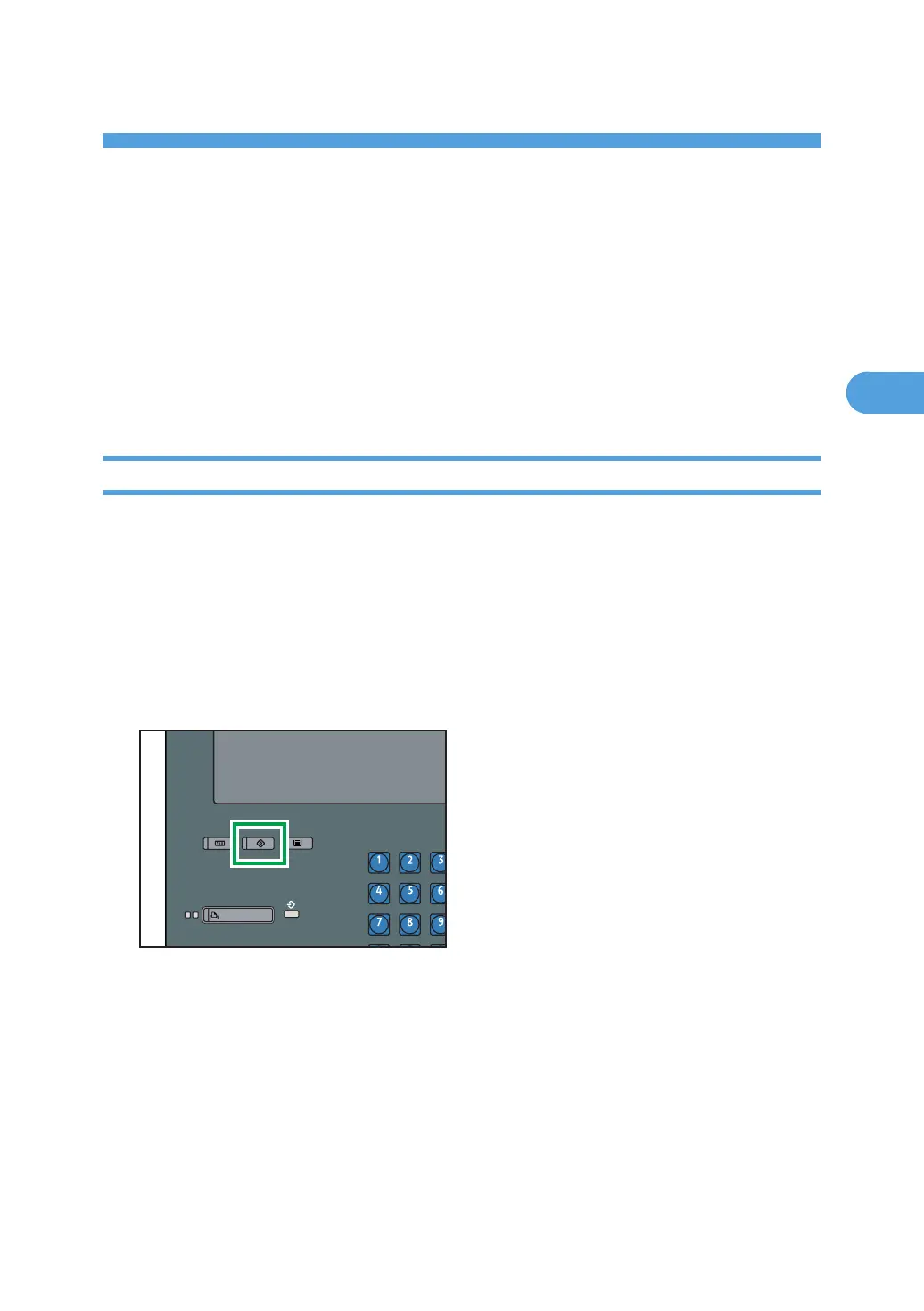
1. Press the [User Tools] key.
77



 To Next Page