If User Authentication is Specified
If user authentication (Basic Authentication, Windows Authentication, LDAP Authentication, or Integration
Server Authentication) has been specified, the machine cannot be operated unless login user names and
passwords for individual users are entered. Log on to operate the machine, and log off when you are
finished operations. Be sure to log off to prevent unauthorized users from using the machine. When auto
logout timer is specified, the machine automatically logs you off if you do not use the control panel within
a given time. Additionally, you can authenticate using an external device. For details about using an external
device for user authentication, see “Authentication Using an External Device”.
• If User Code Authentication is enabled, the authentication message will not appear. The printer's User
Code Authentication supports authentication from the printer driver or Web Image Monitor.
• Consult the User Administrator about your login user name, password, and user code.
• For user code authentication, enter a number registered in the address book as [User Code].
• p.76 "Authentication Using an External Device"
Login (Using the Control Panel)
Use the following procedure to log in when Basic Authentication, Windows Authentication, LDAP
Authentication, or Integration Server Authentication is enabled.
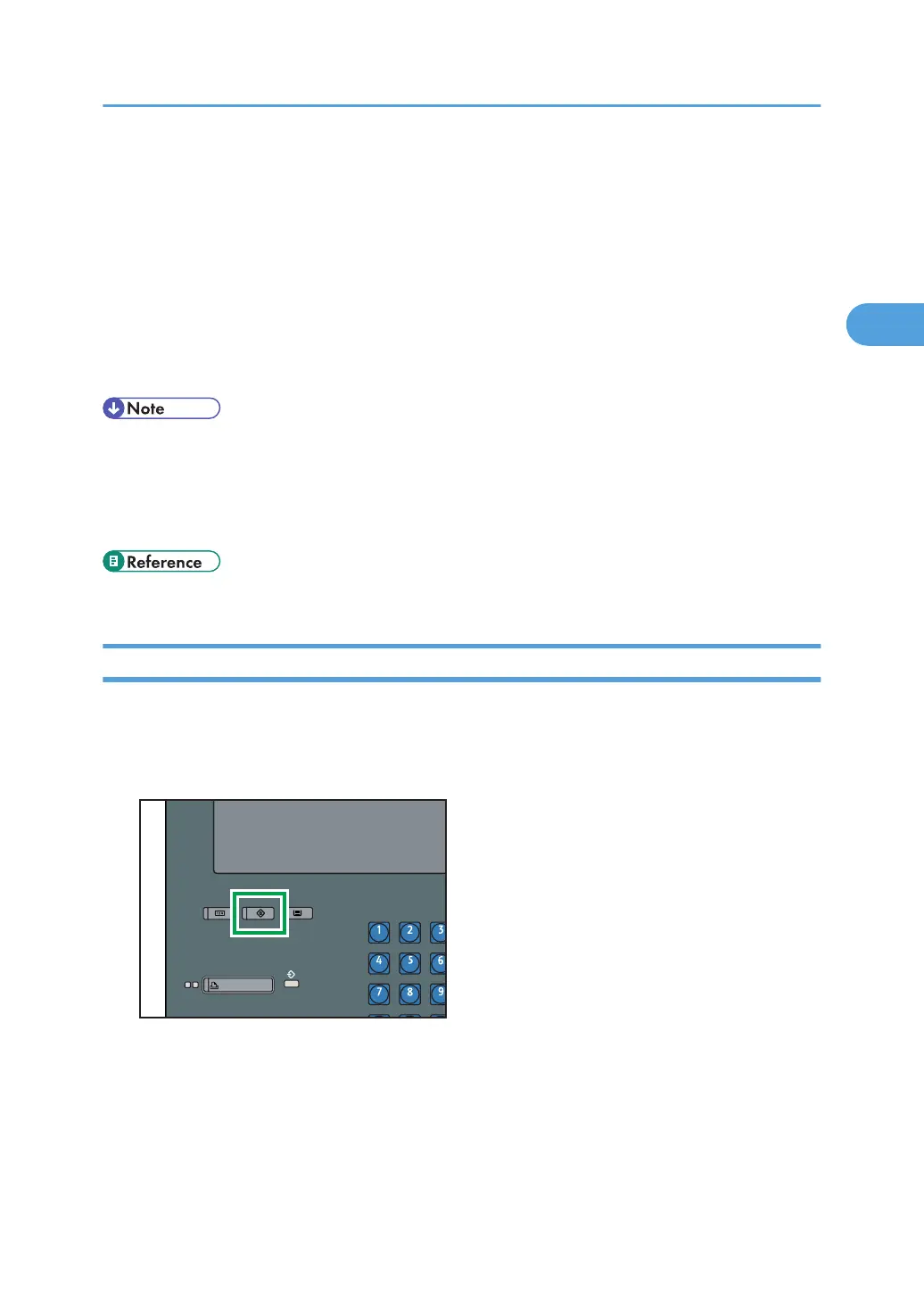
1. Press [User Tools] key.
If User Authentication is Specified
69



 To Next Page