Limiting Available Functions
To prevent unauthorized operation, you can specify who is allowed to access each of the machine's
functions.
To limit what extended features and printer functions can be used, use the [Available Functions] setting on
the [Auth. Info] tab.
• You can limit the availability of extended features only if an application that enables use of extended
features is already installed on the machine.
• For details about applications that enable use of extended features, contact your sales or service
representative.
Specifying Which Functions are Available
This can be specified by the user administrator. Specify the functions available to registered users. By making
this setting, you can limit the functions available to users.
For details about logging on and logging off with administrator authentication, see “Logging on Using
Administrator Authentication”, “Logging off Using Administrator Authentication”.
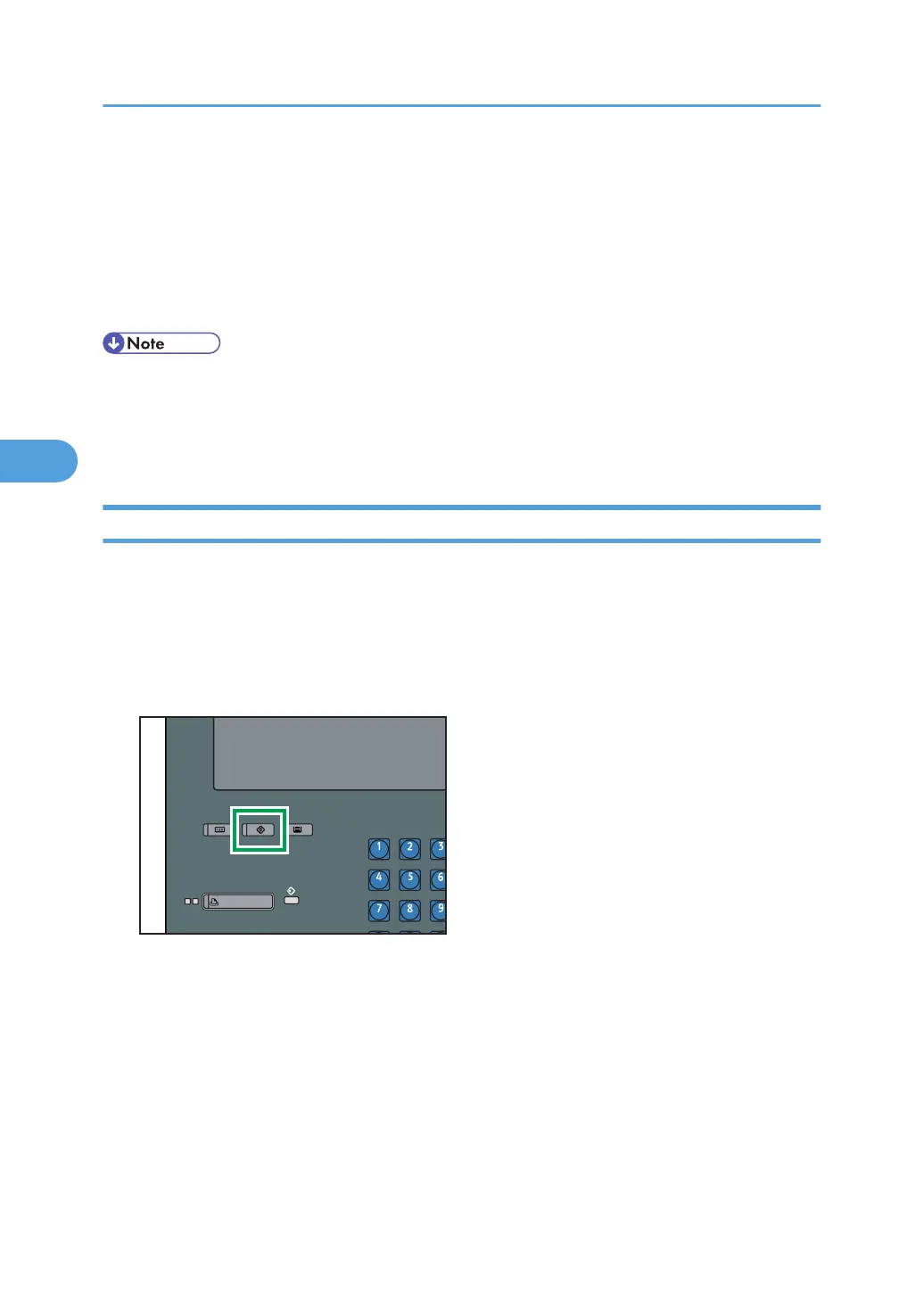
1. Press the [User Tools] key.
4. Managing Access to the Machine
92


 To Next Page