Deleting Data on the Hard Disk
This can be specified by the machine administrator.
To use this function, the optional DataOverwriteSecurity Unit must be installed.
The machine's hard disk lets you store data under the printer, as well as the address book and counters
stored under each user code.
To prevent data on the hard disk being leaked before disposing of the machine, you can overwrite all data
stored on the hard disk. You can also automatically overwrite temporarily-stored data.
Auto Erase Memory
A print data sent from a printer driver is temporarily stored on the machine's hard disk.
Even after the job is completed, it remains in the hard disk as temporary data. Auto Erase Memory erases
the temporary data on the hard disk by writing over it.
Overwriting starts automatically once the job is completed.
The Printer functions take priority over the Auto Erase Memory function. If a print job is in progress,
overwriting will only be done after the job is completed.
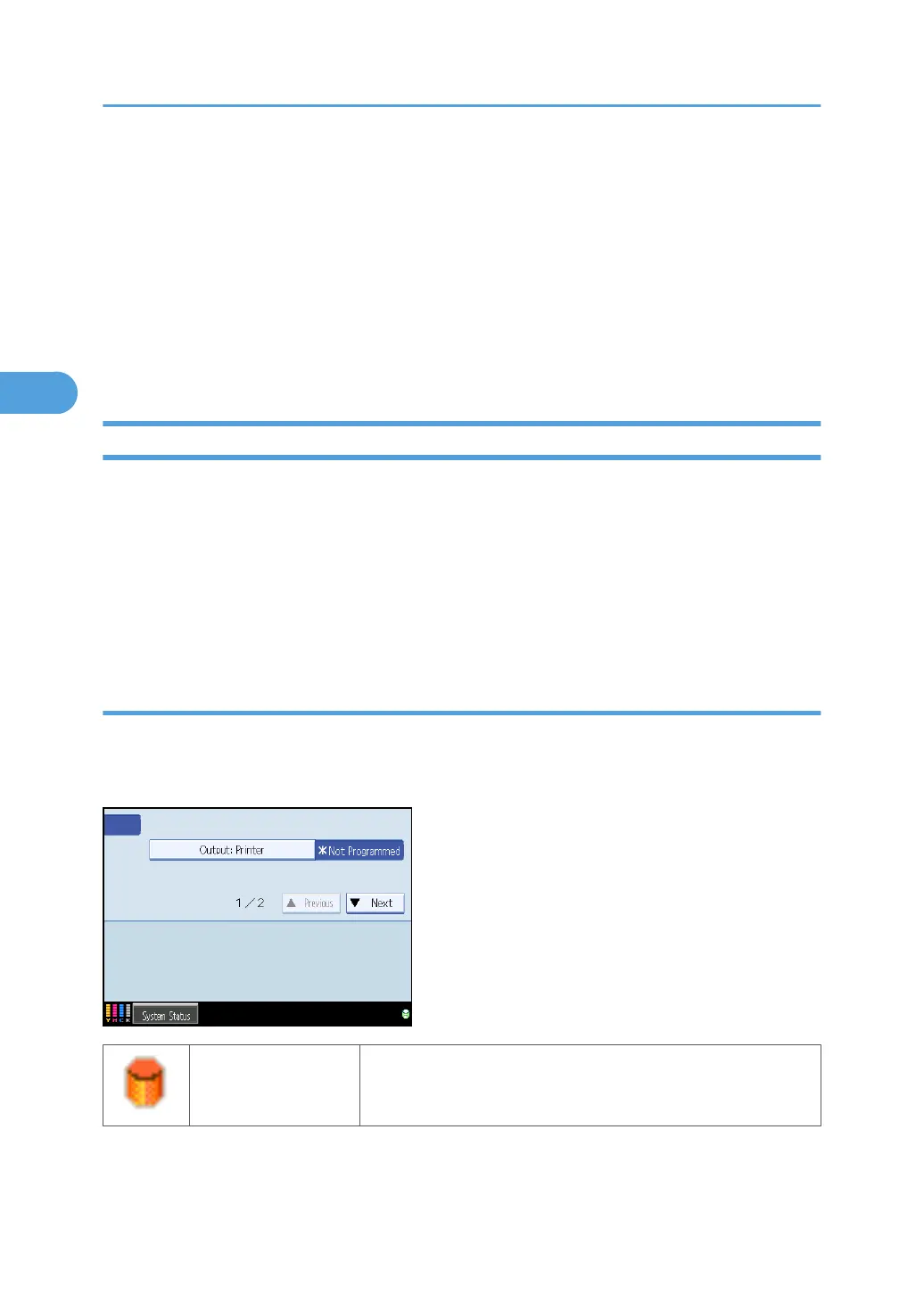
Overwrite Icon
If this option has been correctly installed and is functioning properly, the Data Overwrite icon will be
indicated in the bottom right hand corner of the panel display of your machine when Auto Erase Memory
is set to [On].
Dirty
This icon is lit when there is temporary data to be overwritten, and
blinks during overwriting.
3. Ensuring Information Security
84



 To Next Page