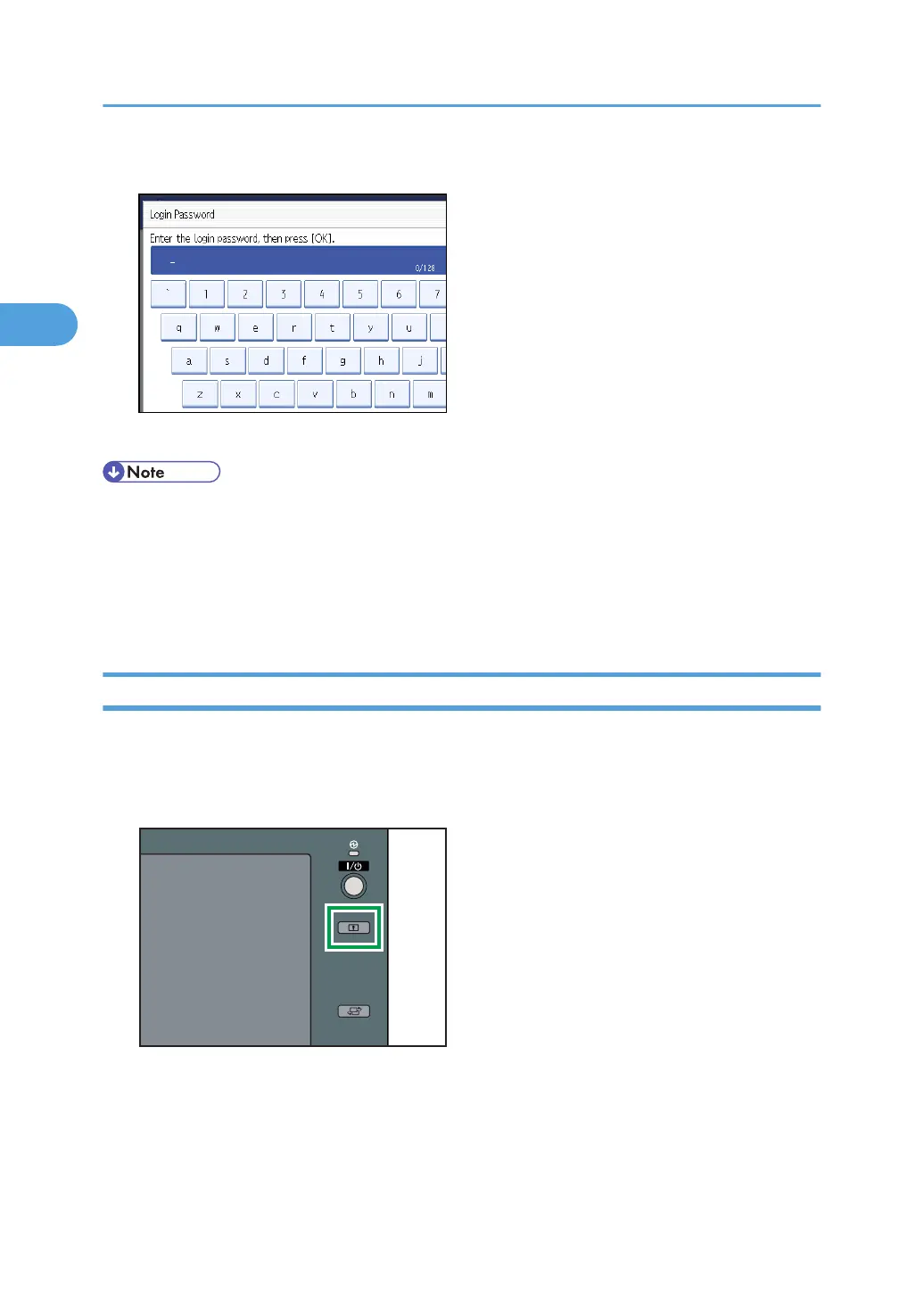
5. Enter the login password, and then press [OK].
"Authenticating... Please wait." appears, followed by the screen for specifying the default.
• If user authentication has already been specified, a screen for authentication appears.
• To log on as an administrator, enter the administrator's login user name and login password.
• If you log on using administrator authority, the name of the administrator logging on appears.
• If you log on using a login user name with the authority of more than one administrator, “Administrator”
appears.
Logging off Using Administrator Authentication
If administrator authentication has been specified, be sure to log off after completing settings. This section
explains how to log off after completing settings.
1. Press the [Login/Logout] key.
2. Authentication and its Application
34



 To Next Page