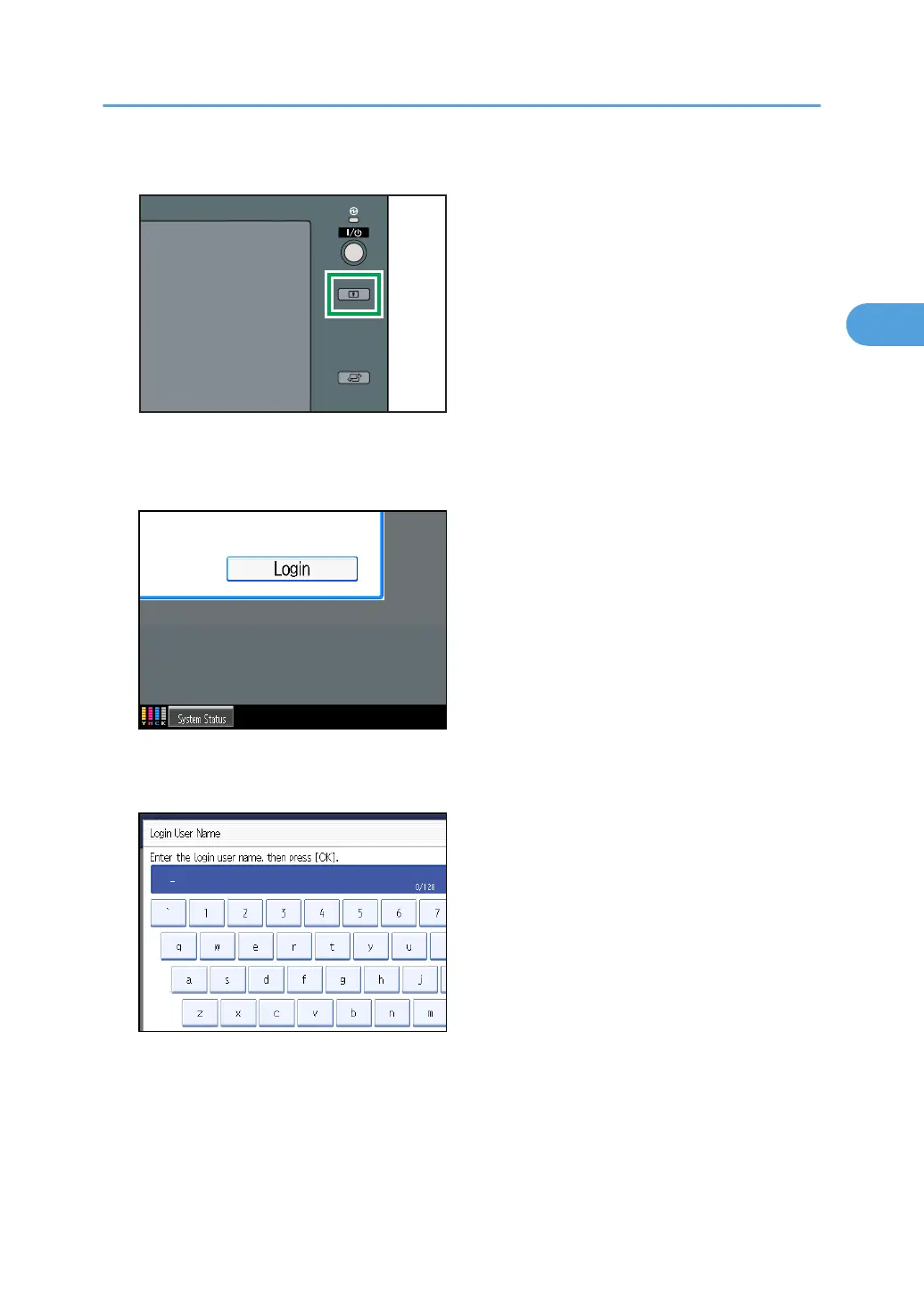
2. Press the [Login/Logout] key.
The message, "Press [Login], then enter the login user name and login password." appears.
3. Press [Login].
If you do not want to log in, press [Cancel].
4. Enter the login user name, and then press [OK].
When you log on to the machine for the first time as the administrator, enter “admin”.
Administrator Authentication
33



 To Next Page