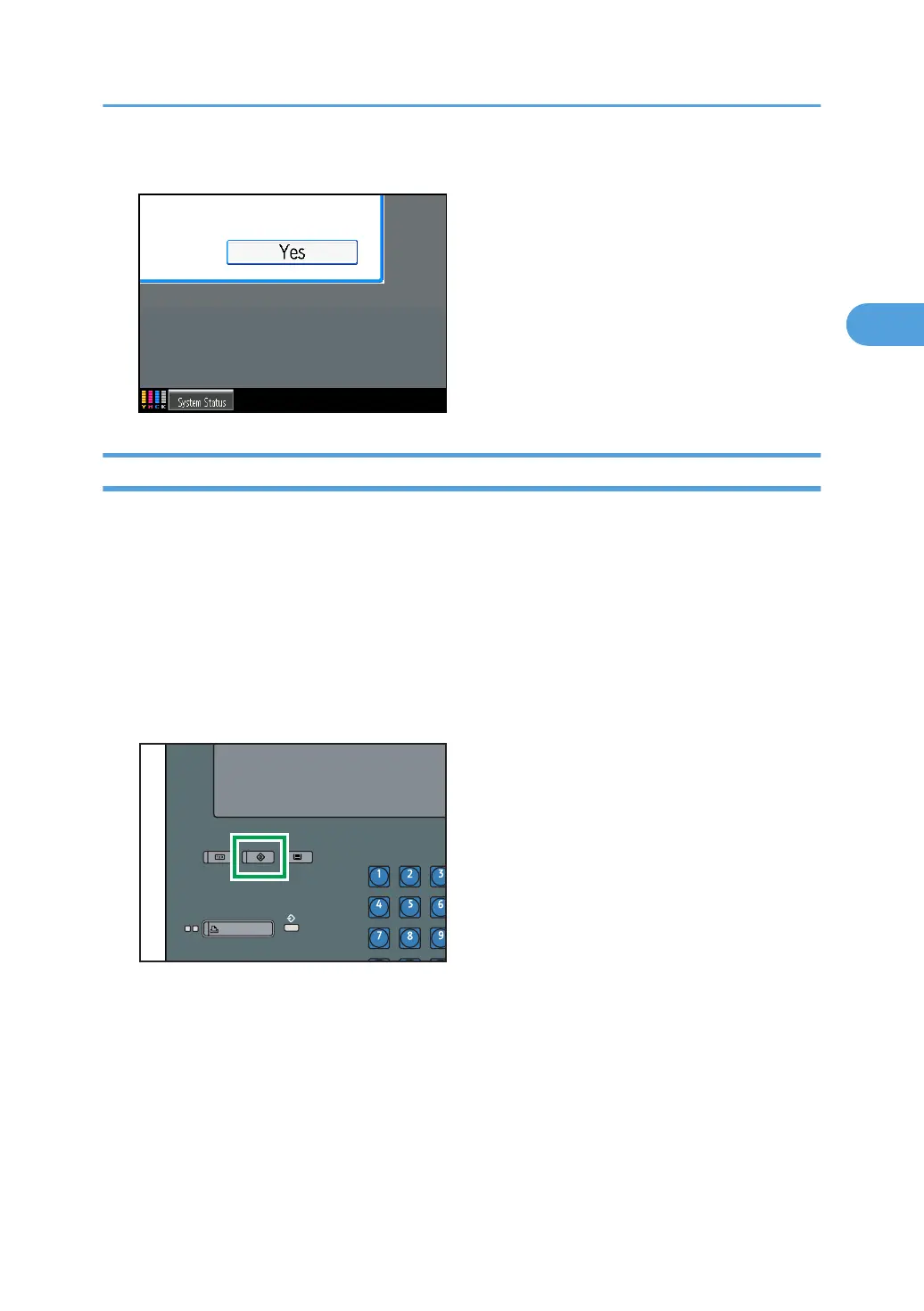
2. Press [Yes].
Changing the Administrator
Change the administrator's login user name and login password. You can also assign administrator
authority to the login user names [Administrator 1] to [Administrator 4]. To combine the authorities of multiple
administrators, assign multiple administrators to a single administrator.
For example, to assign machine administrator authority and user administrator authority to [Administrator
1], press [Administrator 1] in the lines for the machine administrator and the user administrator.
For details about logging on and logging off with administrator authentication, see “Logging on Using
Administrator Authentication”, “Logging off Using Administrator Authentication”.
1. Press the [User Tools] key.
Administrator Authentication
35



 To Next Page