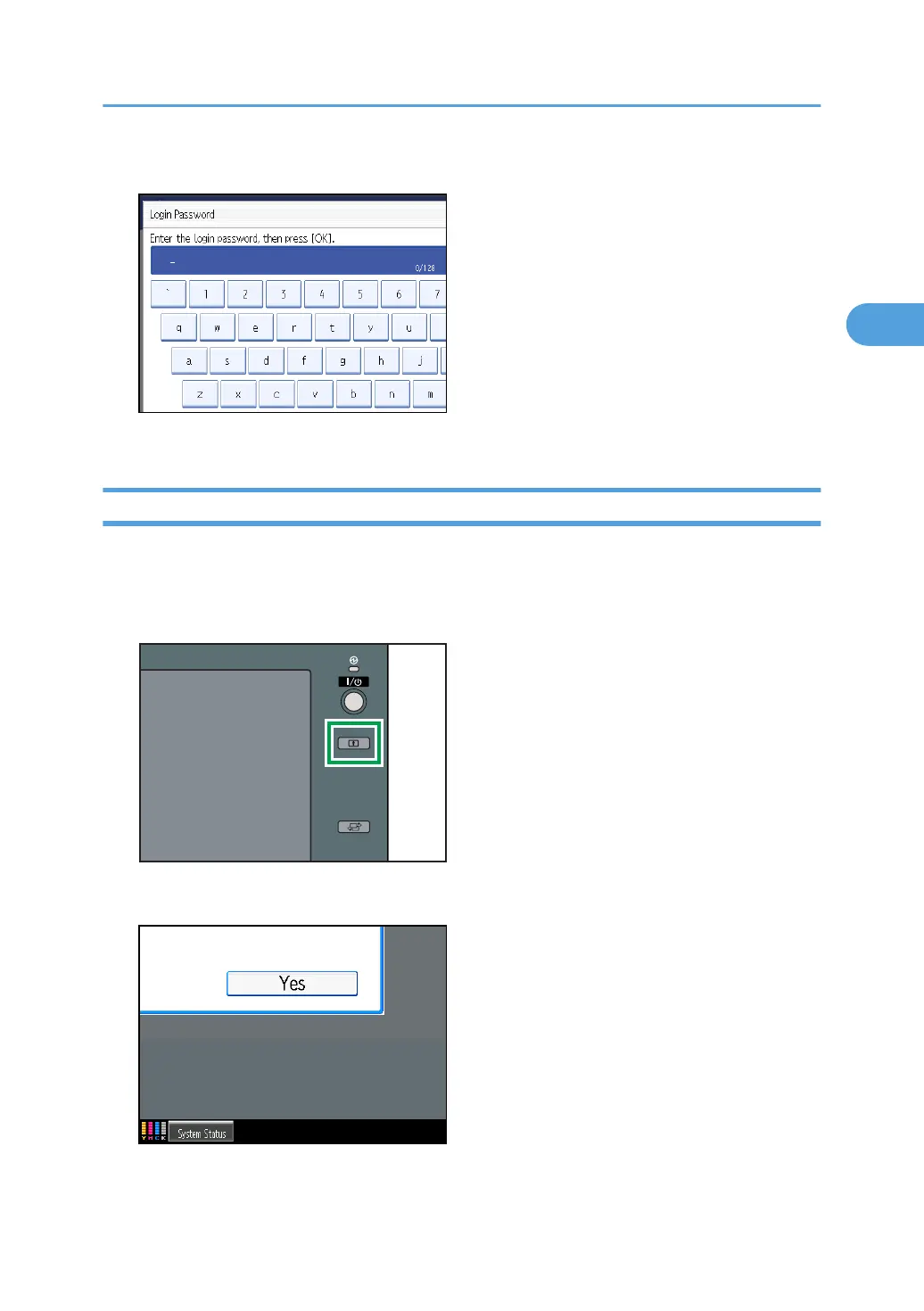
5. Enter the login password, and then press [OK].
The message, "Authenticating... Please wait." appears.
Log Off (Using the Control Panel)
Follow the procedure below to log off when Basic Authentication, Windows Authentication, Authentication,
LDAP Authentication, or Integration Server Authentication is set.
1. Press the [Login/Logout] key.
2. Press [Yes].
The message, "Logging out... Please wait." appears.
If User Authentication is Specified
71



 To Next Page