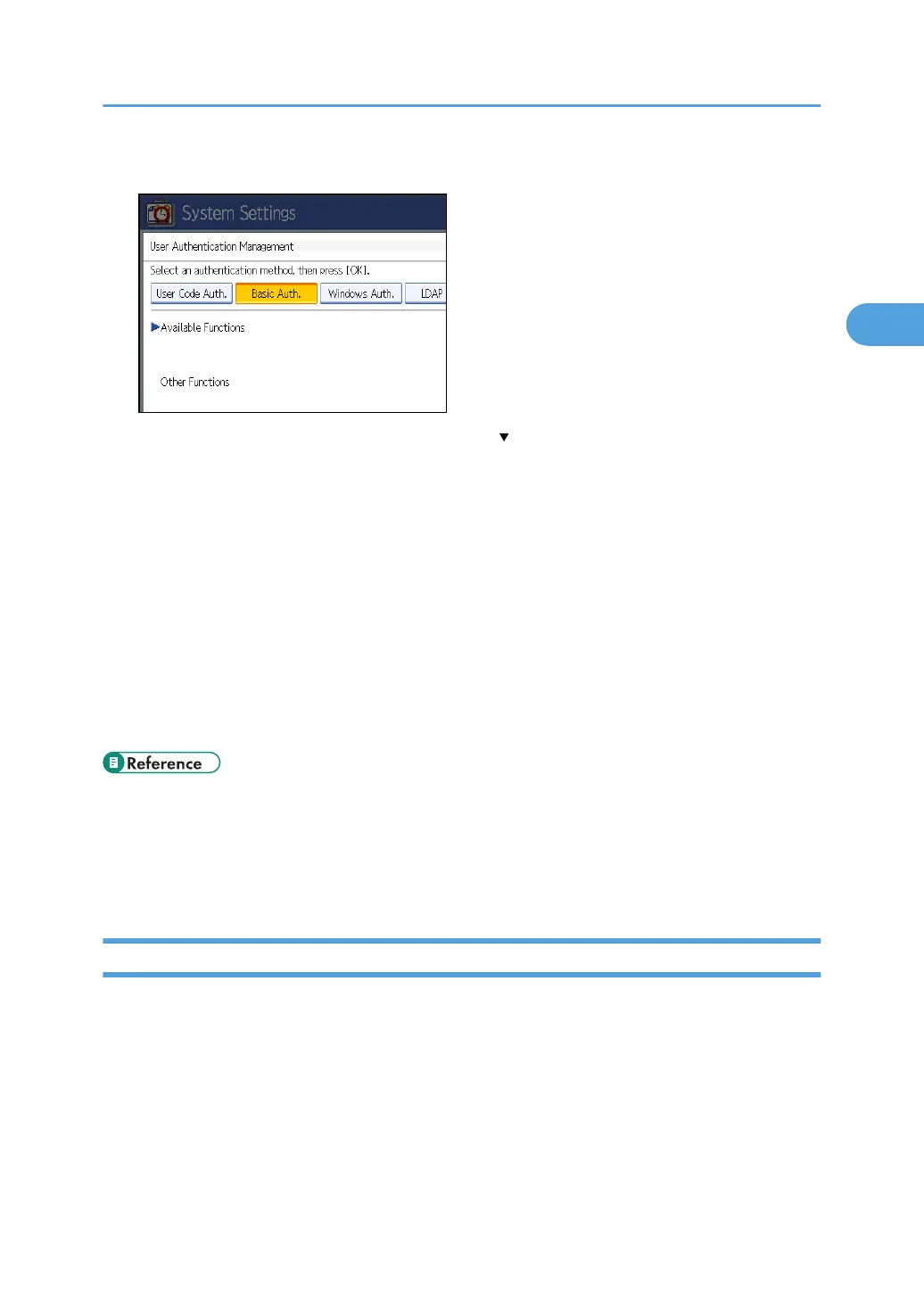
6. Select which of the machine's functions you want to permit.
If the setting to be specified does not appear, press [ Next] to scroll down to other settings.
The selected functions are registered as the initial settings for “Available Functions”, in the address
book. By specifying “Available Functions”, you can limit the functions available to each user under
Basic Authentication.
For details about specifying available functions for individuals or groups, see “Limiting Available
Functions”.
For details about printer job authentication, see “User Code Authentication”.
7. Press [OK].
8. Press the [User Tools] key.
A confirmation message appears.
If you press [Yes], you will be automatically logged out.
• p.32 "Logging on Using Administrator Authentication"
• p.34 "Logging off Using Administrator Authentication"
• p.92 "Limiting Available Functions"
• p.40 "User Code Authentication"
Authentication Information Stored in the Address Book
This can be specified by the user administrator. For details about logging on and logging off with
administrator authentication, see “Logging on Using Administrator Authentication”, “Logging off Using
Administrator Authentication”.
If you have specified User Authentication, you can specify access limits for individual users and groups of
users. Specify the setting in the address book for each user.
Users must have a registered account in the address book in order to use the machine when User
Authentication is specified. For details about user registration, see “Registering Names”, General Settings
Guide.
Basic Authentication
45



 To Next Page