User authentication can also be specified via Web Image Monitor.
• p.32 "Logging on Using Administrator Authentication"
• p.34 "Logging off Using Administrator Authentication"
Specifying Login User Name and Login Password
In [Address Book Management], specify the login user name and login password to be used for User
Authentication Management.
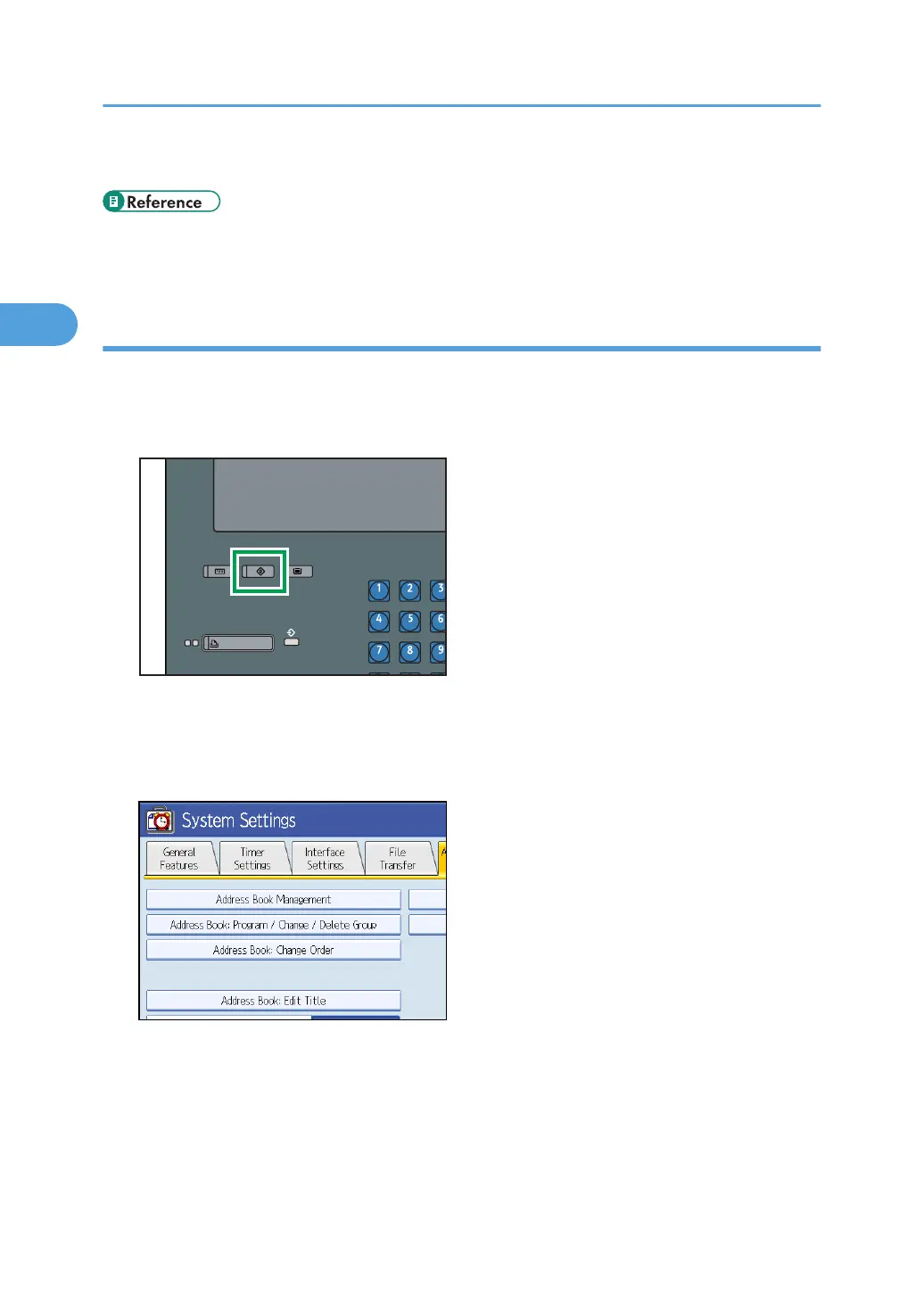
1. Press the [User Tools] key.
2. Press [System Settings].
3. Press [Administrator Tools].
4. Press [Address Book Management].
2. Authentication and its Application
46



 To Next Page