Integration Server Authentication
To use Integration Server authentication with this machine, you need a server on which Authentication
Manager or another application that supports authentication is installed.
For external authentication, the Integration Server authentication collectively authenticates users accessing
the server over the network, providing a server-independent, centralized user authentication system that is
safe and convenient.
Using Web Image Monitor, you can specify that the server reliability and site certificate are checked every
time you access the SSL server. For details about specifying SSL using Web Image Monitor, see Web Image
Monitor Help.
• During Integration Server Authentication, the data registered in the server is automatically registered
in the machine.
• If user information on the server is changed, information registered in the machine may be overwritten
when authentication is performed.
Specifying Integration Server Authentication
This can be specified by the machine administrator.
For details about logging on and logging off with administrator authentication, see “Logging on Using
Administrator Authentication”, “Logging off Using Administrator Authentication”.
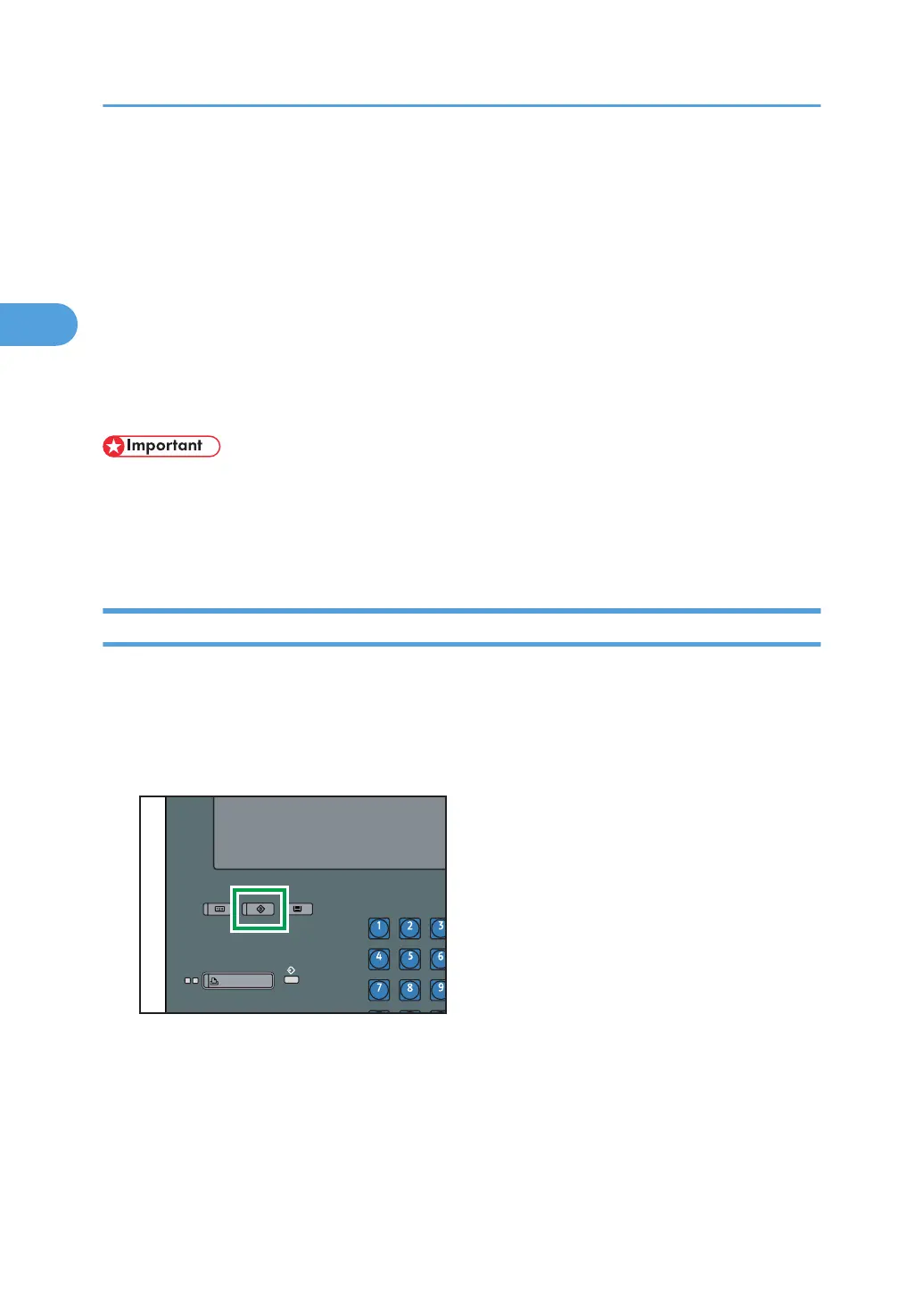
1. Press the [User Tools] key.
2. Authentication and its Application
62



 To Next Page