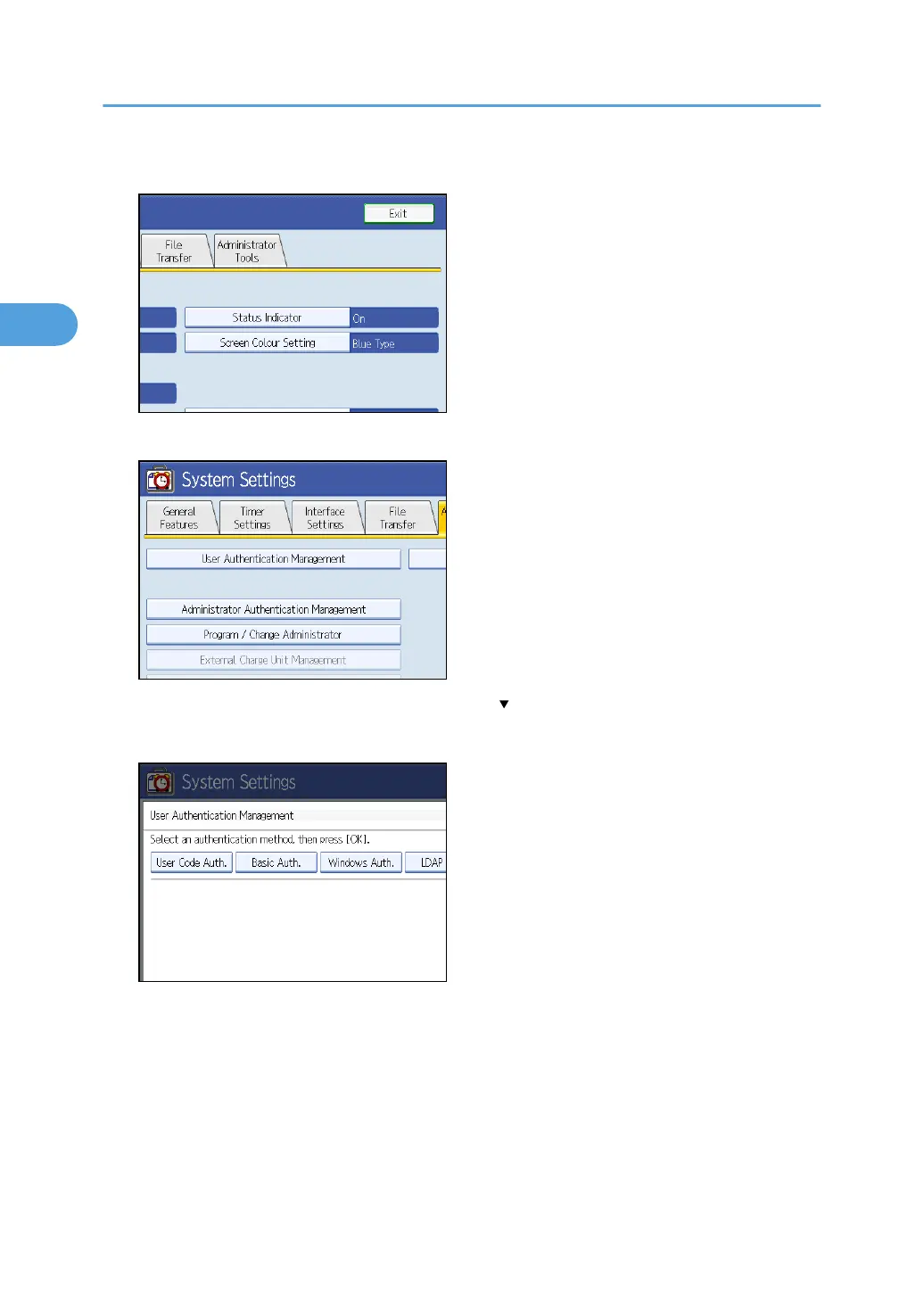
3. Press [Administrator Tools].
4. Press [User Authentication Management].
If the setting to be specified does not appear, press [ Next] to scroll down to other settings.
5. Select [Basic Auth.].
If you do not want to use user authentication management, select [Off].
2. Authentication and its Application
44



 To Next Page