Setting the SSL / TLS Encryption Mode
This can be specified by the network administrator.
After installing the device certificate, specify the SSL/TLS encrypted communication mode. By making this
setting, you can change the security level.
For details about logging on and logging off with administrator authentication, see “Logging on Using
Administrator Authentication”, “Logging off Using Administrator Authentication”.
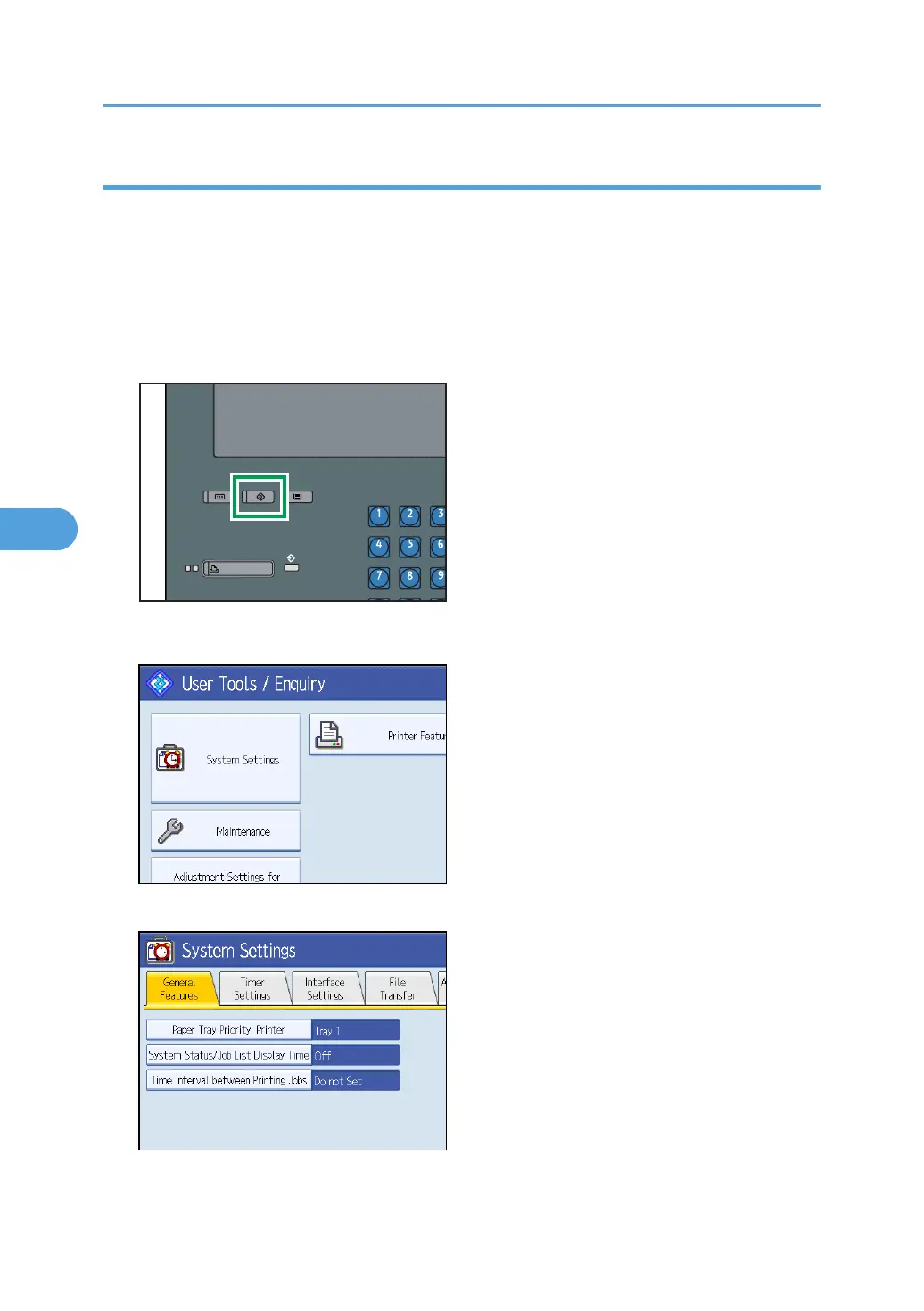
1. Press the [User Tools] key.
2. Press [System Settings].
3. Press [Interface Settings].
5. Enhanced Network Security
114



 To Next Page