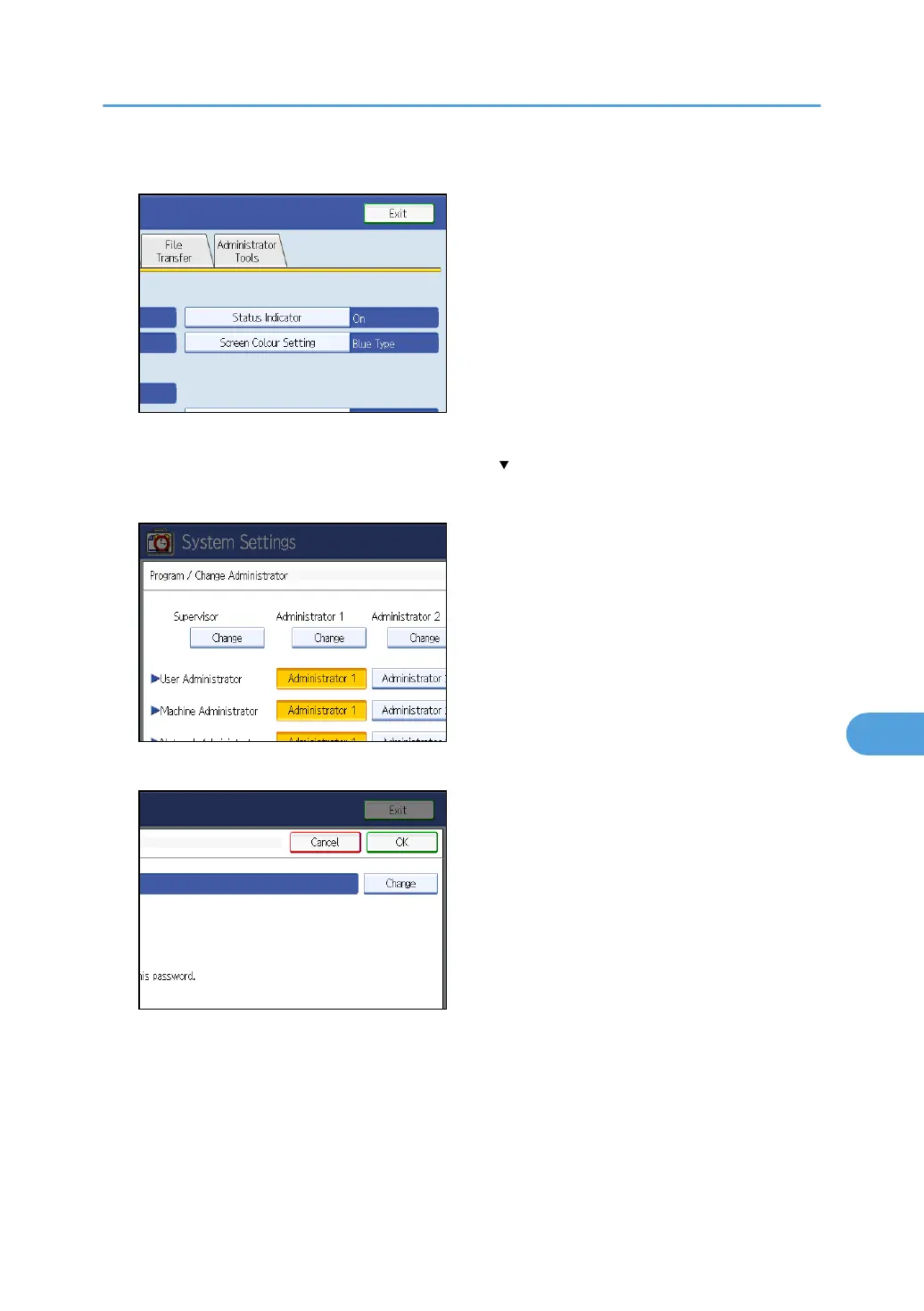
5. Press [Administrator Tools].
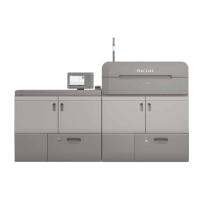
6. Press [Program / Change Administrator].
If the setting to be specified does not appear, press [ Next] to scroll down to other settings.
7. Under “Supervisor”, press [Change].
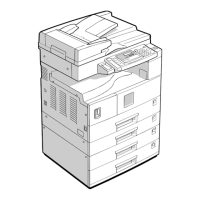
8. Press [Change] for the login user name.
9. Enter the login user name, and then press [OK].
10. Press [Change] for the login password.
11. Enter the login password, and then press [OK].
12. If a password reentry screen appears, enter the login password, and then press [OK].
13. Press [OK] twice.
You will be automatically logged off.
Supervisor Operations
153


 To Next Page