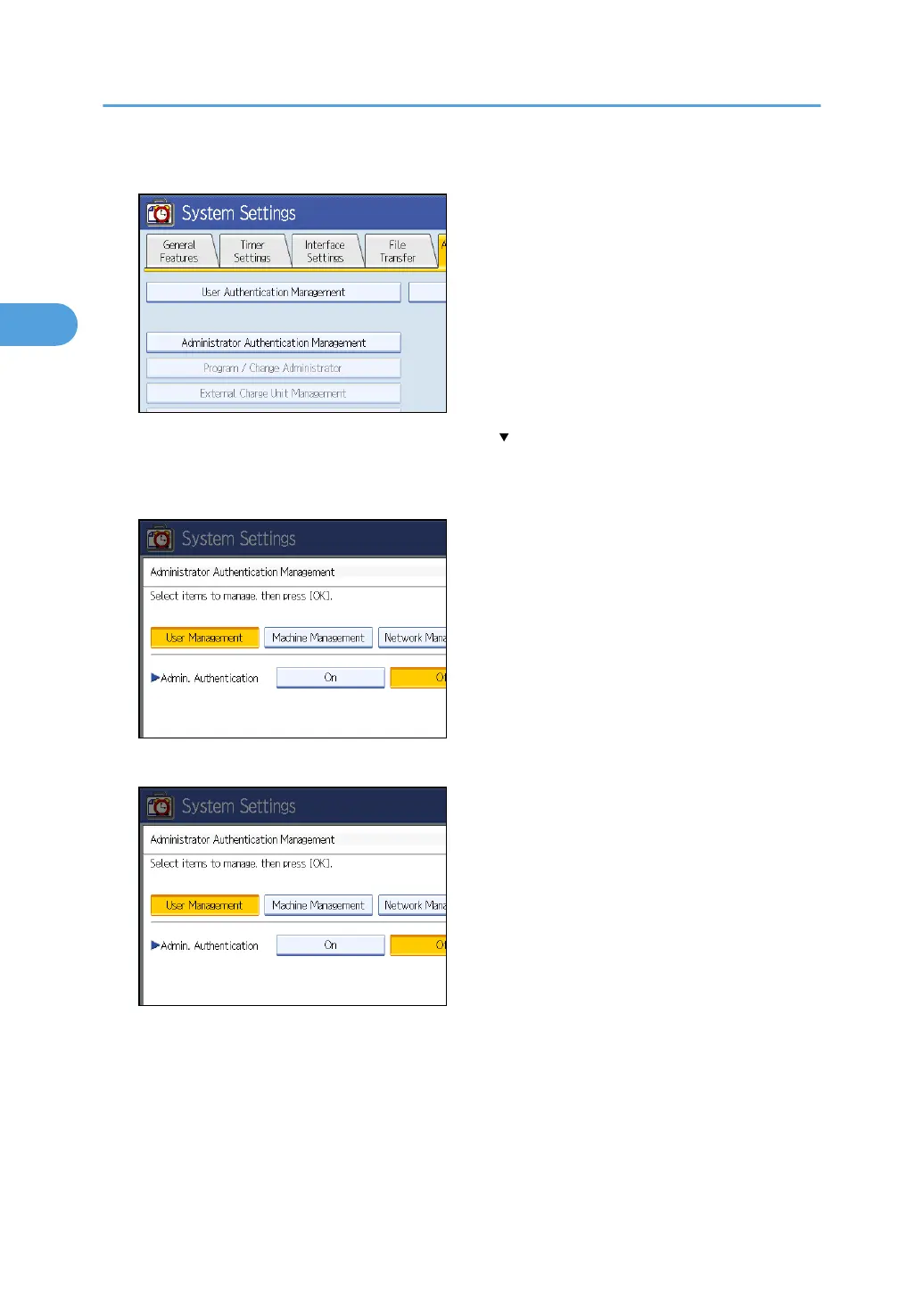
4. Press [Administrator Authentication Management].
If the setting to be specified does not appear, press [ Next] to scroll down to other settings.
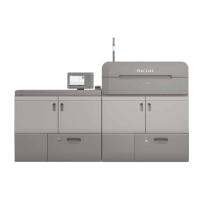
5. Press [User Management], [Machine Management], [Network Management], or [File
Management] key to select which settings to manage.
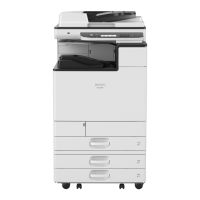
6. Set “Admin. Authentication” to [On].
“Available Settings” appears.
2. Authentication and its Application
26


 To Next Page