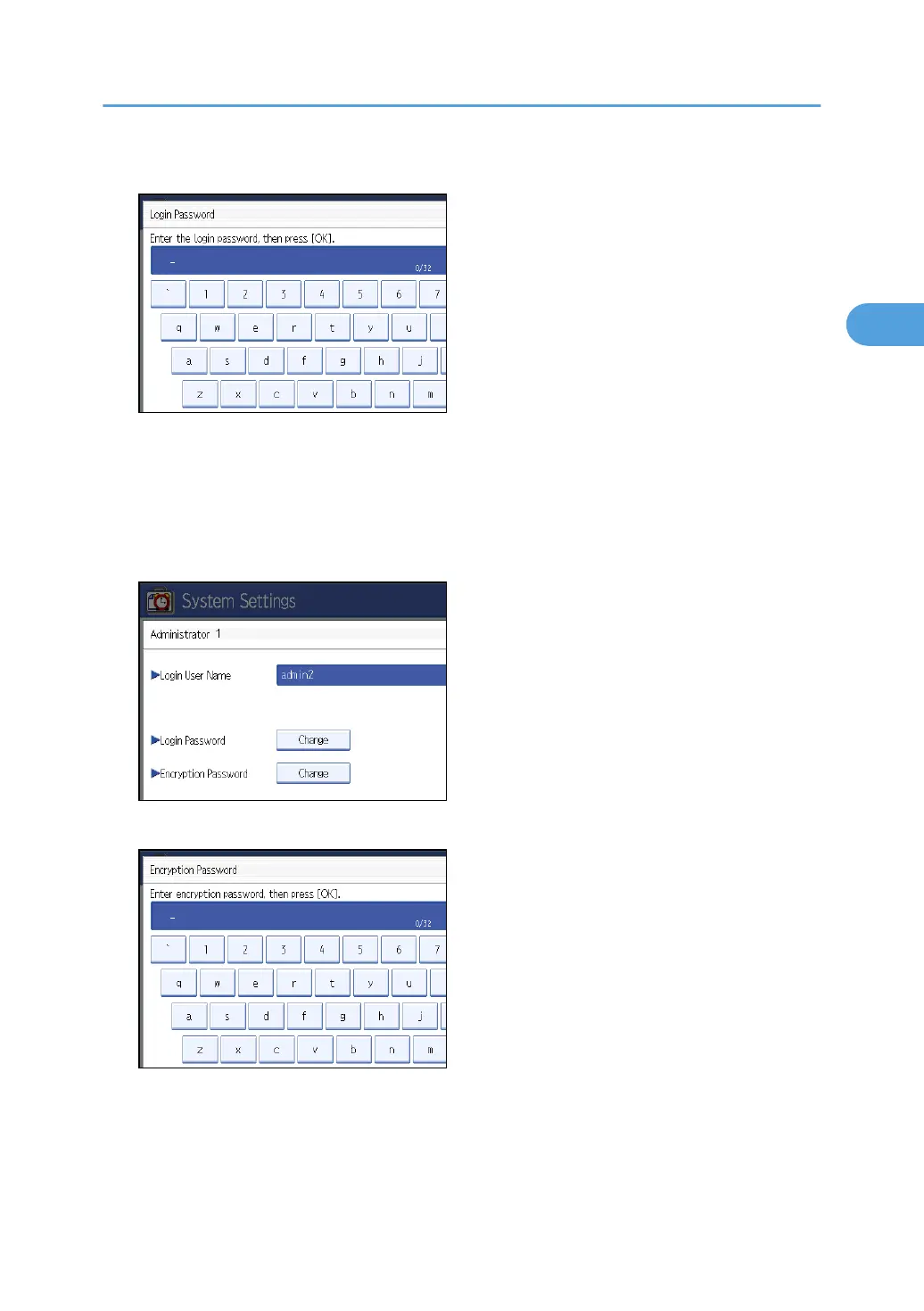
9. Enter the login password, and then press [OK].
Follow the password policy to make the login password more secure.
For details about the password policy and how to specify it, see “Specifying the Extended Security
Functions”.
10. If a password reentry screen appears, enter the login password, and then press [OK].
11. Press [Change] for the encryption password.
12. Enter the encryption password, and then press [OK].
13. If a password reentry screen appears, enter the encryption password, and then press [OK].
14. Press [OK] twice.
You will be logged off.
15. Press the [User Tools] key.
Administrator Authentication
31



 To Next Page