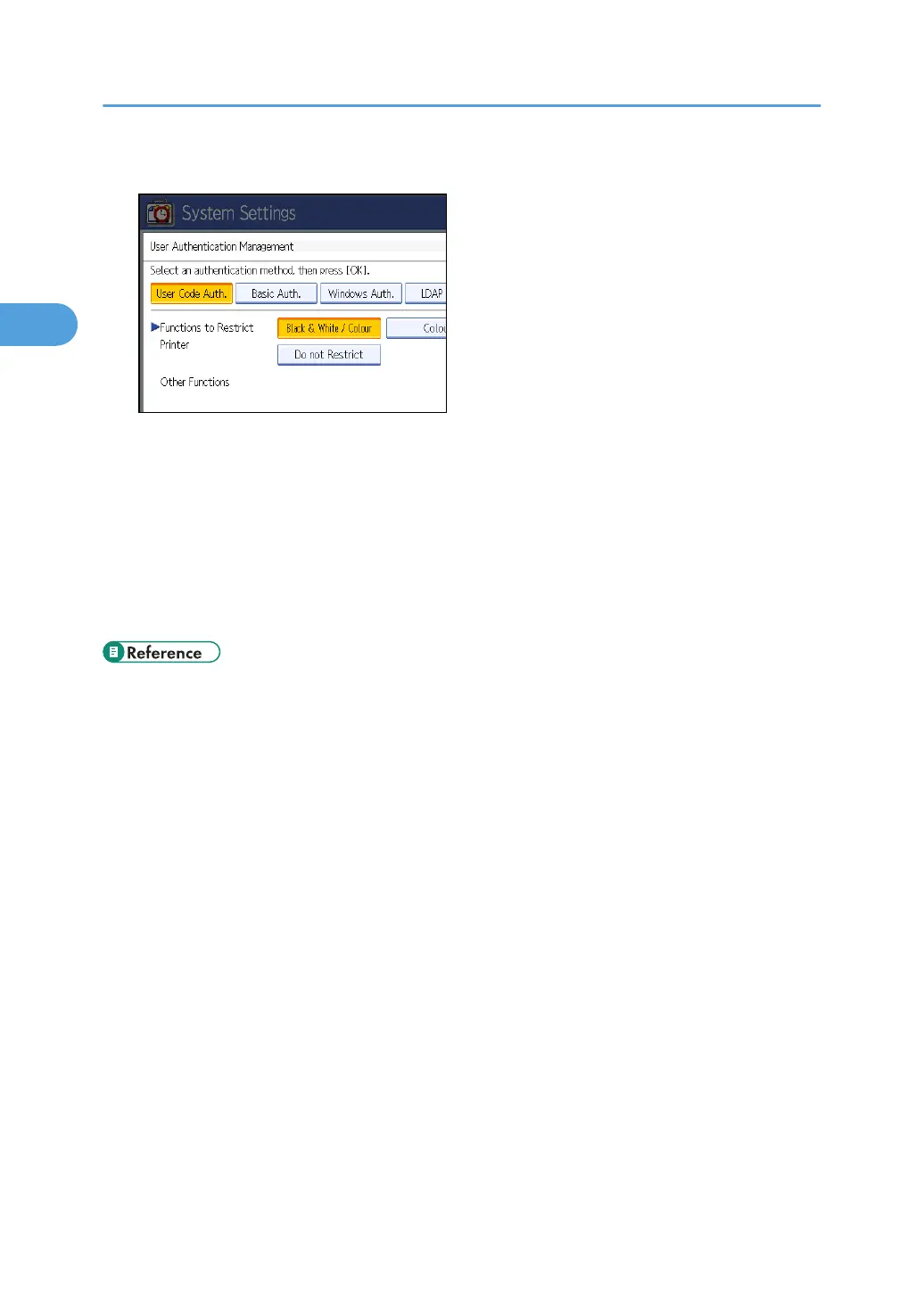
6. Select which of the machine's functions you want to limit.
The selected settings will be unavailable to users.
For details about specifying available functions for individuals or groups, see “Limiting Available
Functions”.
7. Press [OK].
8. Press the [User Tools] key.
A confirmation message appears.
If you press [Yes], you will be automatically logged out.
• p.32 "Logging on Using Administrator Authentication"
• p.34 "Logging off Using Administrator Authentication"
• p.92 "Limiting Available Functions"
2. Authentication and its Application
42



 To Next Page