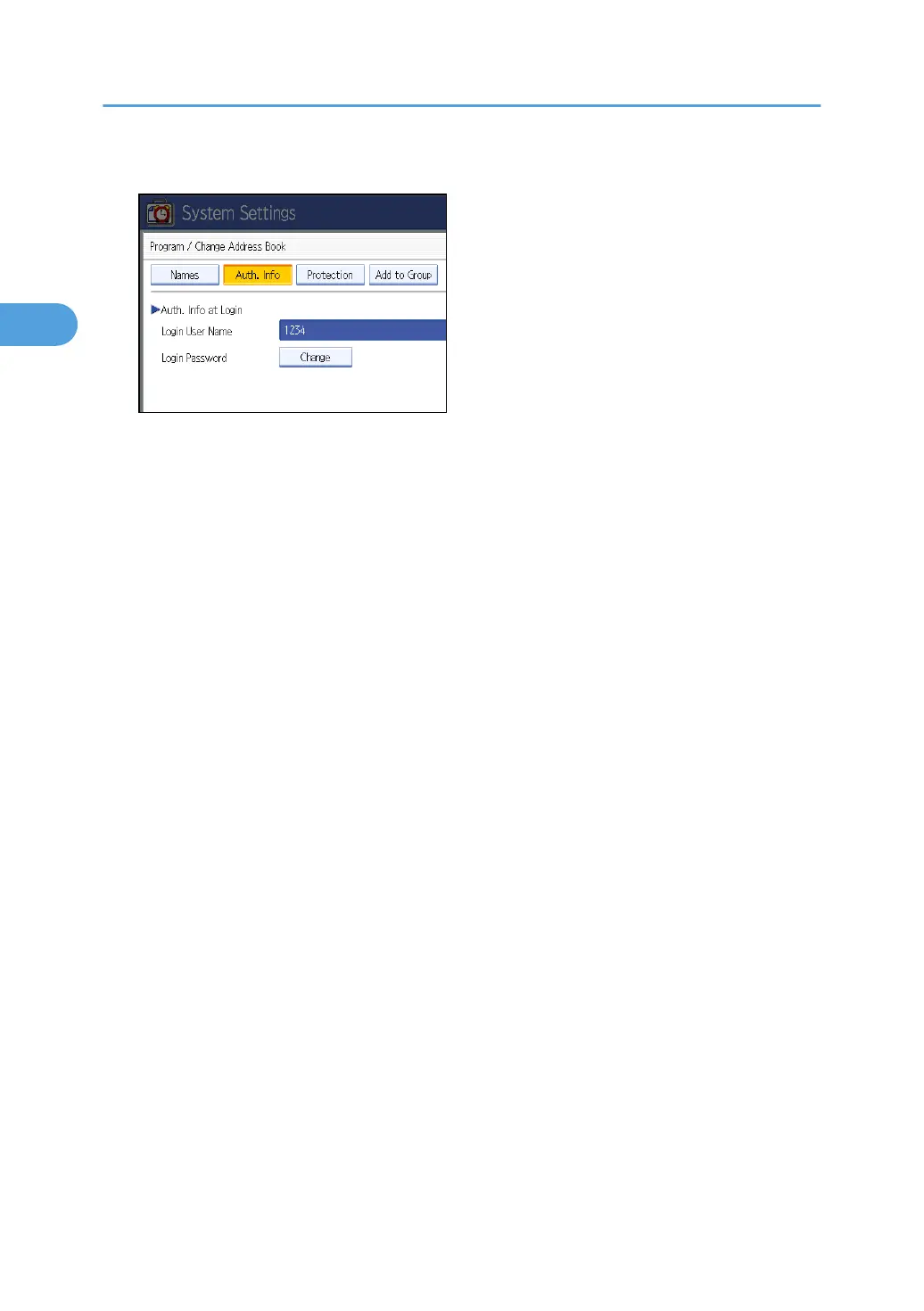
9. Press [Change] for “Login Password”.
10. Enter a login password, and then press [OK].
11. If a password reentry screen appears, enter the login password, and then press [OK].
12. Press [OK].
13. Press [Exit] twice.
14. Press the [User Tools] key.
2. Authentication and its Application
48



 To Next Page