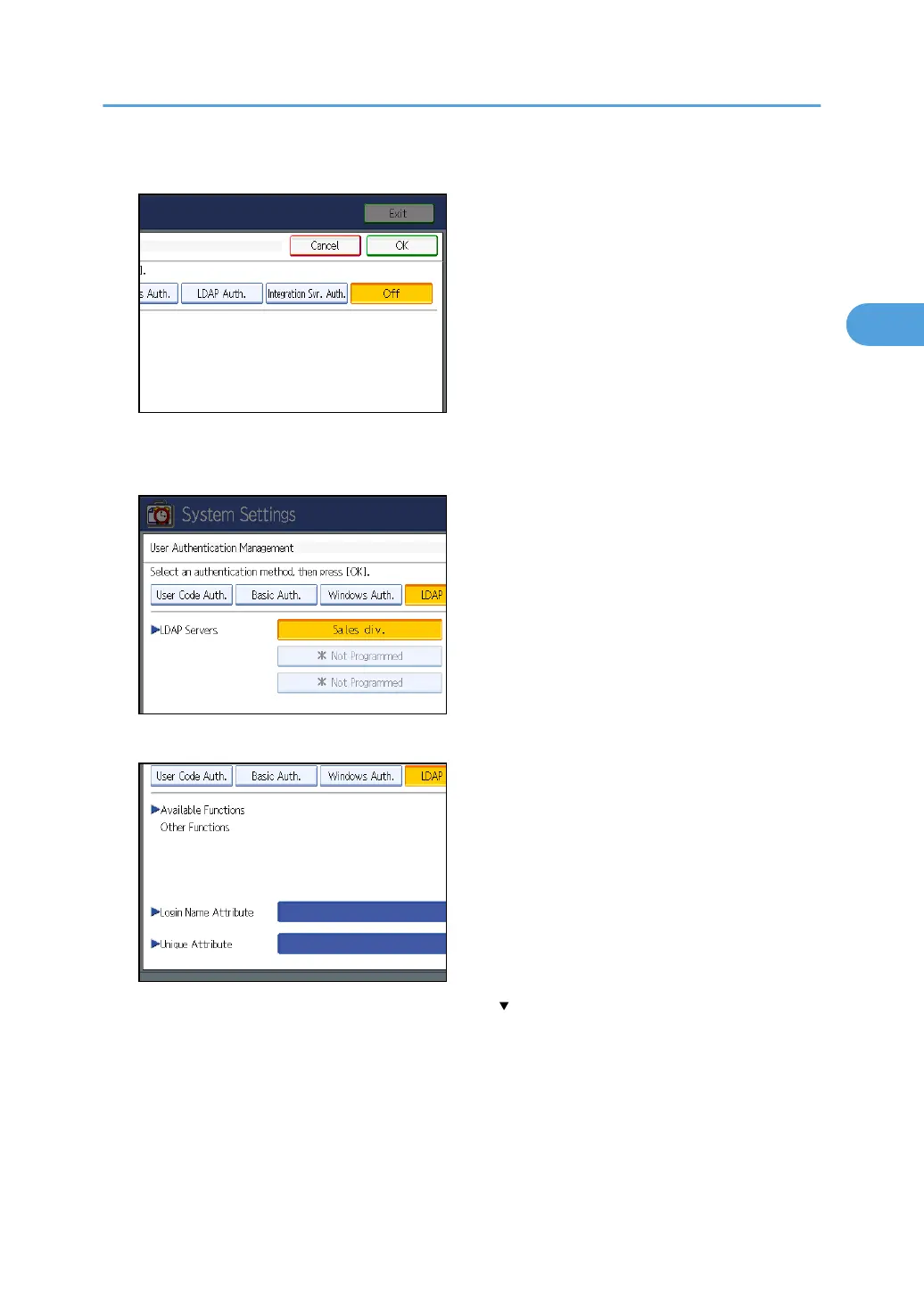
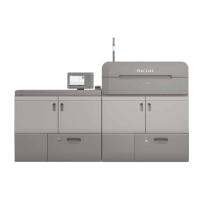
5. Select [LDAP Auth.].
If you do not want to use user authentication management, select [Off].
6. Select the LDAP server to be used for LDAP authentication.
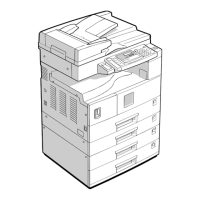
7. Select which of the machine's functions you want to permit.
If the setting to be specified does not appear, press [ Next] to scroll down to other settings.
LDAP Authentication will be applied to the selected functions.
Users can use the selected functions only.
For details about specifying available functions for individuals or groups, see “Limiting Available
Functions”.
For details about printer job authentication, see “User Code Authentication”.
LDAP Authentication
59


 To Next Page