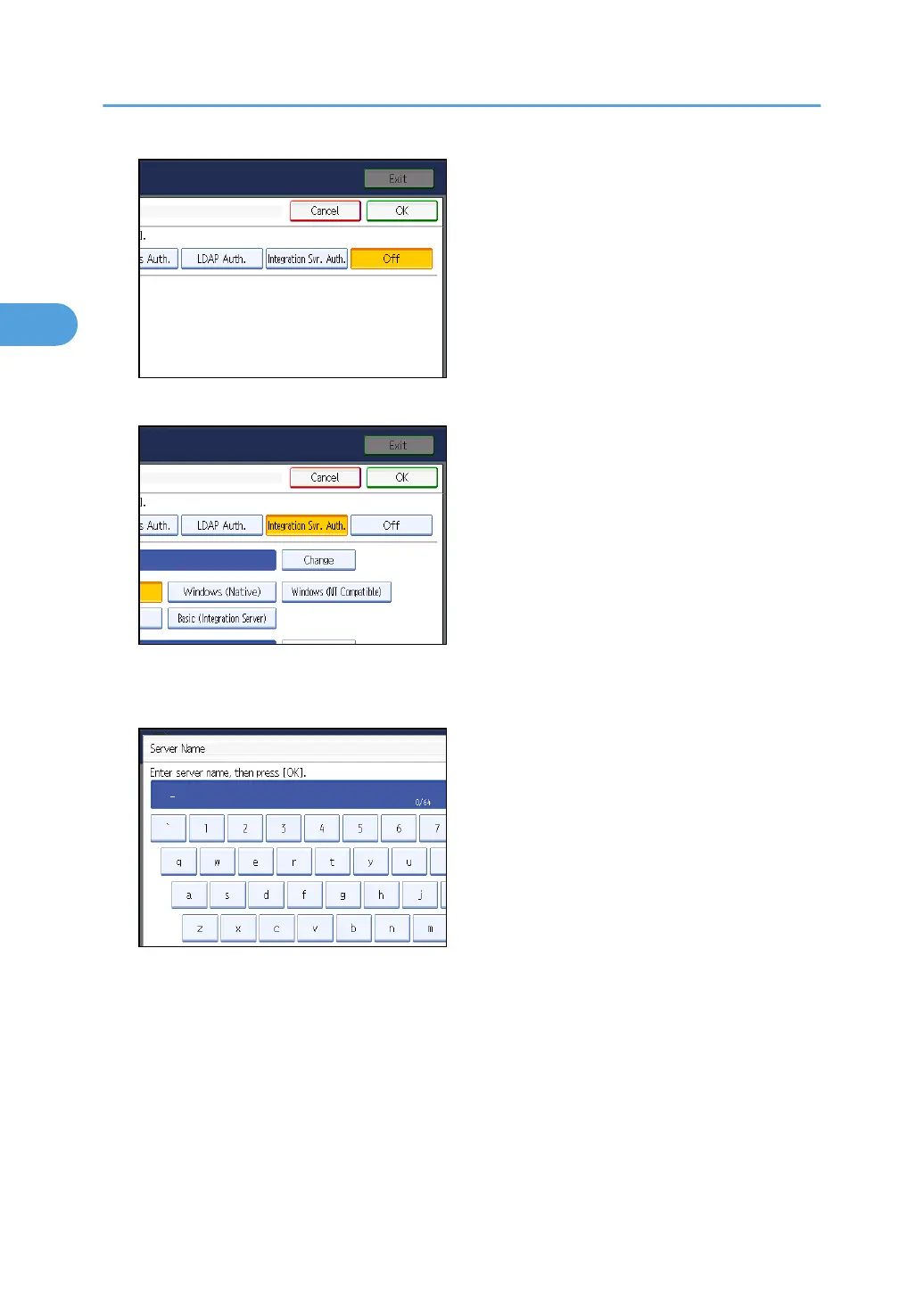
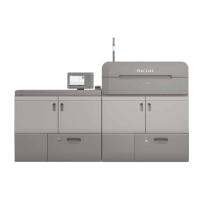
6. Press [Change] for “Server Name”.
Specify the name of the server for external authentication.
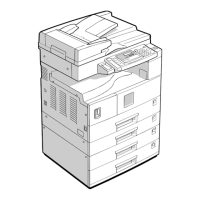
7. Enter the server name, and then press [OK].
Enter the IPv4 address or host name.
8. In “Authentication Type”, select the authentication system for external authentication.
Select an available authentication system. For general usage, select [Default].
2. Authentication and its Application
64


 To Next Page