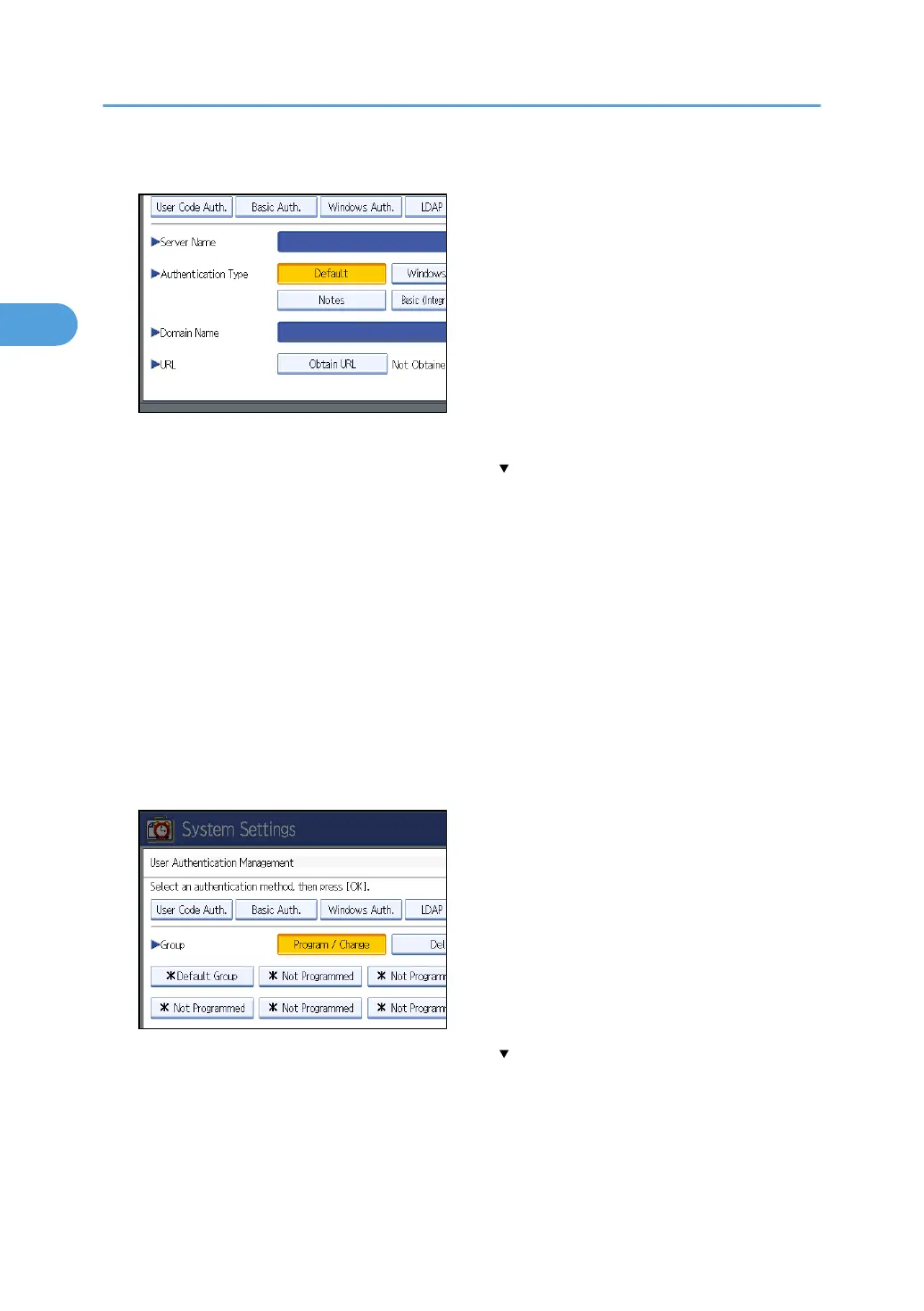
11. Press [Obtain URL].
The machine obtains the URL of the server specified in “Server Name”.
If the setting to be specified does not appear, press [ Next] to scroll down to other settings.
If “Server Name” or the setting for enabling SSL is changed after obtaining the URL, the URL is “Not
Obtained”.
12. Press [Exit].
In the “Authentication Type”, if you have not registered a group, proceed to step 17.
If you have registered a group, proceed to step 13.
If you set “Authentication Type” to [Windows (Native)] or [Windows (NT Compatible)], you can use
the global group.
If you set “Authentication Type” to [Notes], you can use the Notes group. If you set “Authentication
Type” to [Basic (Integration Server)], you can use the groups created using the Authentication
Manager.
13. Under “Group”, press [Program / Change], and then press [* Not Programmed].
If the setting to be specified does not appear, press [ Next] to scroll down to other settings.
2. Authentication and its Application
66



 To Next Page