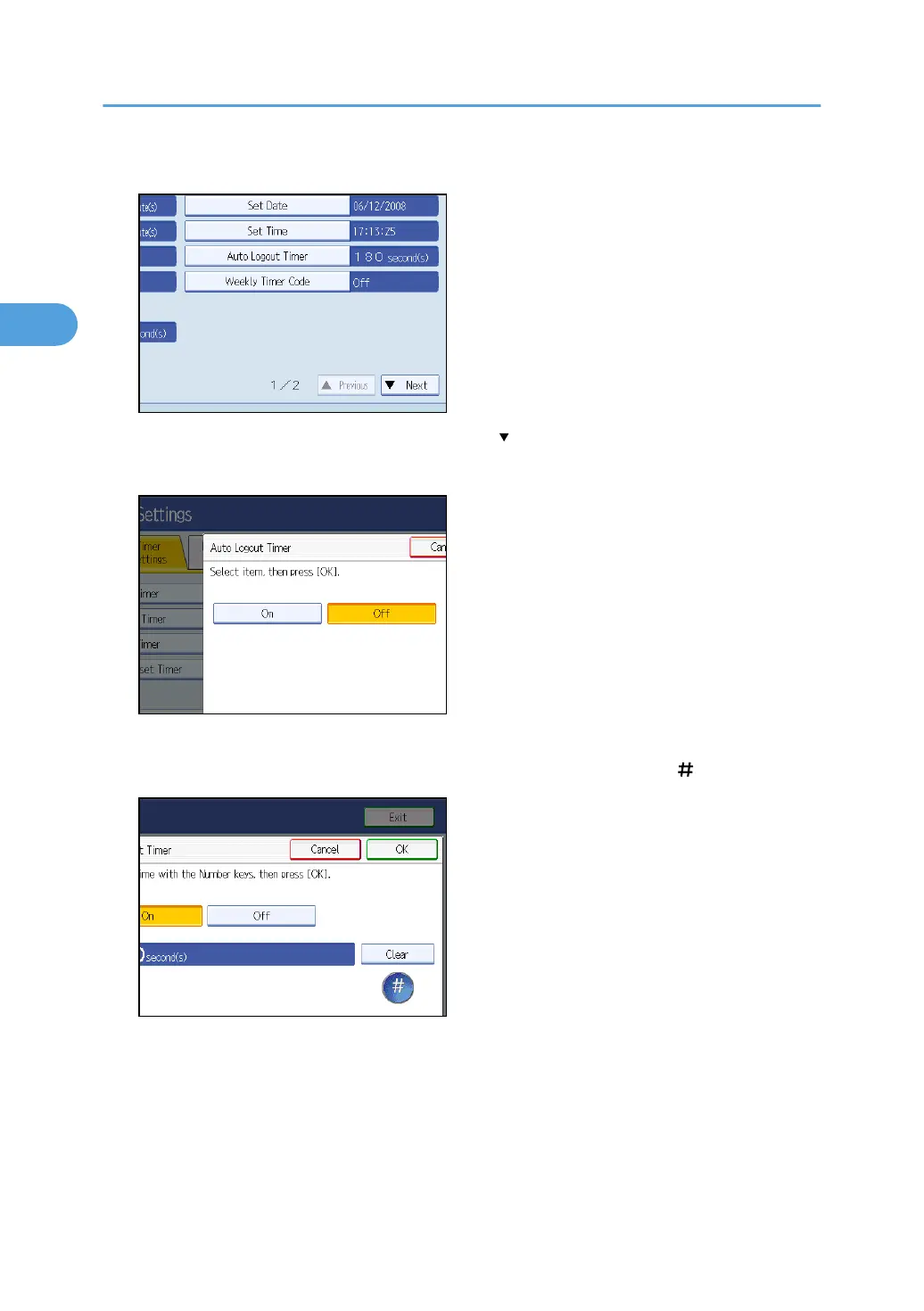
4. Press [Auto Logout Timer].
If the setting to be specified does not appear, press [ Next] to scroll down to other settings.
5. Select [On].
If you do not want to specify [Auto Logout Timer], select [Off].
6. Enter “60” to “999” (seconds) using the number keys, and then press [ ].
7. Press the [User Tools] key.
A confirmation message appears.
If you press [Yes], you will be automatically logged out.
2. Authentication and its Application
74



 To Next Page