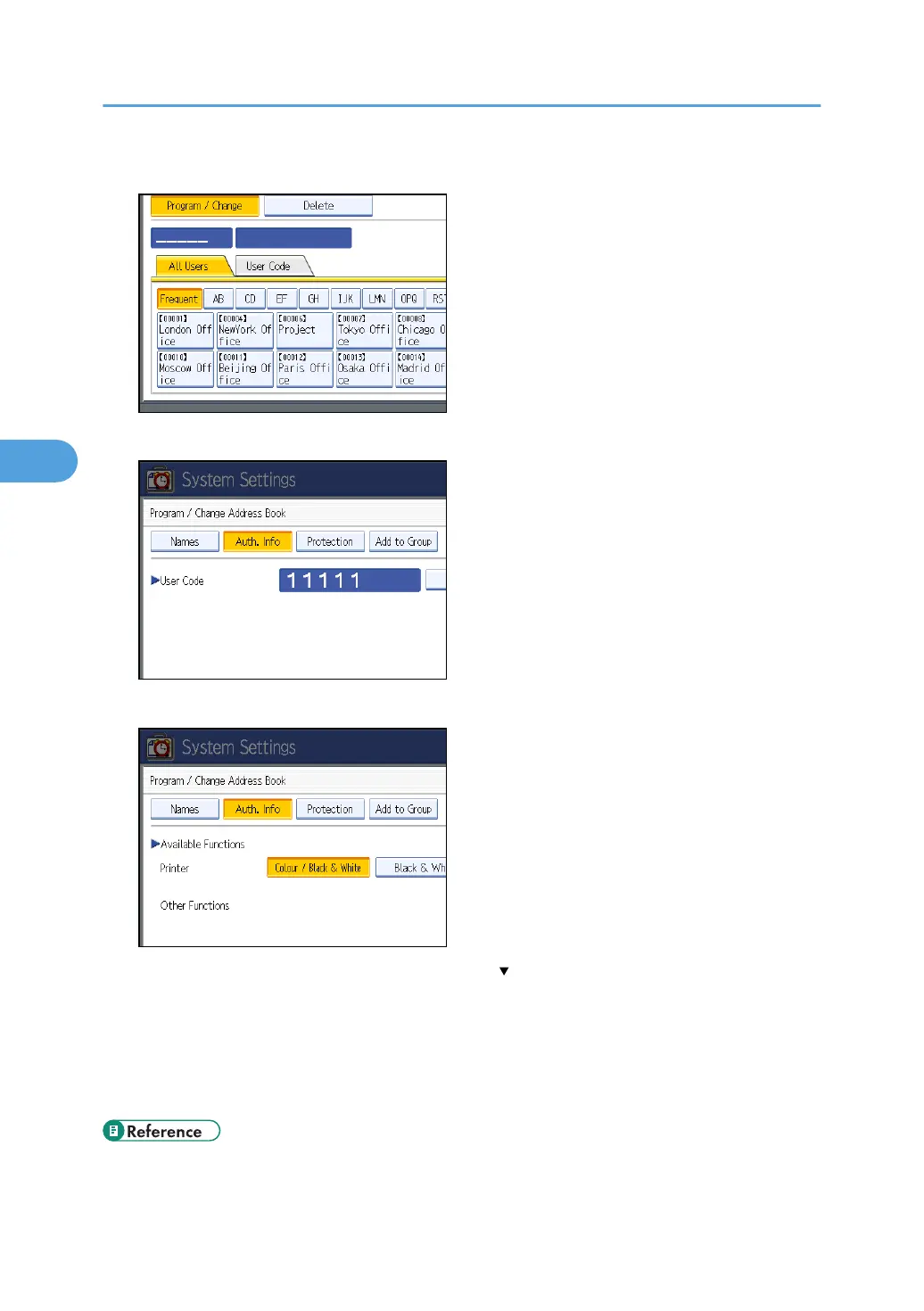
5. Select the user.
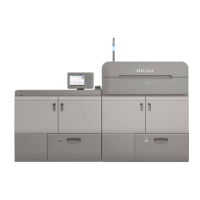
6. Press [Auth. Info].
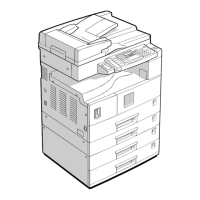
7. In “Available Functions”, select the functions you want to specify.
If the setting to be specified does not appear, press [ Next] to scroll down to other settings.
For details about printer job authentication, see “User Code Authentication”.
8. Press [OK].
9. Press [Exit].
10. Press the [User Tools] key.
• p.32 "Logging on Using Administrator Authentication"
4. Managing Access to the Machine
94


 To Next Page