Setting of Original Feed Type
123
6
Stamp
This section explains the procedure for stamping originals that are scanned from
the ADF. The stamp indicates the originals have been scanned.
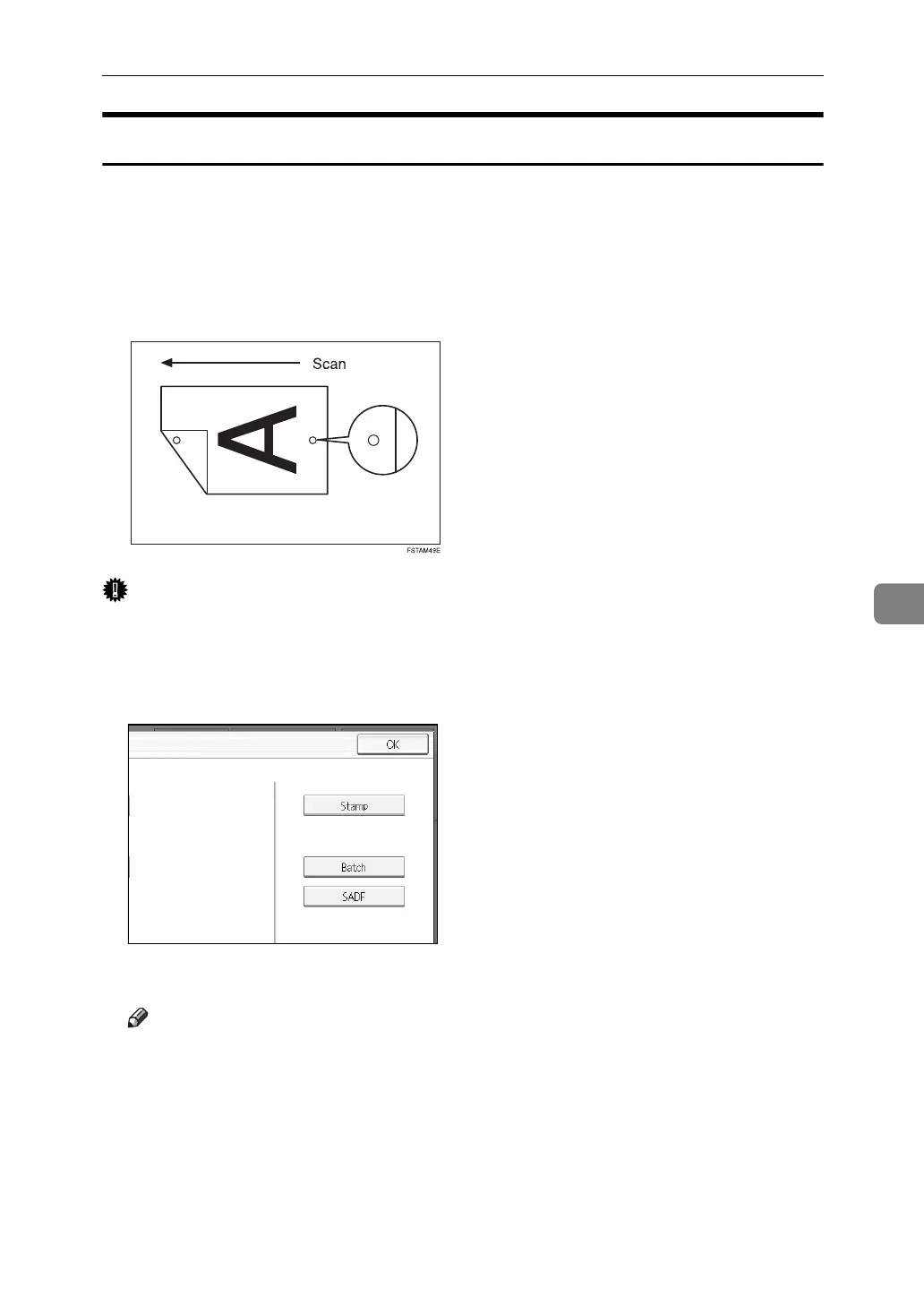
When scanning a document using ADF, the machine can stamp a circle mark at
the bottom of the original. When scanning a two-sided document, the document
is marked at the bottom of the front page and top of the rear page.
This function is very useful when you want to distinguish scanned originals.
Important
❒ To enable stamping, you must install the stamp cartridge.
A Press [Original Feed Type].
B Press [Stamp].
C Press [OK].
Note
❒ Last pages are stamped even if you selected not to scan the last page.
❒ Stamping may continue if scanning is interrupted, depending on the cause
of interruption.
❒ Replace the stamp cartridge when stamp begins to fade. For details, see
Troubleshooting.














 To Next Page