Storing Files Using the Scanner Function
68
3
Specifying a Password
You can specify a password for the stored file.
Important
❒ Do not forget the password. If you forget it, consult the system administrator
of the machine.
By specifying a password, you can ensure that only the people who know the
password can view the file.
A Press [Store File].
The Store File screen appears.
B Press [Password].
C Using the number keys, enter a four to eight-digit number.
D Press [OK].
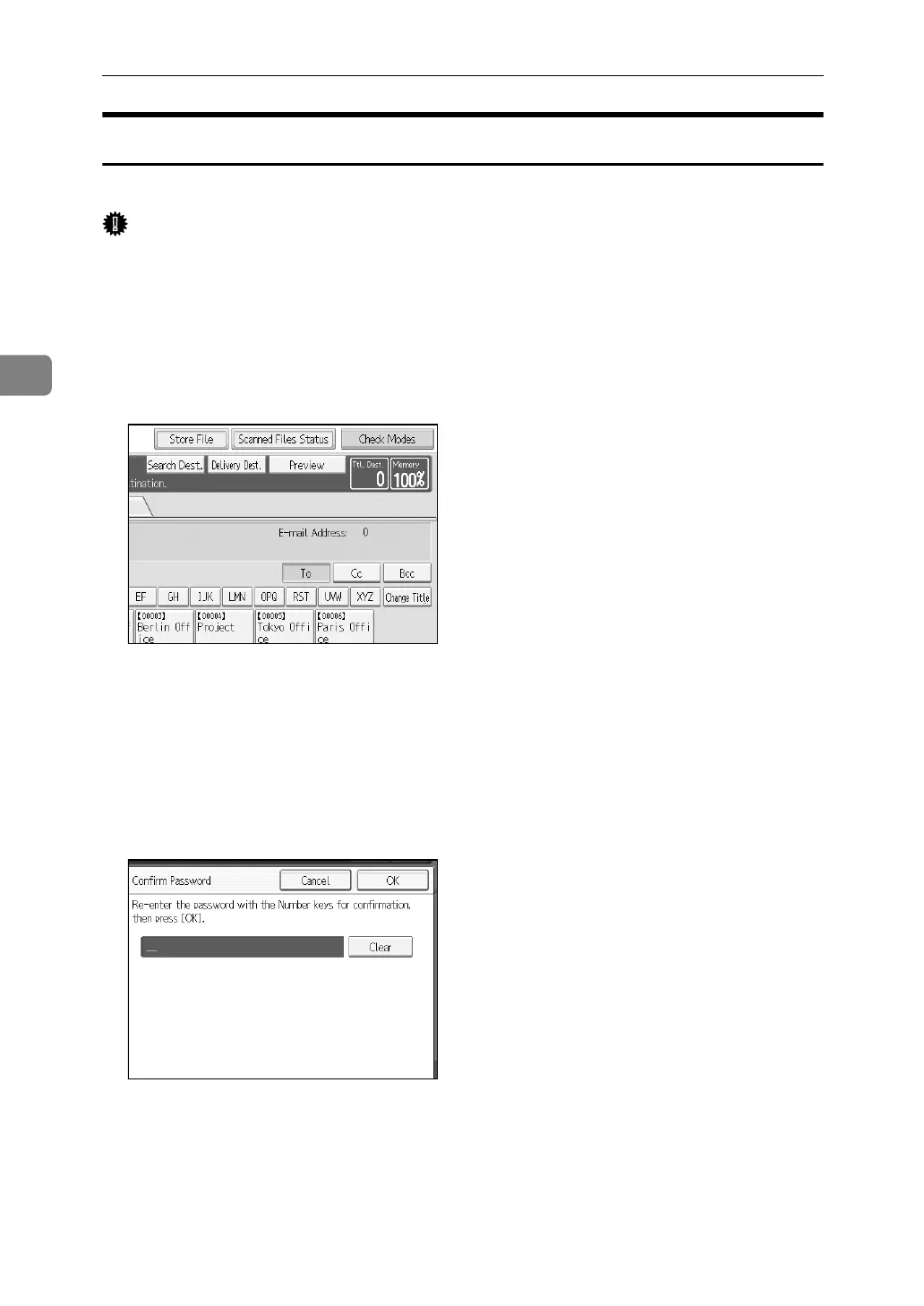
E Enter the same number again using the number keys.
F Press [OK] twice.














 To Next Page