Storing Files Using the Scanner Function
64
3
Basic Operation for Storing Scan Files
This section describes the basic operation for storing scan files.
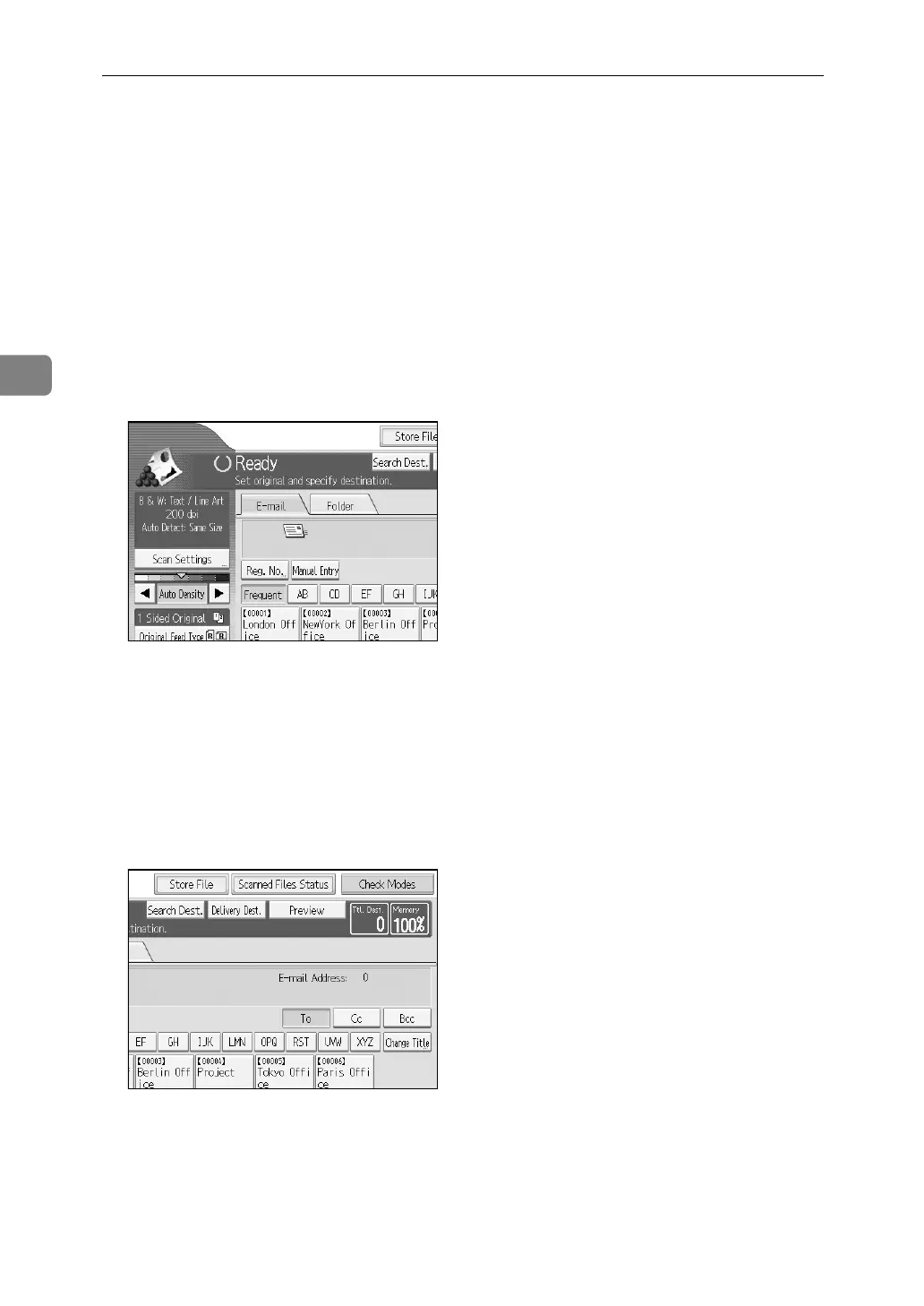
A Make sure that no previous settings remain.
If a previous setting remains, press {Clear Modes}.
B Place originals.
C If necessary, press [Scan Settings] to specify scanner settings such as resolu-
tion and scan size.
For details, see "Various Scan Settings".
D If necessary, specify the scanning density.
For details, see "Adjusting Image Density".
E If necessary, press [Original Feed Type] to specify settings such as original ori-
entation.
For details, see "Setting of Original Feed Type".
F Press [Store File].
G Press [Store Only].
H If necessary, specify file information, such as [User Name], [File Name], and
[Password].
For details, see "Specifying File Information for a Stored File".














 To Next Page