Various Scan Settings
126
6
Scanning Multiple Pages of Originals as
One File
This section explains the procedure for sending multiple originals as a multi-
page file or storing them as a single stored file.
Important
❒ To send multiple originals as a multi-page file, in [File Name / Type], select a
multi-page file type. For details about file types, see "Setting File Type".
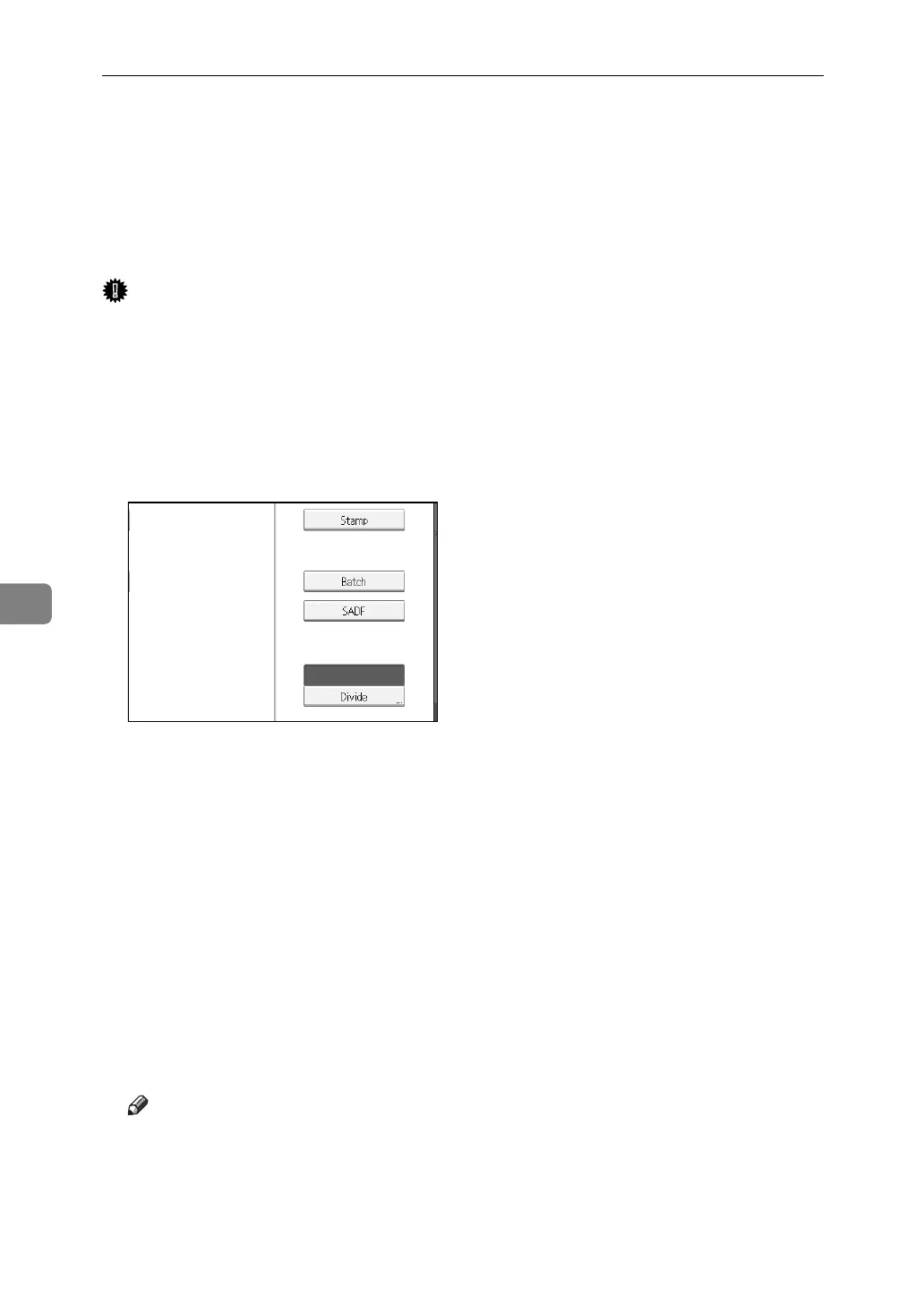
A Press [Original Feed Type].
B Select [Batch] or [SADF].
To scan originals using the exposure glass, select [Batch]. To scan originals using the
ADF, select [SADF]. For detail about [Batch] and [SADF], see "Batch, SADF".
C Press [OK].
D Place originals.
E Make settings for sending by e-mail or Scan to Folder, delivering, or storing.
F Press {Start} to scan originals.
If [Batch] is selected, place additional originals, and then press {Start}.
If [SADF] is selected, scanning starts automatically when you place additional
originals.
Repeat this step until all originals are scanned.
G After all originals are scanned, press {q}.
Storing or transmission starts.
Note
❒ If [Batch] is selected, originals can be scanned using the ADF.
❒ When scanning originals using the exposure glass, depending on the set-
tings for [Wait Time for Next Orig.: Exposure Glass] under [Scanner Features], the
machine can wait for additional originals even if [Batch] is not selected in
[Original Feed Type]. For details about [Wait Time for Next Orig.: Exposure Glass],
see General Settings Guide.














 To Next Page