Specifying Scan to Folder Destinations
55
2
Sending Files to an NDS Tree or NetWare Server
This section explains how to specify destinations when sending files to an NDS
tree or NetWare server.
You can send a file to an NDS tree or NetWare server by any of the following
methods:
• Enter the path to the NDS tree or NetWare server directly
• Specify the path by browsing the NDS tree or NetWare server for the destina-
tion
Reference
p.46 “Selecting the Destination from the Machine’s Address Book”
Entering the path to an NDS tree or NetWare server manually
You can enter the path to an NDS tree or NetWare server manually.
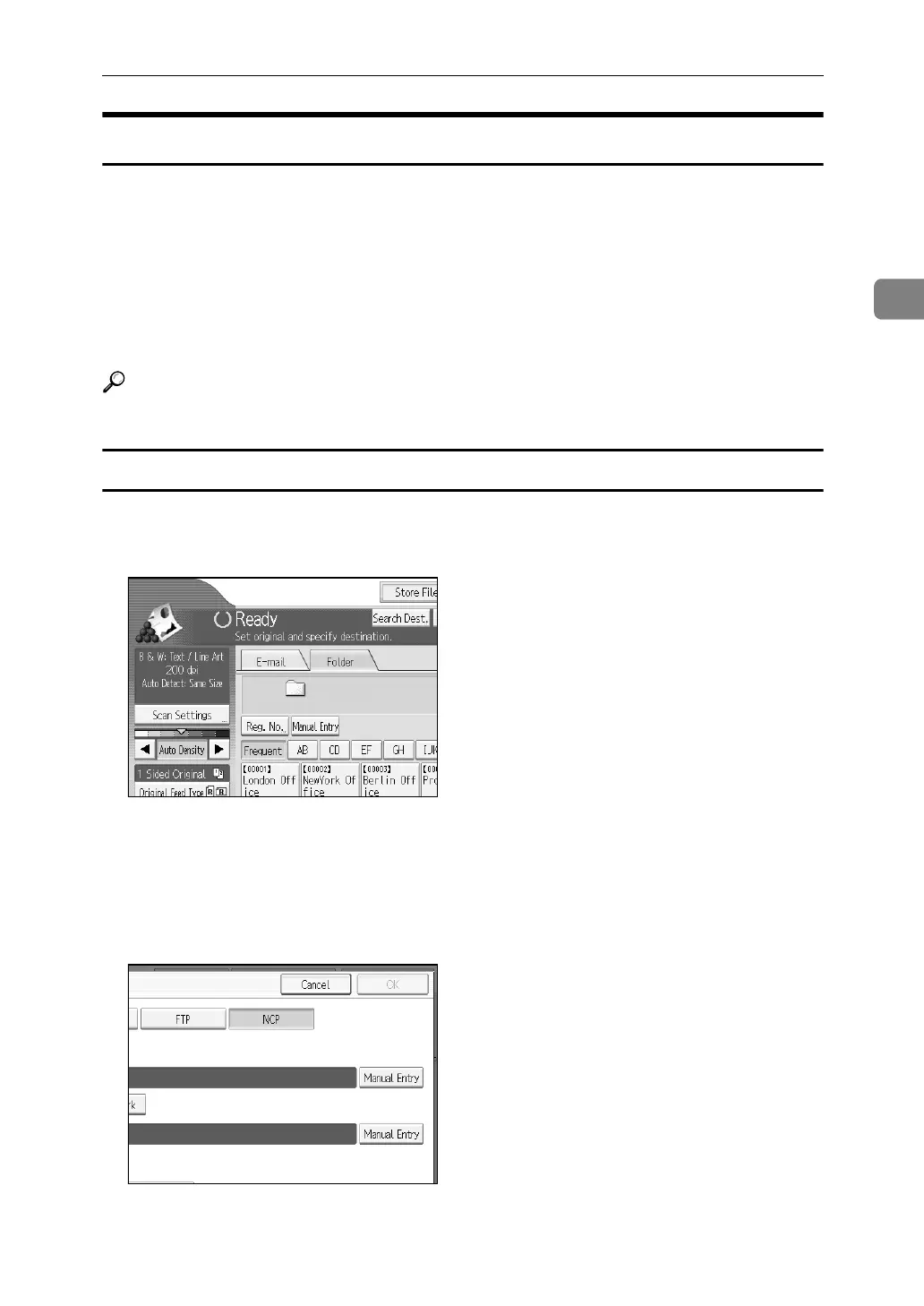
A Press [Manual Entry].
B Press [NCP].
C Select the connection type. Press [NDS] to specify the folder in the NDS tree.
Press [Bindery] to specify the folder on the NetWare server.
D Press [Manual Entry] on the right side of the path field.
The soft keyboard appears.














 To Next Page